

Multimap 2018 v 1.3

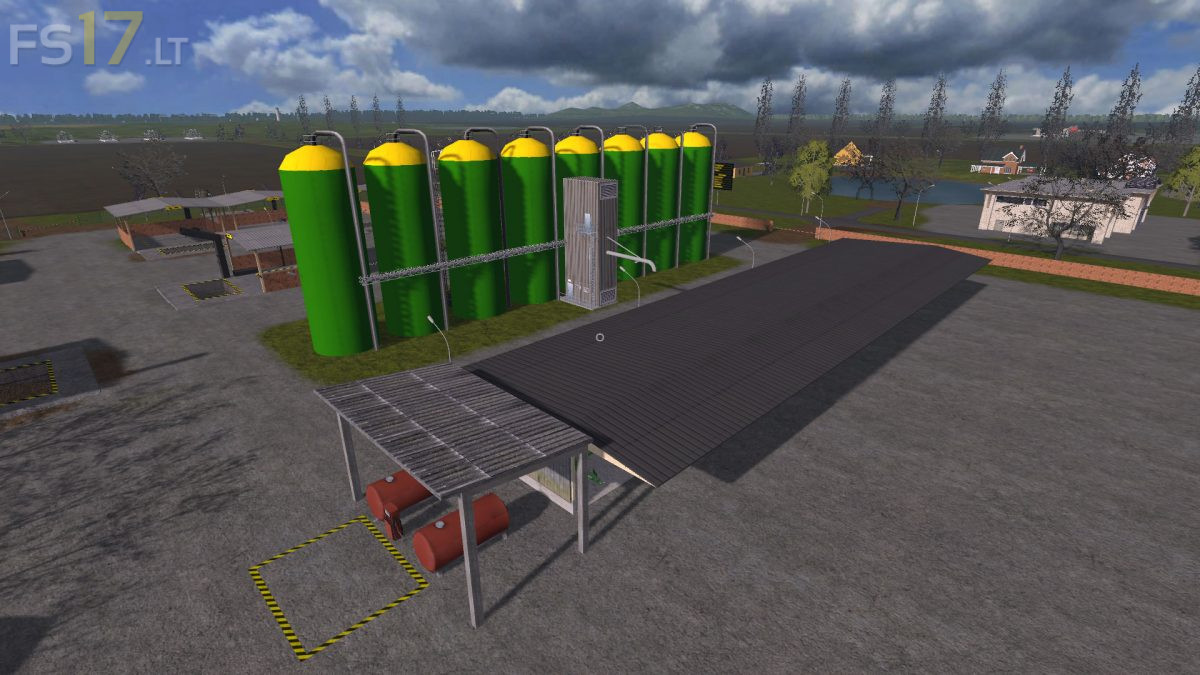
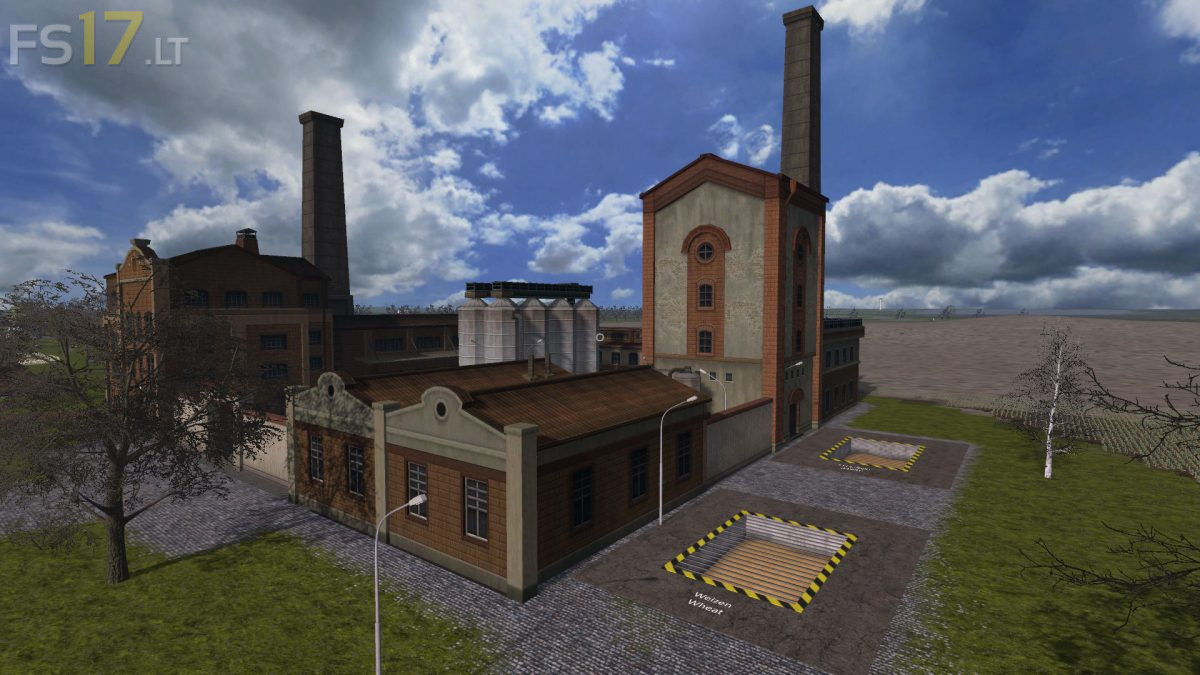
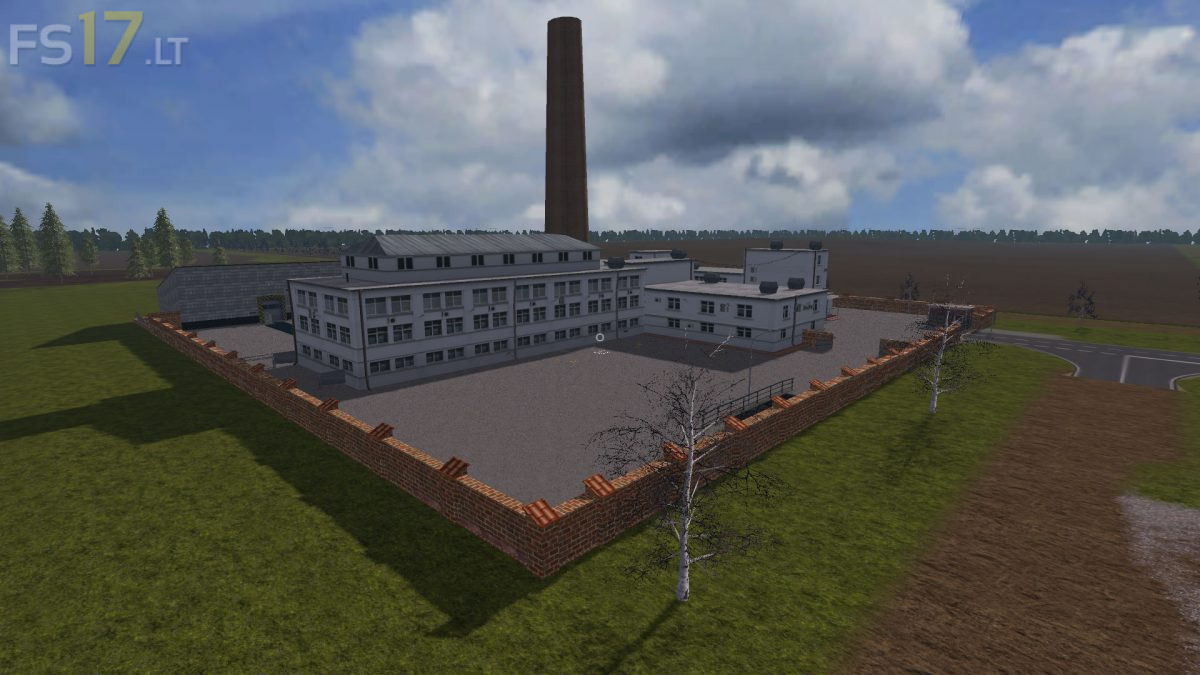
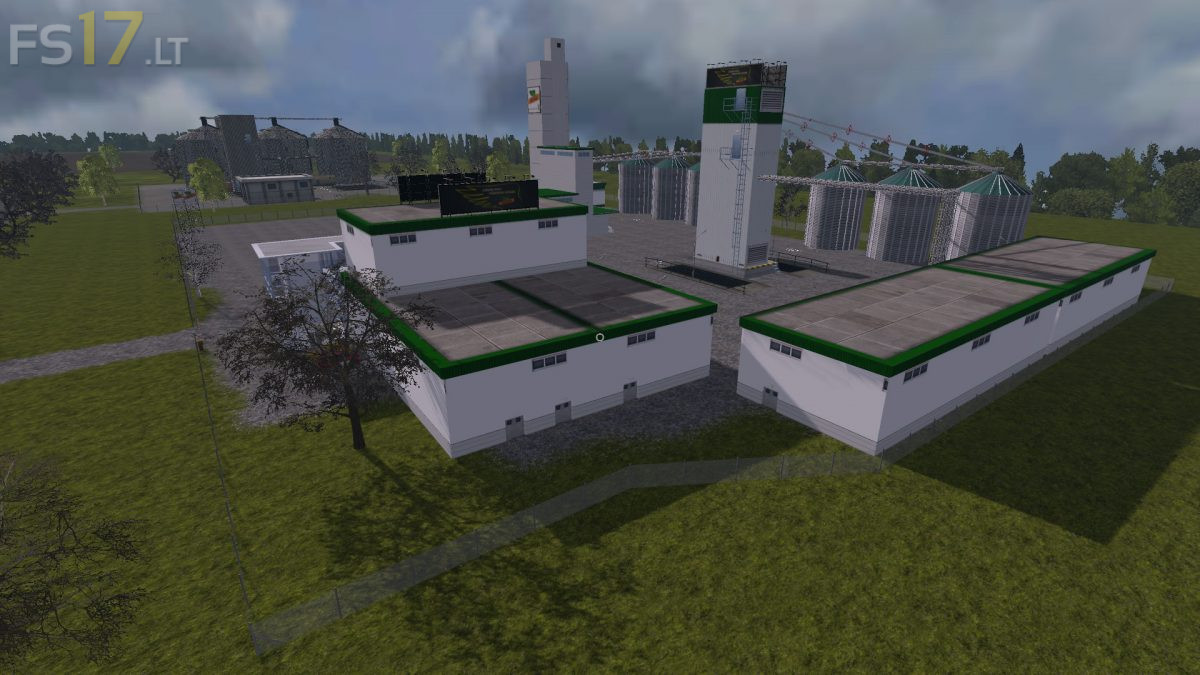
Multimap 2018 v 1.3
Version 1.3:
* Fruit type poppy incorporated
* 2 chicken farms installed (produce eggs on pallets). Raw materials are water, cereals (wheat and barley), straw and chickens. The chickens can be purchased from the cattle dealer. These must be transported with the attached Livestock Truck. It is also possible to unload the chickens at the chicken coop
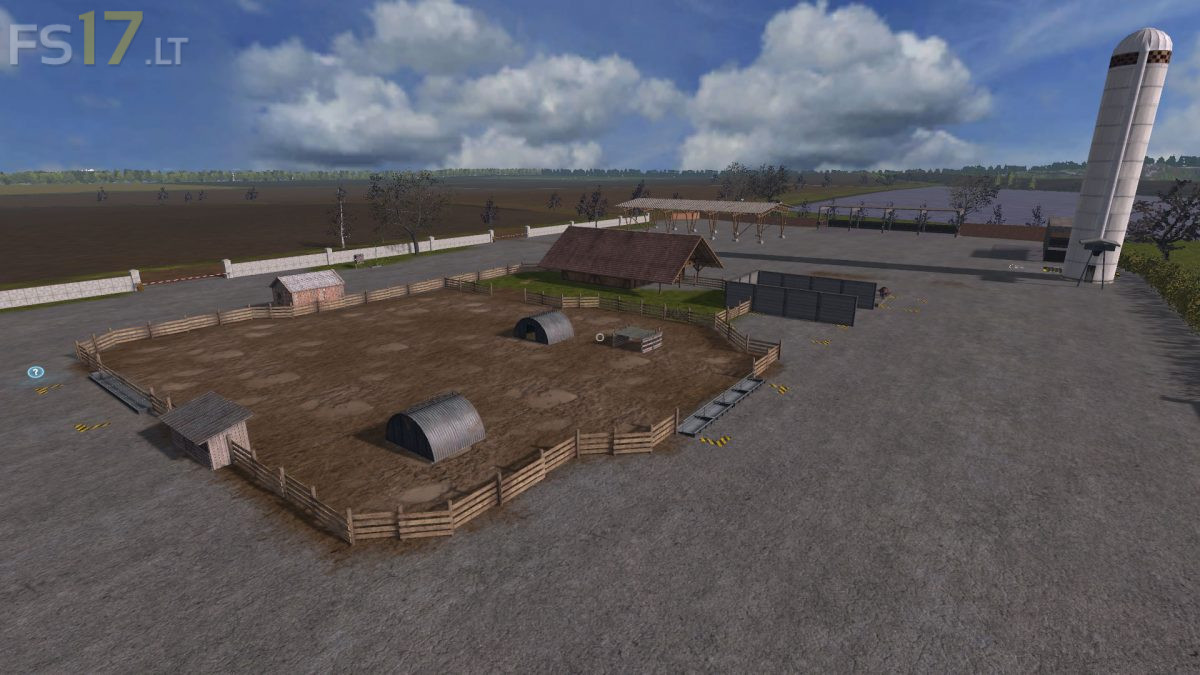
* Straw storage for loose straw installed in the pigs
* Shed installed in the pigs. Has a pure Dekofunktion, but can be entered
* Built-in liquid egg production, produced as the name implies Liquid egg and as waste / byproduct eggshells. The egg pallets of the chicken farm serve as raw material
* Blue poppy production installed. Requires the raw material poppy, produces blue poppy
* Digital display installed in the animals (except for the horses)
?+introuvable+c+une+photo+,+le+proger+++sen+doute+.
c quoi c plus entre les mos c nul