

Trakya Map v 7.0



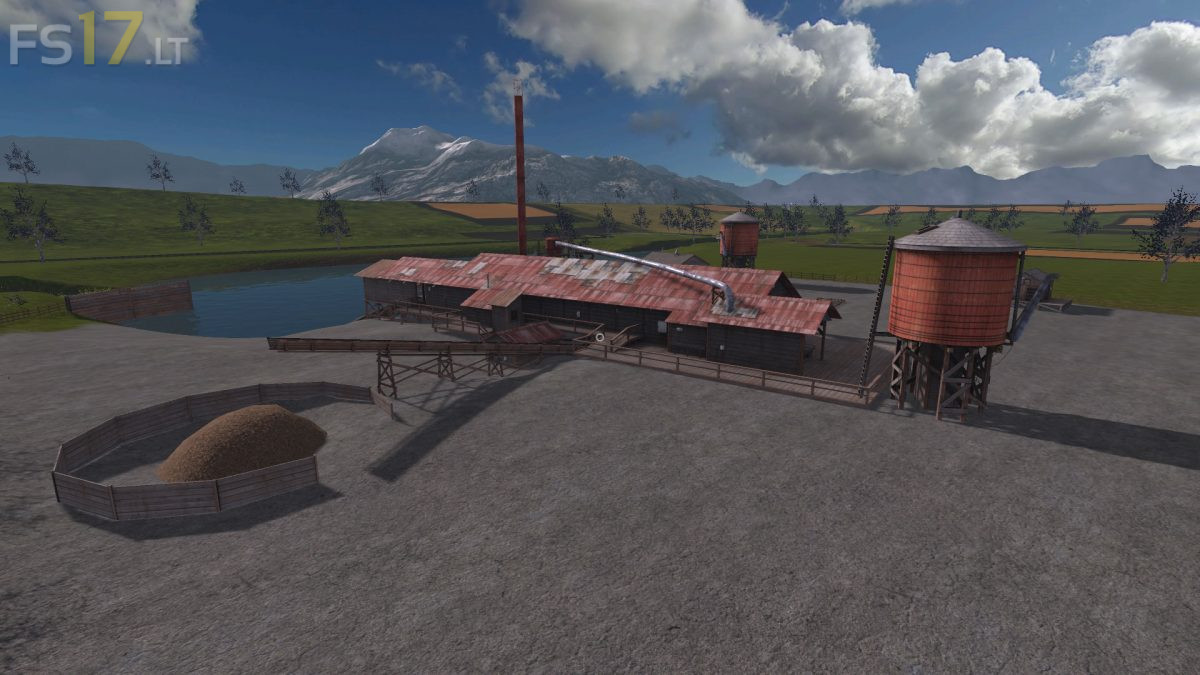
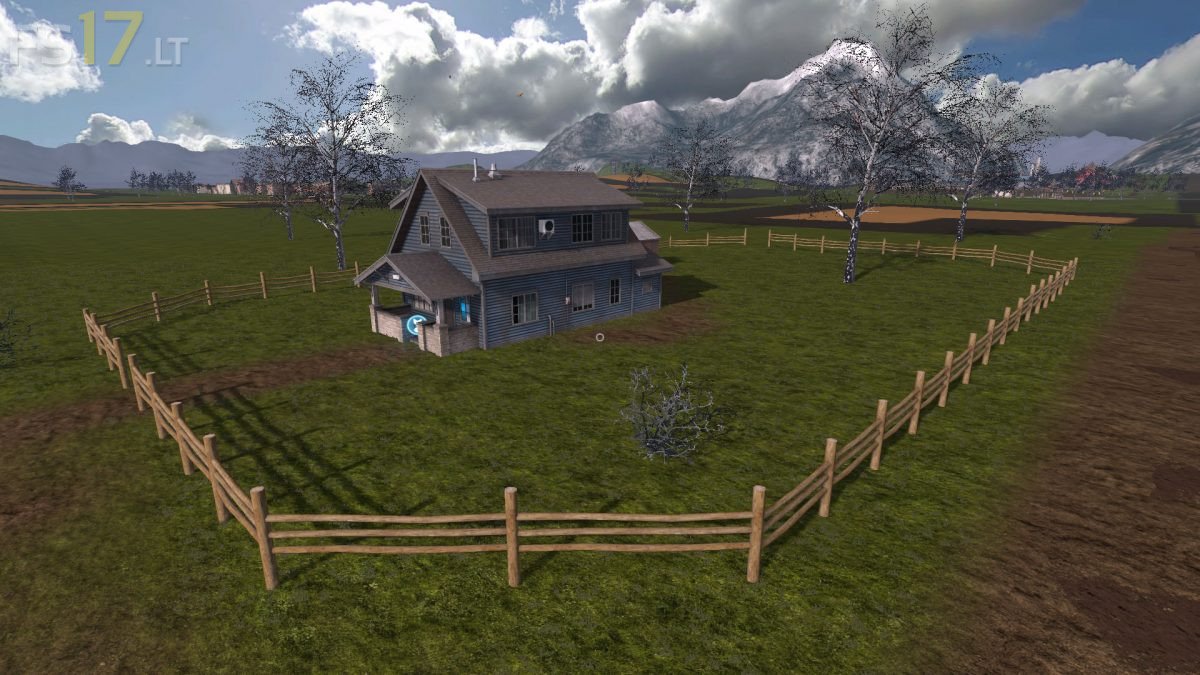

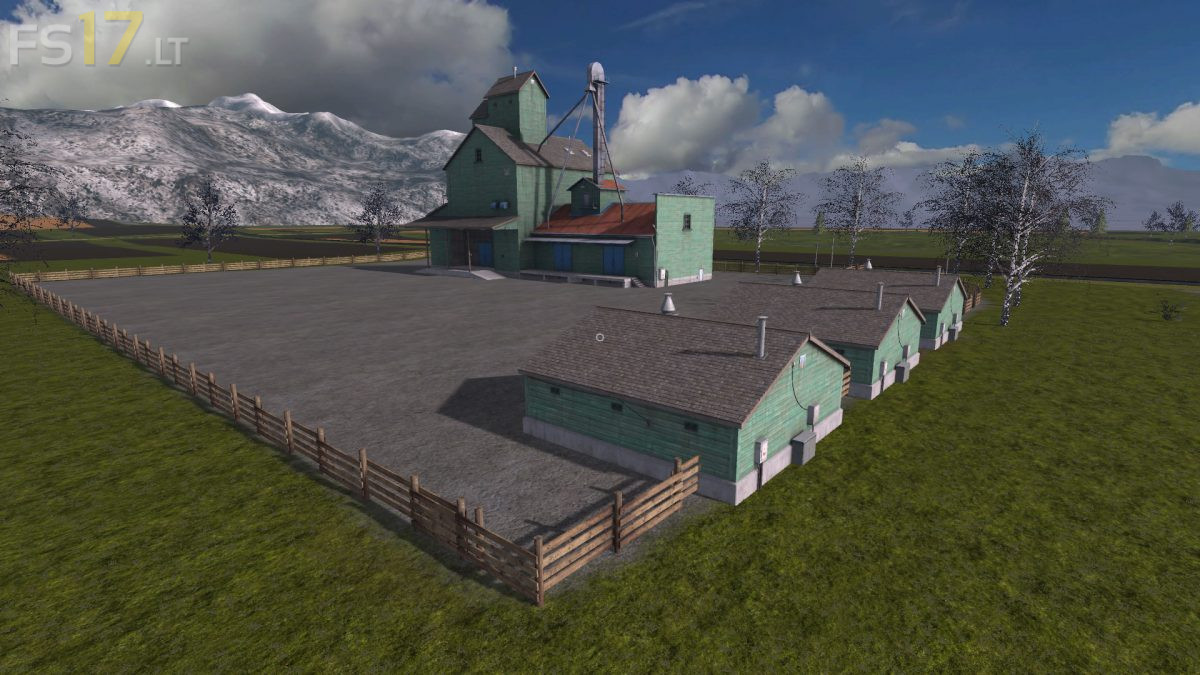

Trakya Map v 7.0
About the mod:
Version 7.0:
* Fixed bugs on the Farm
* New Road was designed
* Fixed many bugs around. It was completely transformed into a seamless Map
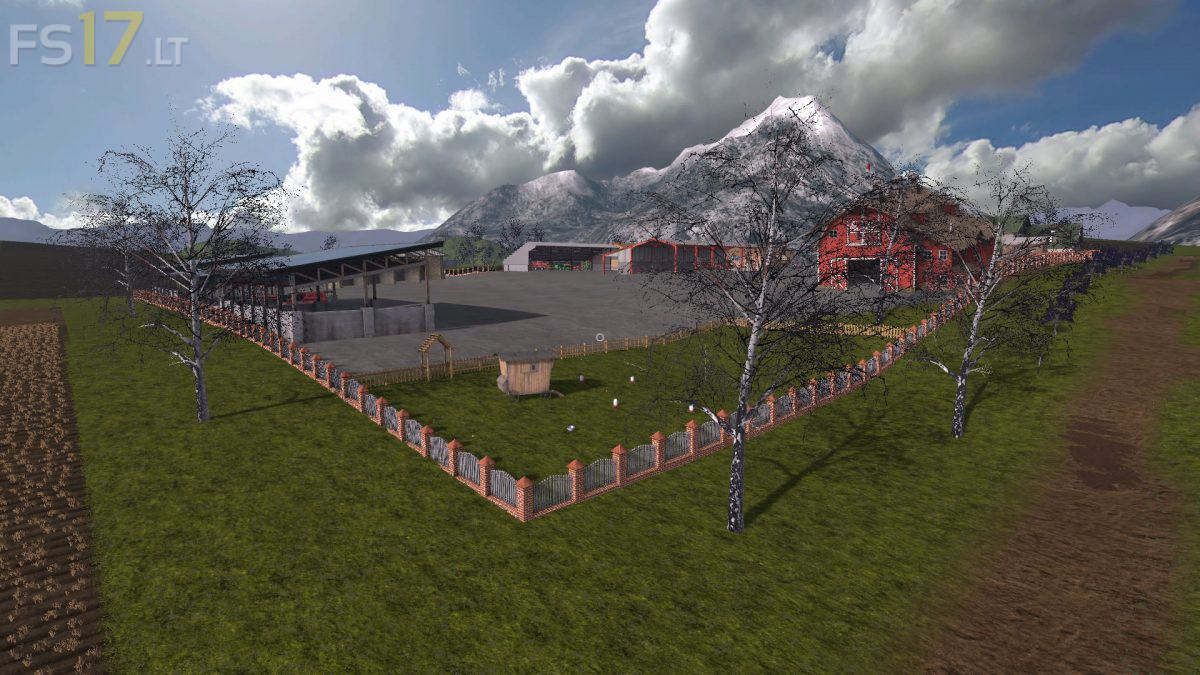
* Several arrangements were made on animal Farms
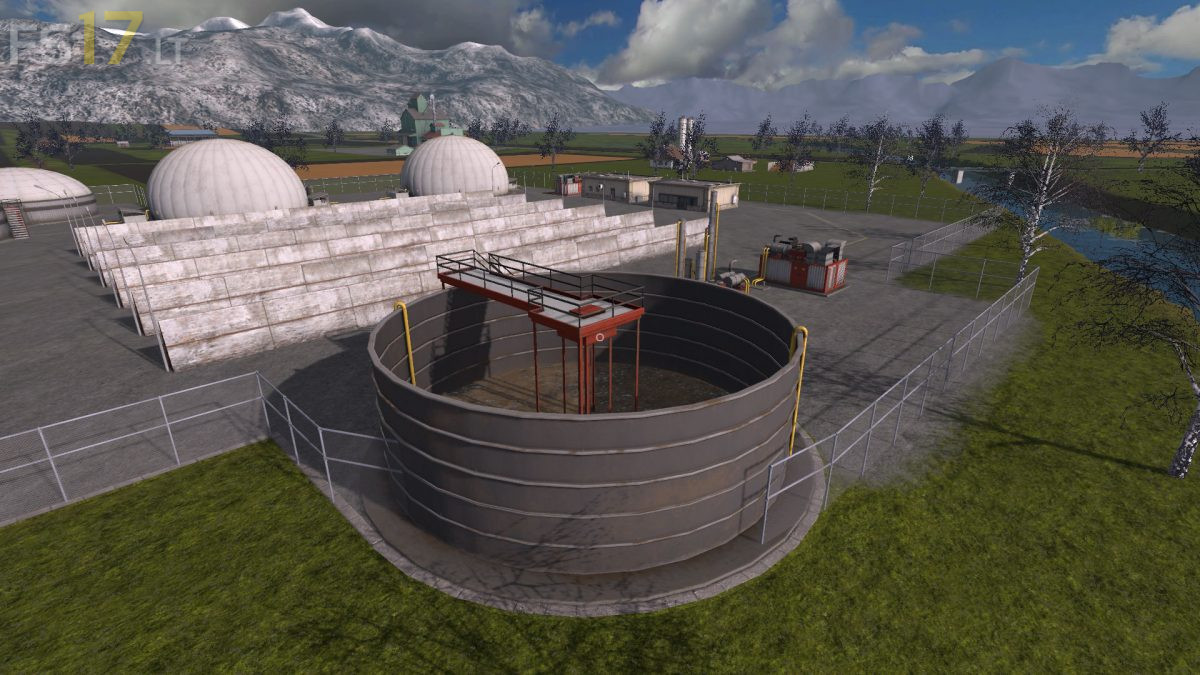
* Sales locations are detailed
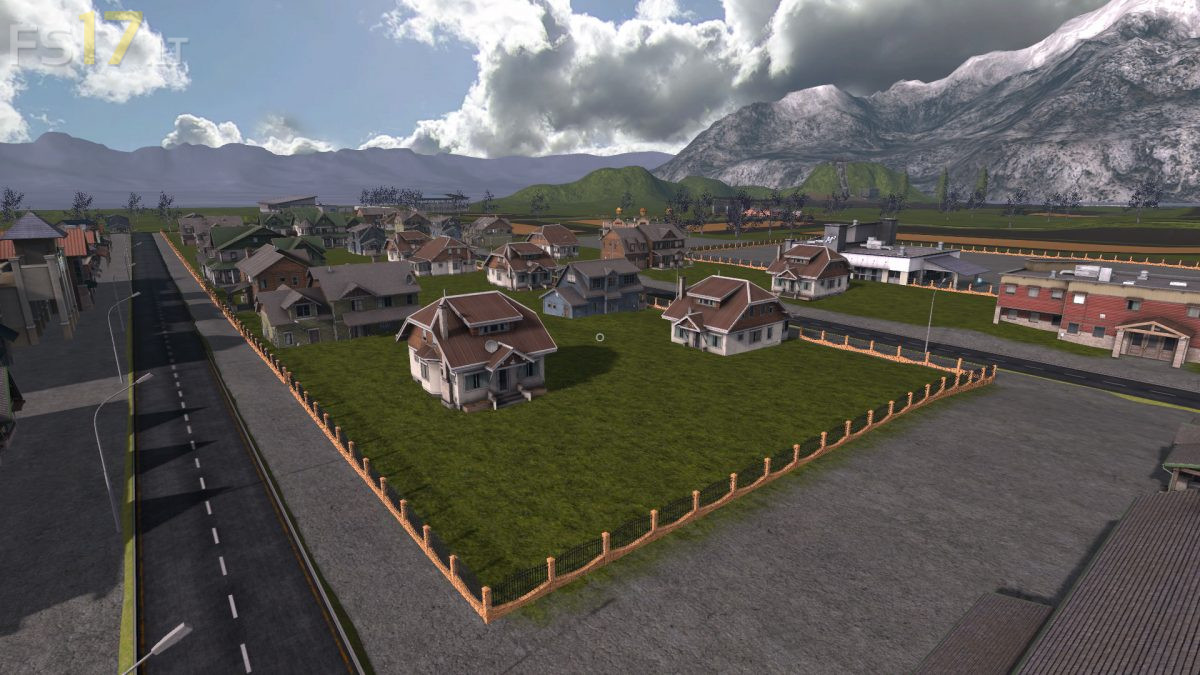
* Within the city, the order and design were changed. Buildings, roads, fences
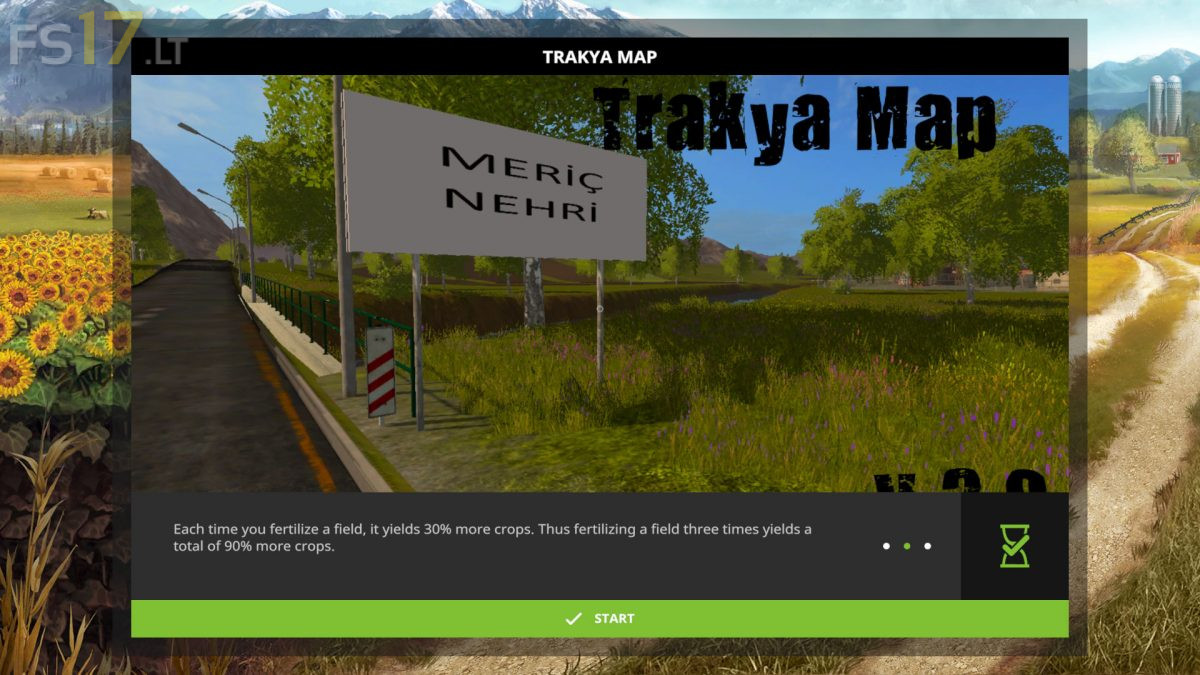
* The Meric River was added (grass, trees) and the bridges were expanded
* Fixed the errors of wild animals
* Errors and layouts in the forest have changed
* The land was made more difficult (higher terrain)
Credits:
Ataberk(RedeX)
Unfinished map PDA is incorrect no numbers for fields