

Farming Simulator 2019 update v 1.1

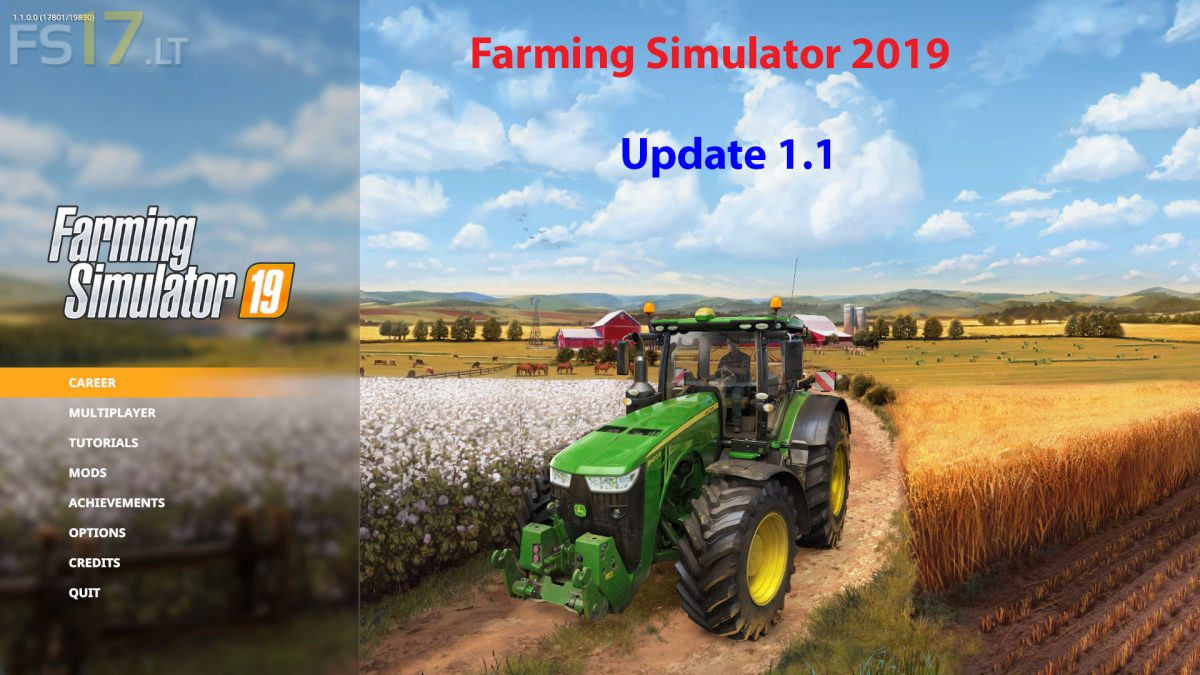
Farming Simulator 2019 update v 1.1
New in this update:
* Various vehicle and tool fixes
* Tweaked some crops
* Rebalanced animals and husbandries
* Fixed various dog issues
* Fixed horse functionality
* Fixed rain collisions
* Fixed sound playback in various gameplay scenarios
* Improved the helper AI
* Fixed player movement issues
* Fixed flashlights in Multiplayer
* Fixed particle effects
* Fixed BGA functionality
* Polished both basegame maps
* Fixed fill volumes
* Pedestrian system fixes
* Fixed milk statistics
* Weather system tweaks
* Fixed Night to Day transition
* Various loca fixes
* Added resolution scaling option (Windows/Mac)
* Improved default mapping of various gamepads/steering wheels (Windows/Mac)
* Added support for attaching steering wheels while the game is running
* Other minor tweaks and fixes
* Improved performance on low-end systems
* Fixed performance warnings
* Fixed translation inconsistencies for all languages
* Adjusted the UI in certain screens
* Improved Multiplayer management controls
* Updated store with missing items
* Fixed various sync issues in Multiplayer
* Fixed player permissions after merging the game
* Fixed horse cleaning in Multiplayer
* Fixed forklift in Multiplayer
* Fixed input context and Pause display if the sync occurs during Pause
* Fixed husbandry issues in Multiplayer
* Fixed sounds in Multiplayer
* Fixed client side player position issues in Multiplayer
How to install?
I+cant+open+de+icons.
What can I do about it?
iýi
Even after this update some fields are a problem. Harvester stops at some points on fields and worker says its blocked by an object. Even manually the harvester wheels just spin and cant move. Seems the header gets stuck on the field. Any 1 else having that issue?