

Frisian March Map v 1.4

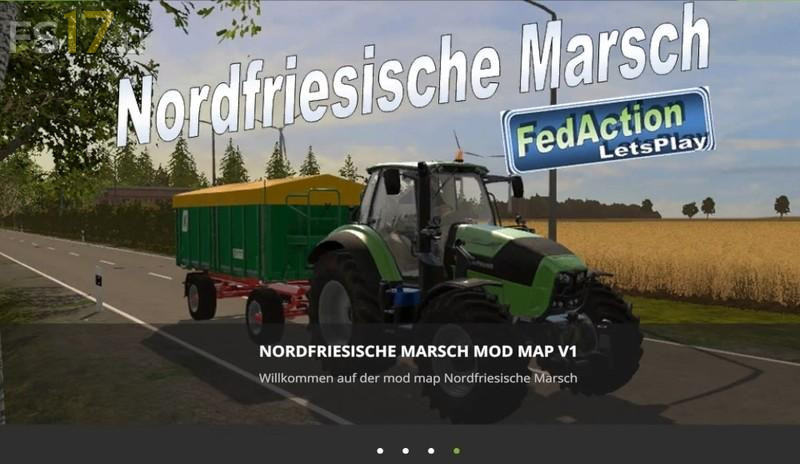
Frisian March Map v 1.4
About the mod:
Version 1.4:
* Now with compound feed (Power feed)
* Food can be sold at Raiffeisen or at the station (recommended loading with wheel loader or conveyor belt mod)
* Forests still somewhat reforested (More trees and faulty textures ending)
* Field 4 now fits and no longer stands in the campsite
* More space at the shop to better buy cars after purchase
* Help icons on the map distributed
* There are now Map hot spots for shop, mixed food factory, cows, sheep and pigs
* Vehicle less maintenance (At the beginning of the game the operating hours are now 0)
* Leaning tree no longer flies
* As always new Collimap
Credits:
dani1803, FedActionLetsPlay