

Farming Simulator 19 Update 1.4

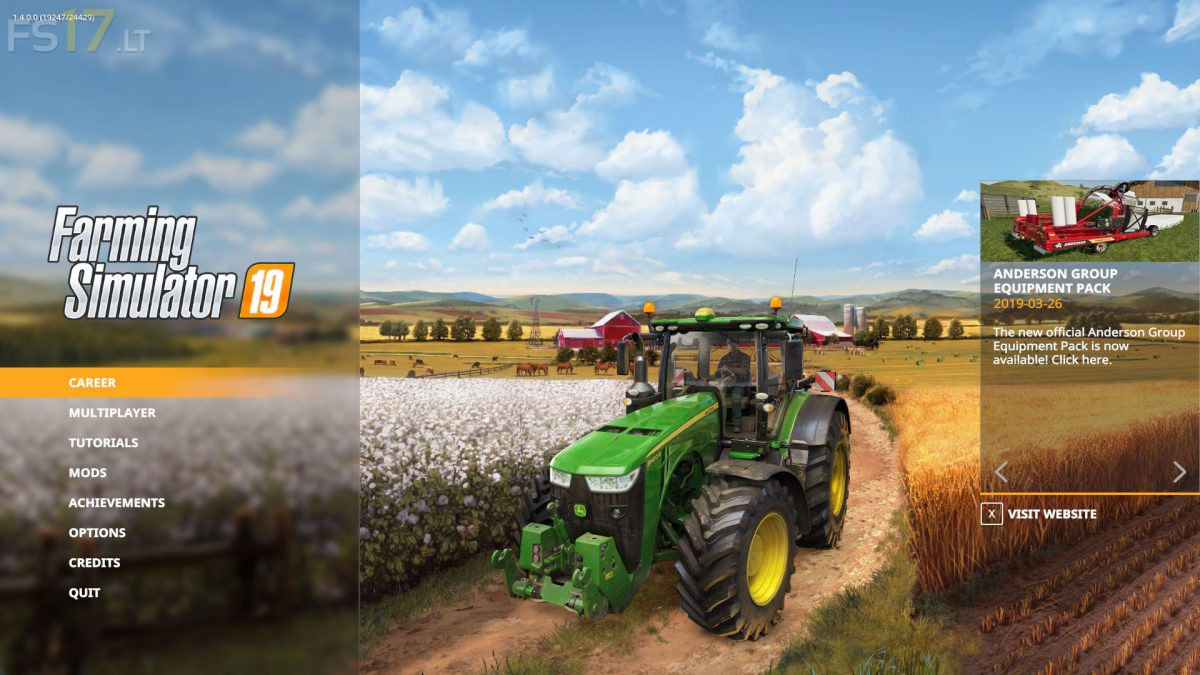
Farming Simulator 19 Update 1.4
New in this update:
* Fixed crash with very large foliage draw distances
* Reduced stuttering with slow hard drives
* Improved day-night transition (PC/MAC only)
* Reduced specular lighting flickering
* Various Vehicles and sound improvements (graphics, functionality and quality)
* Fixed rare issues with bale collisions on consoles
* Improved performance of train
* Improved performance when cultivating/ploughing
* Improved performance for fruit destruction
* Various performance improvements
* Fixed helpers folding cotton harvester with a bale loaded
* Fixed online state display of the dedicated server with the Steam version
* Care wheels for Samson PG II 35, Grimme SE260 and Ropa Keiler 2
* Care wheels for 3m crawlers of John Deere 8RT, Challenger MT 700/800 and Fendt MT 900/1100
* Fixed Lizard Warrior motor brake
* The ‘show all mods’ setting is saved between game runs
* Fixed mod bale loading and saving
* Fixed indoor camera for MAN TGS 18.500
* Fixed map hotspot for conveyor belts
* Fixed BGP notifications being shown for all farms
* Fixed notifications in MP for selling hand tools
* Added support for dry grass to forage harvester
* Fixed difference in positions between different models of parked cars
* Added tire tracks and particles to front wheels of Lemken Solitair 12
* Added trailer attacher point to New Holland W190D
* Fixed direction of rotation for Kuhn Knight RA 142
* Fixed sprayer turning off with multiple tanks if one of the tanks is empty
* Fixed bales being removed even if unload station is full
* Fixed issue if a selling station has no map icon (issue with some mod maps)
* Attached vehicles are synchronized with the same priority as the attacher vehicle in multiplayer
* Potato haulms, etc. are removed by cultivators/ploughs
* Fixed folding animation on AI start and end of a line on MP clients
* Fixed Samson PG 20 steering axle
* Fixed tire track color after landscaping
* Disabled profanity filter for searching mods
* Fixed left/right difference of wheel weight for New Holland T7 and Deutz Series 9
* Fixed saving of wheater state
* Added warning signs to Bednar Swifter SM 18000
* Added working width shop description to Grimme Varitron 470