

Durango Map v 1.0

Durango Map v 1.0
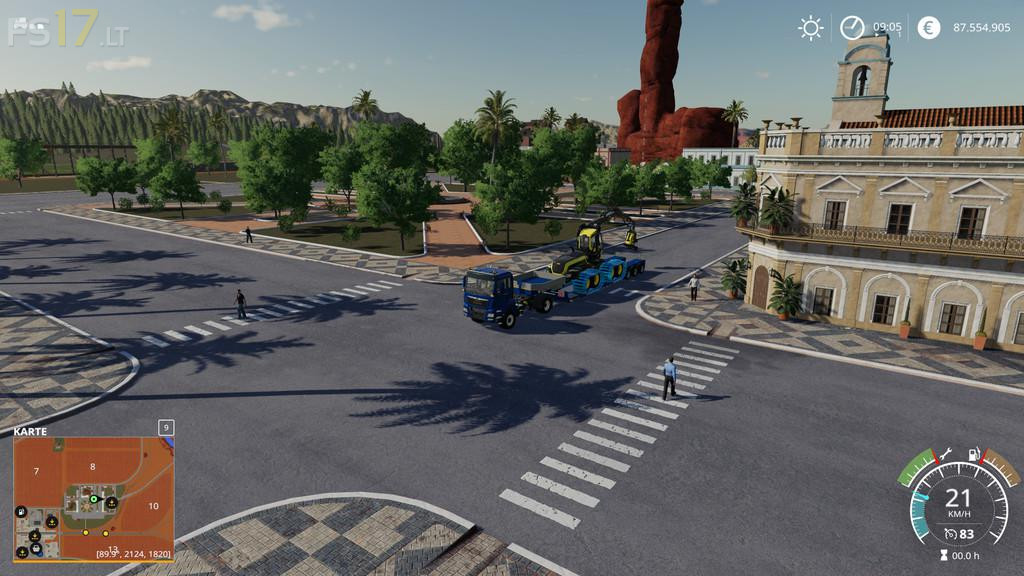
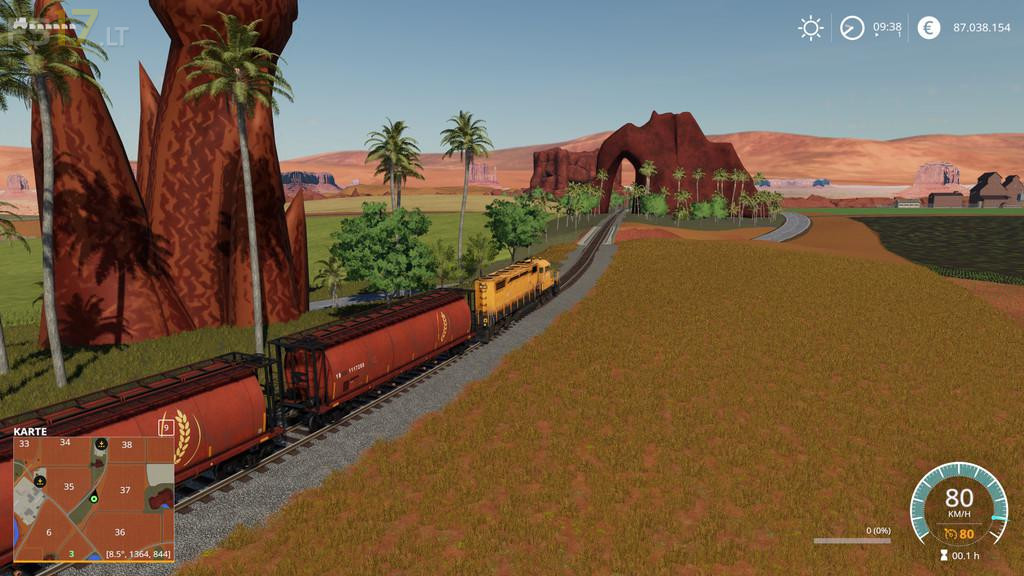
Are you ready for the fantastic landscape of the American West? High mountains, narrow ravines, deep canyons, the bizarre stone shapes of Monument Valley and the fertile Pacific Coast await you on this 4x Map.
The wind blows around the rocks, the sun burns down hot. The trees rest in the shadows of the rocks and mountains. Will you be successful here?
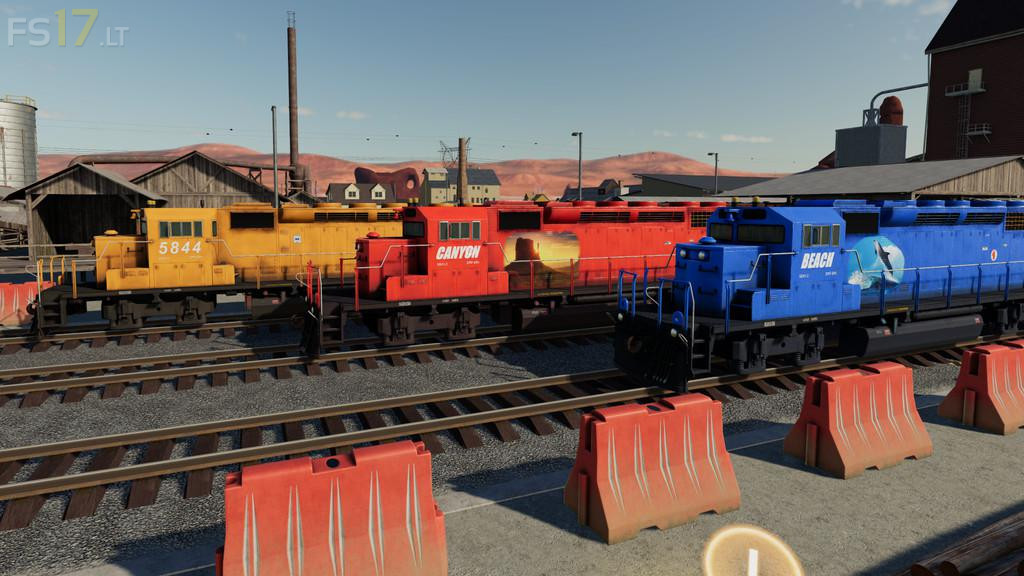
Do farming on large and small fields or cut down trees like a real lumberjack. No matter what you do, three train lines will help you to deal best with the wide area and ensure efficient transport of all goods from the plateau to the coast and back. A lot of companies are just waiting to buy your products: harbour, restaurant, ranch, spinneries, saw mills and trading companies have a long tradition here. Recently two new Biogas Plants have started their service.