

Deutz Fahr Series 9 v 1.5 Winter Edition


Deutz Fahr Series 9 v 1.5 Winter Edition
About the mod:
– Light point
– Airhorn installed
– Coolbox installed
– 3 Indicator lights to select + per indicator light must be selected with flags, flags + Airhorn or Airhorn only
– General adaptations
– Light beams (so the view is minimally restricted)
– Sticker, license plate (rear with lighting)
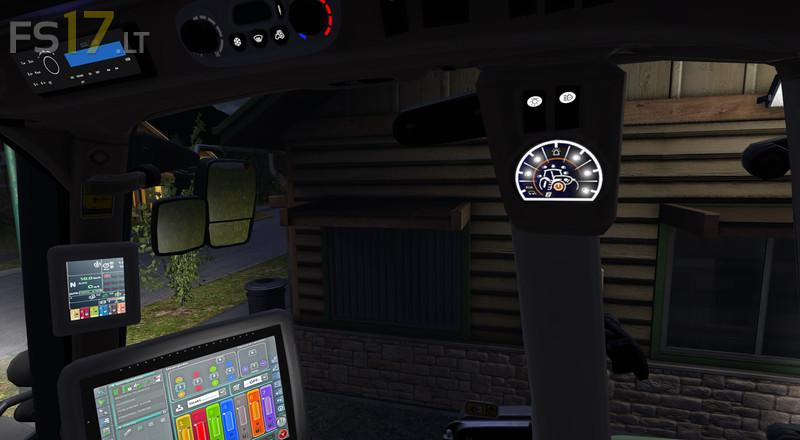
– Interior, Display Illuminated
– Indicator lights in the display
– Working light indicator inside the switch module (left on the control)
– Flags: Argrar Three country corner
Version 1.5 Winter Edition:
* Other varnish
* Christmas lights added
Credits:
Giants, John Deere 5615F