

Slow Soymilk Production v 1.0.1

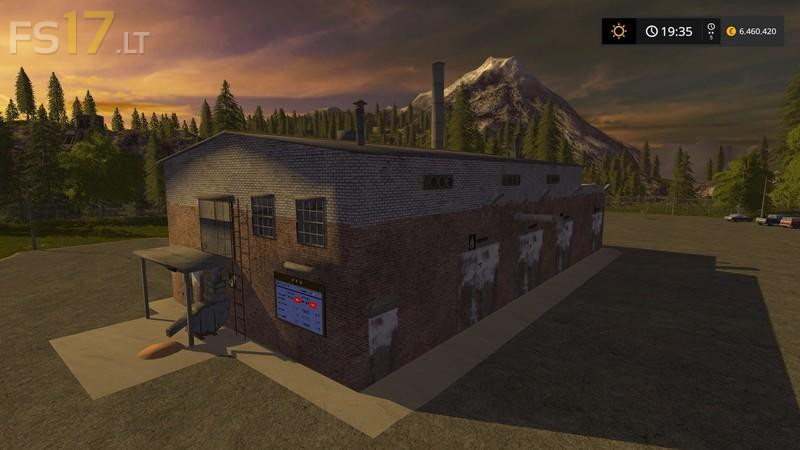
Slow Soymilk Production v 1.0.1
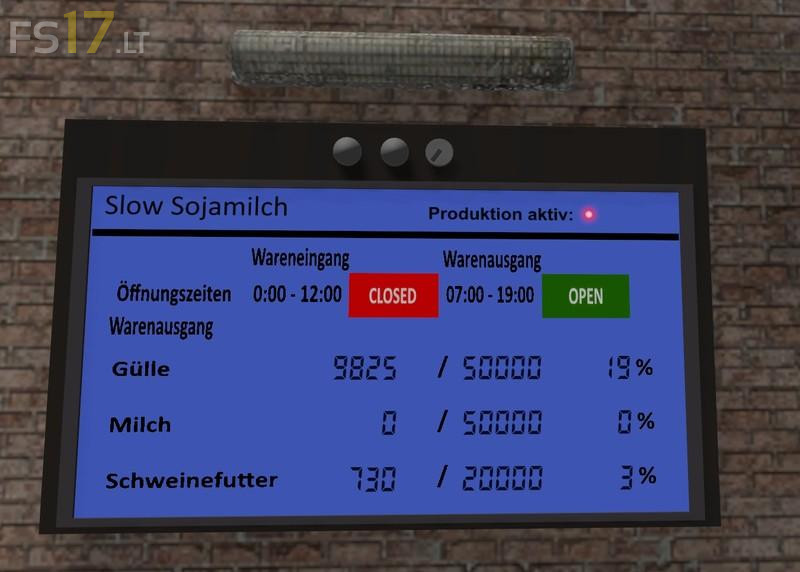
– Delivery of raw materials (00:00 to 12:00): soybeans, water, fuel
– The following products are produced (07:00 to 19:00): liquid manure, milk (can be sold at the dairy Trigger -> show the milk trigger ), swill
– The user can switch between the goods receipt and goods issue (left mouse button), when standing in front of the display
– Opening times Open / Close (Outside the respective opening times are no goods deliveries and pick-ups possible)
– Display whether the production is active
– It is fitted with the day-night light function
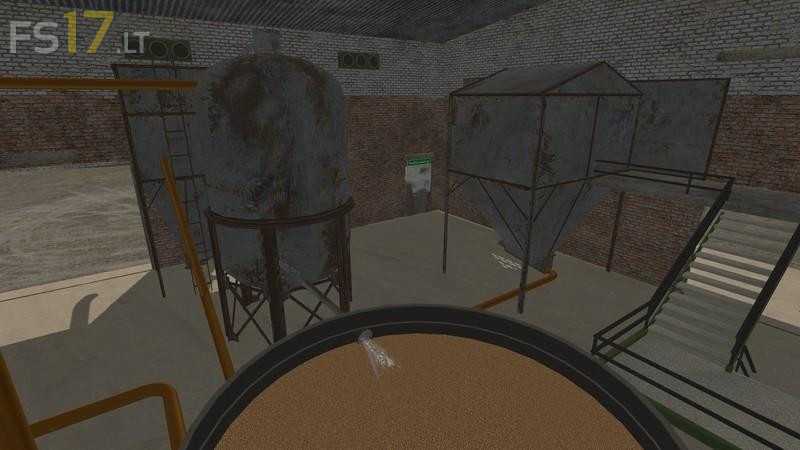
– Inside the factory there is a production animation in the pool, if production is active
– Doors open and close automatically to the respective opening times
– The emergency exit you can always escape from the building, once all the doors are closed and someone is in the building
– OverloadPipe for Kotte Universal Pack of Farmer_Andy are installed