

Scania S Series v 2.0

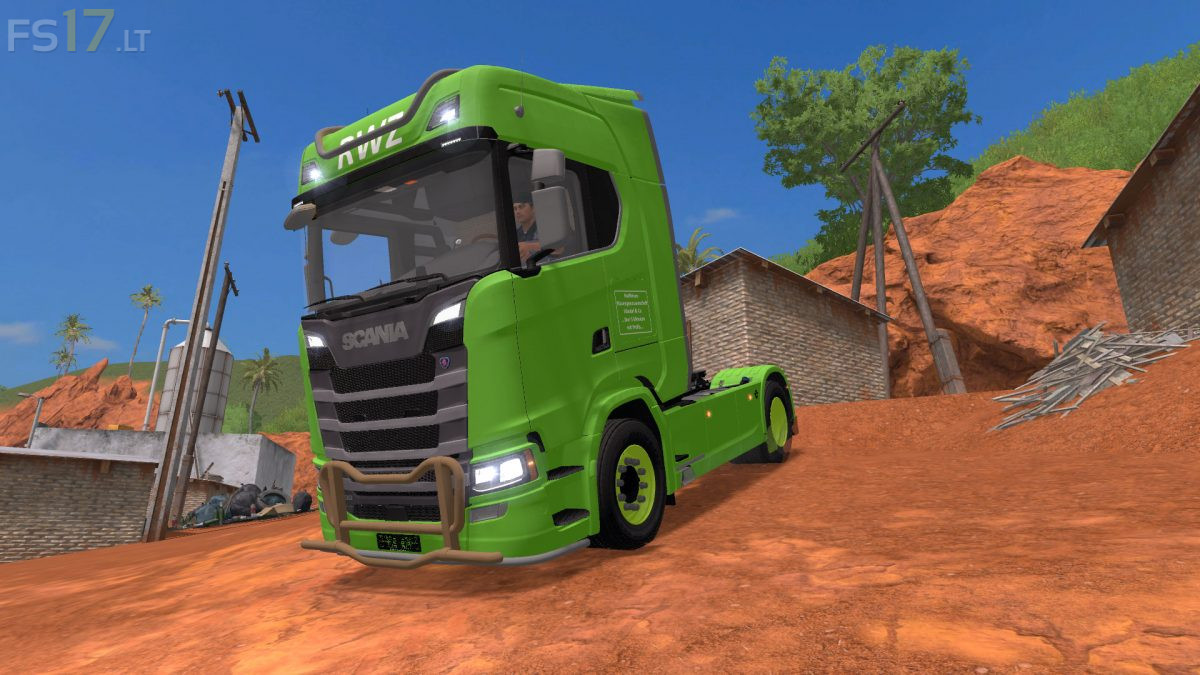
Scania S Series v 2.0
About the mod:
– Engine Setup: 420 hp, 480 hp, 520 hp, 580 hp, 620 hp, 680 hp, 730 hp
– Speed 83 km/h
– Selectable Design
– Selectable Skin
– Selectable Lightbar
– Selectable Rims
– Selectable Mirror
– Selectable Sun Visors Glass
– Selectable Accent
– Selectable Antenna
– Selectable Roofbar
– Selectable Bullbar
– Selectable Bottombar
– Selectable Mirror Color
– Selectable Accent Color
– Selectable Antenna Color
– Selectable Roofbar Color
– Selectable Bullbar Color
– Selectable Bottombar Color
– Selectable Rim Color
– Choice of Color
Price 96000 €
Version 2.0
* Added Deuka Leather
Credits:
Tschizack Gaming, Bau_Justin_99
gibt es den für PS$