

Road Rollers Pack v 1.0

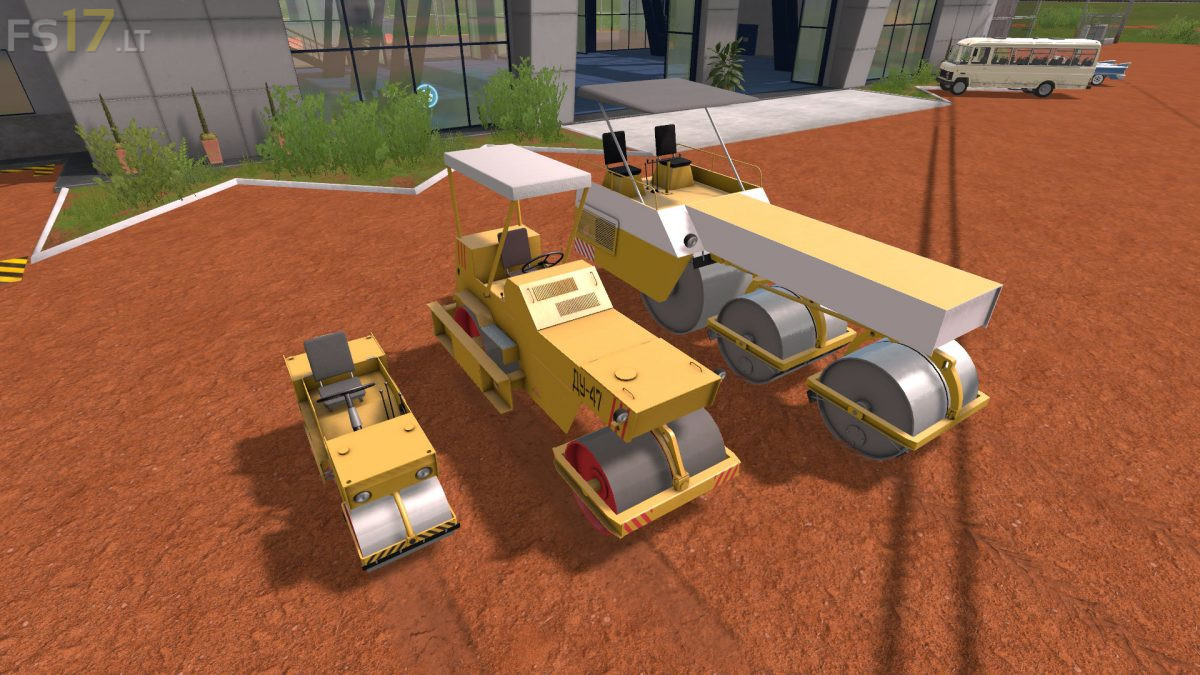
Road Rollers Pack v 1.0
The Pack consist of:
– The DU-47 skating rink, self-propelled, two-roll vibrating with smooth rollers, is intended for the final compaction of road bases and coatings from asphalt, sand and gravel and other materials during repair and construction work in a temperate climate.
– The DU-49 skating rink is a self-propelled three-roll static heavy type with smooth rollers designed for the final finishing of asphalt concrete pavements and the leveling of the compacted coating.
– The DU-54 skating rink is a self-propelled two-roll vibratory with smooth rollers designed to seal coatings and substrates from various road-building materials during the construction and repair of sidewalks, park alleys, paths.
– The D-445 skating rink is a self-propelled twin-roll vibrating light type with smooth rollers designed to seal coatings and substrates from various road-building materials during the construction and repair of sidewalks, park alleys, paths
Trailer for transporting sidewalk rollers. Located in the “Low loader” category
The mod has the function of a standard skating rink, which allows you to remove fields or, in the presence of the Ground Modification mod, change the ground coverage in a single game.