

Sudhemmern Map v 3.0

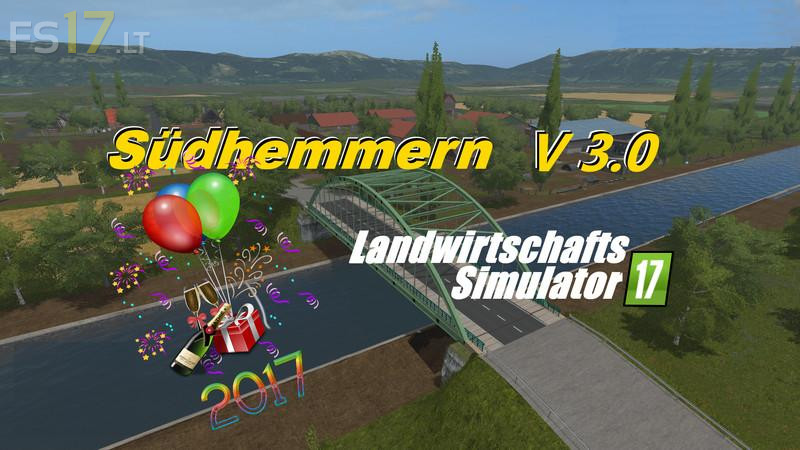
Sudhemmern Map v 3.0
Version 3.0:
* New fruits carrot and onion added
* All productions on Fabrik Script converted and are now MP capable. The court station remains on UPK, but is also MP capable
* Fertilizer production has been added
* The milk loading triggers at the cow shed and the milk sales trigger at the dairy (EiMoAG) are installed so that you can sell the milk yourself (Trailer from the KottenUniversalPack)
* An dairy production is installed at the dairy (sale at the SKY market in Hille)
* The purchase of sand now takes place via the supply of fuel from the company’s own production
* The sales triggers for straw, grass, hay and woodchips have been set up at the chimney
* Digital displays for all storage goods have been installed on the farm
* There are ships on the canal
* All known bugs have been fixed (trees rotated because of helper colli, floating objects, wool pallets-spawner rotated, plates shifted, particle systems shifted, CutterEffect-LUA error eliminated etc.)
* HolmerPack for the harvest of the carrots and onions with MIT Mist spreader for the dung from the camp and the compost as fertilizer