

Strimech FMP500


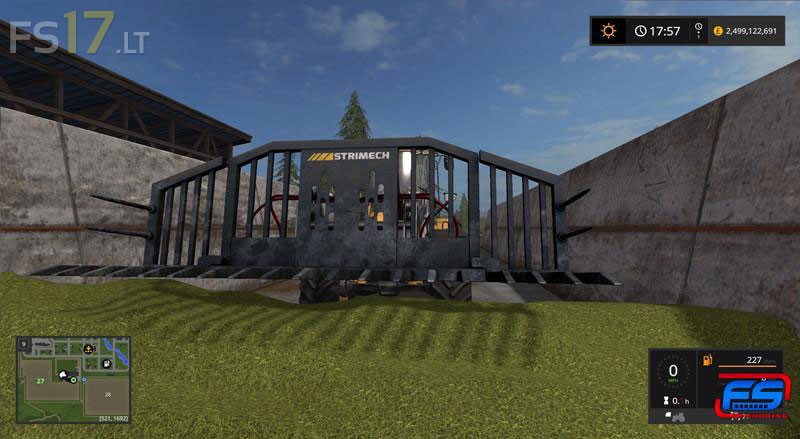

Strimech FMP500
Strimech design and manufacture attachments for materials handling. We supply attachments for use with a wide range of prime mover machines including Loading shovels, Telehandlers, Skid steer loaders, Tractor loaders
Strimech have extensive experience in supplying attachments for a wide range of industries and applications throughout the world including Agriculture, Construction, Industrial and construction, Waste handling.
The Strimech Buckrake is designed for today’s agricultural environment increasing maximum productivity and minimum downtime. The heavy duty design guarantees it is both powerful and durable which offers a longer working life thus making it the perfect choice for any contracting work.
The Strimech FMP500 Buckrake is for wheel loaders.
Features:
– Dynamic Fill Plane
– Washable
– Flexing Hoses
– Transport position and Work position
Two versions: with 2k and 4k Textures