

Port v 1.0

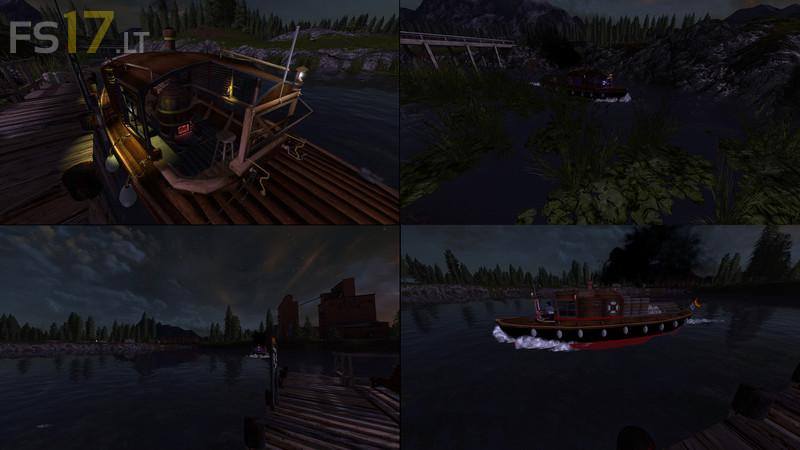
Port v 1.0
The port must be installed with the Giants Editor (GE). Placeable is not possible.
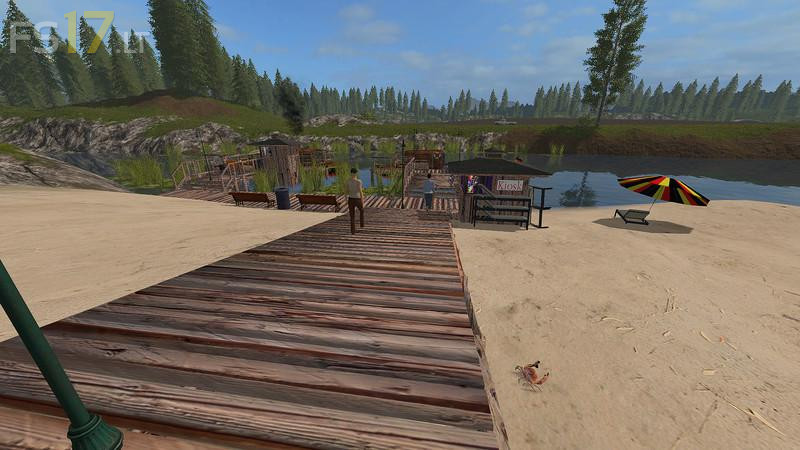
This is a small harbor on one of the beaches of the Gold Crest Valley Map, or similar maps whose beach, river management, water level, and the island has not changed.
However, it can obstruct the port to other maps.
The port is composed of:
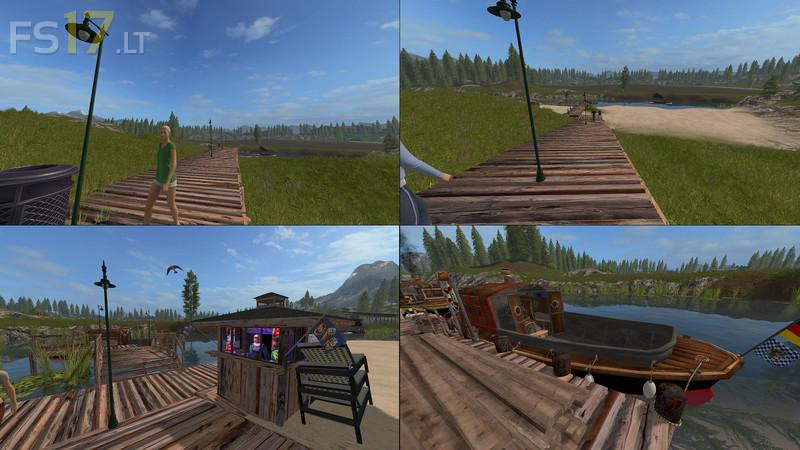
– Steg
– Ferry landing
– Cargo investors
– Island Pier
– Ice cream stand with opening times (light script)
– Newspaper stand with opening times (light script)
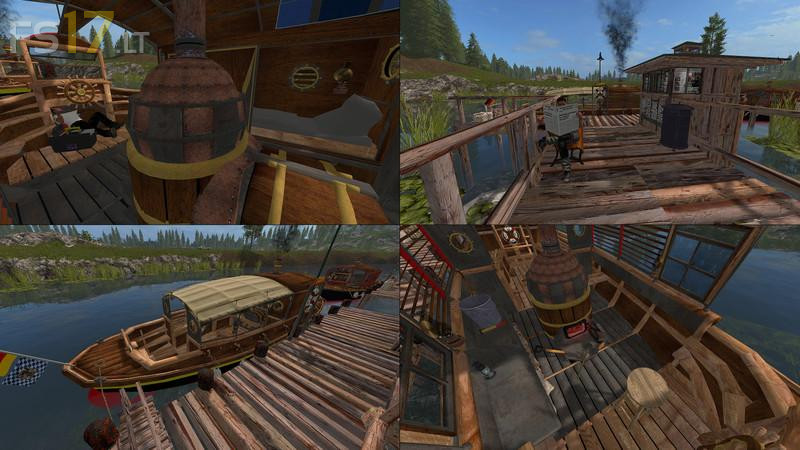
– Static Ferry steam boat with eingeheiztem boiler and flue
– Static cargo steamer
– Cargo steamer on a spline-propelled (1 Spline most of the river to the island over to the sawmill and back)
– Seagull on a spline flying (2 splines on the harbor and 2 splines on the Island Pier)
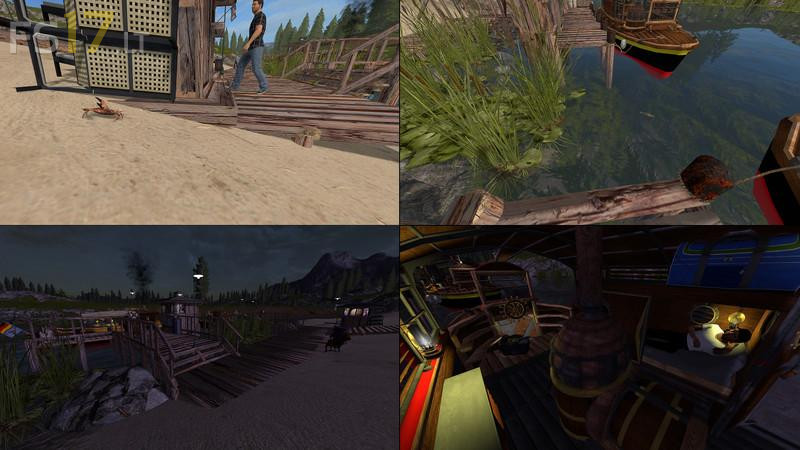
– Crab on a spline crawling (4 Splines only at the port)
– 2 types of fish on a floating spline (2 Splines to the harbor and 2 splines at the Island Pier)
– Giants persons on a spline continuously (From Newspaper stand all the way up to access and back down to the ice cream stand)
– Ice cream merchant
– Newspaper-read man, Timed, in rain with umbrella
– Cargo captain on the stationary cargo ship. This is working under the steering wheel (watch the mouse control to the Gag enable) and at night he lies in his bunk.
– Light script controlled lighting
– Sound of spline cargo steamer, waves and water hammering on the hulls of boats and static cry of the seagull
– Own Dekoteile
– Diverse Dekoteile of Giants (eg benches, trash cans, water plants)