

Adaptor Frame Implement Frontloader v 1.0

Adaptor Frame Implement Frontloader v 1.0
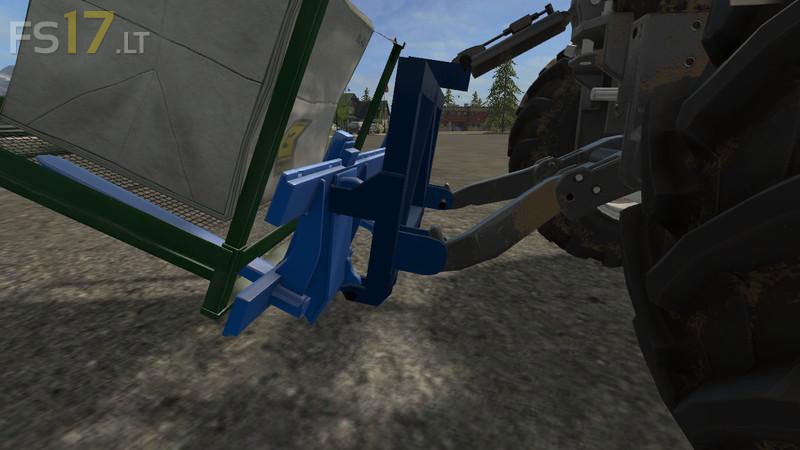
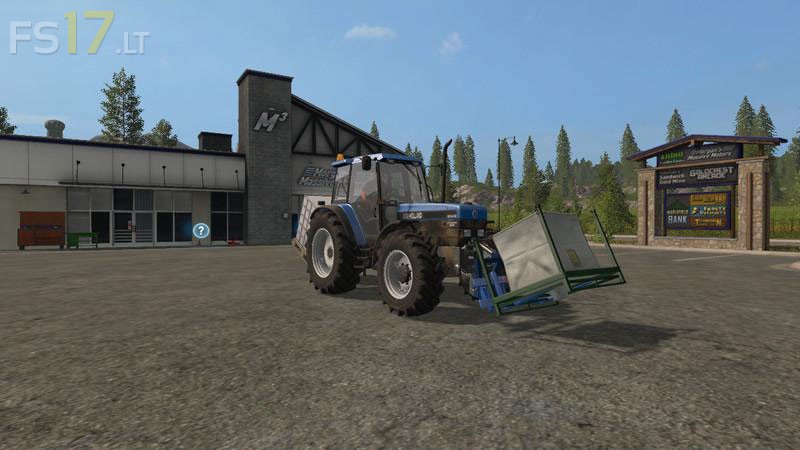
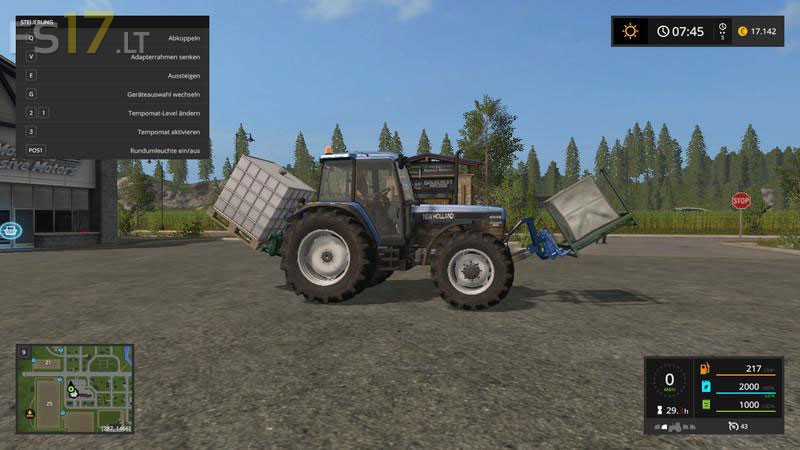
The AgrarProfi24 tractor three-point adapter coupling hook offers the possibility of existing devices with Euro mount (loader connection) as Soil buckets, manure forks, ball forks etc. Also to go to the rear of the tractor hydraulics. The adapter frame made of high strength steel, we have with galvanized bolts.
Factory side the adapter frame is colored red RAL 3002 , but can be dyed any color (price: 50€)
The weight is in original 70 kg, ncreased it to 243 kg so it will not easily slip away.
When disconnected it doesn’t fall down but stands magically.
During the coupling, the bolt will be inserted.
All common front loading extensions can be installed. It can be rotated by mouse or joystick.
With all standard tractors, this frame has been tested, the height is perfect for Stoll Palette fork and for Poltergabel.