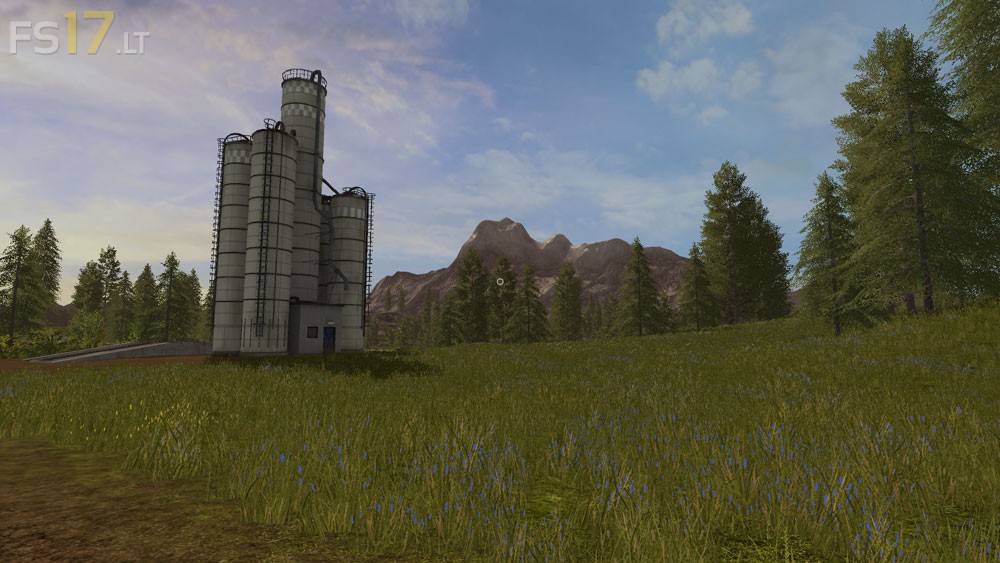
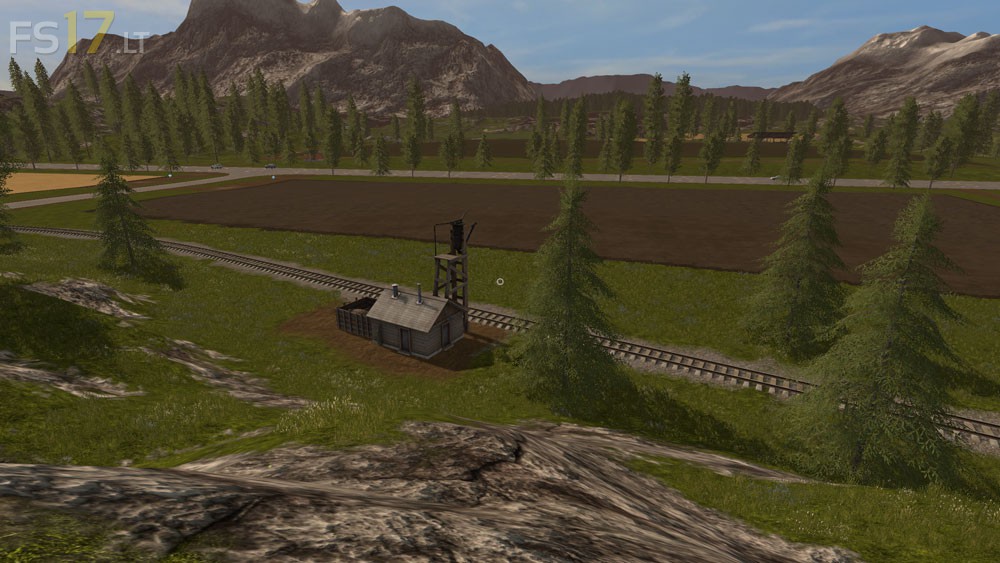
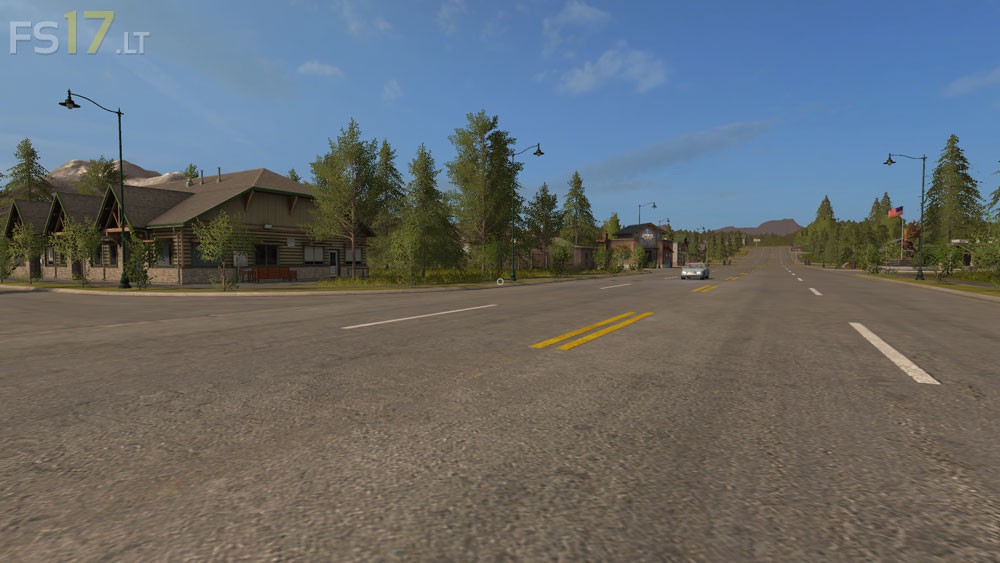
Goldcrest Valley II Map v 1.0 BETA
FS19 mods

goldcrest-valley-ii-1 goldcrest-valley-ii-2 goldcrest-valley-ii-3 goldcrest-valley-ii-4 goldcrest-valley-ii-5

About the mod:

Version 1.0 BETA:
* Storage Silos currently for the following fill types (located near the Cow Zone) also not that the fill levels are displayed in the sell/expenses menu: wheat_windrow, grass_windrow, chaff, straw, silage, forage
* Added Fuel Tank at the main farm area for refueling
* Added a few more water foutains near the animal zones
* Moved the main farm silos to make more room
* Adjusted some terrain and vegitation (still needs more adjustments)
* Removed Fill limits on all silos/holding areas

Credits:
Giants, McKnight

How to install FS17 mods?

Firstly find a mod which you like and want to download. Then download a mod to your PC. Mods are usually in .zip format file. But sometimes it can be in .rar. If a mod file is a .zip format no needed additional actions. If a file is in .rar, then you must unarchive mod with software like WinRar or Zip7. Windows 10 users no need to use software for archives, Win10 itself has a feature to unarchive files.

The next step is to find mods folder in your PC. Usually, it is in Documents/My Games/Farming Simulator 17/2017. Open the "mods" folder and put downloaded .zip archive or unarchived .rar file to this folder.

Last step. Enjoy of FS17 mods!

Leave a Reply

Your email address will not be published. Required fields are marked *