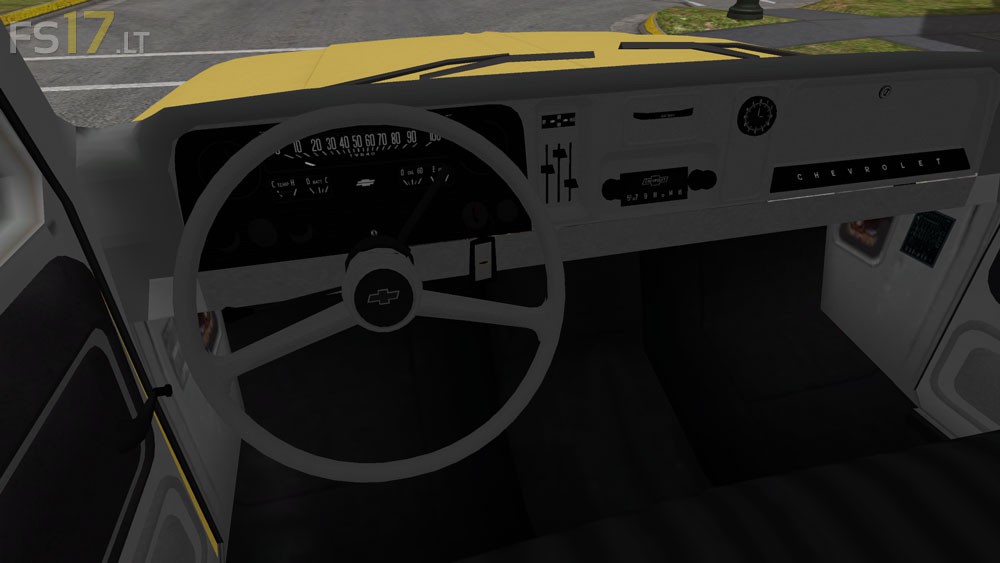
Chevrolet 1966 C10 4×4 v 1.0
About the mod:
– Power 235 hp
– Speed 121 km/h
Credits:
MODALL, Sven777b, Geri-G, PeterJ, szpilmen123
How to install FS17 mods?
Firstly find a mod which you like and want to download. Then download a mod to your PC. Mods are usually in .zip format file. But sometimes it can be in .rar. If a mod file is a .zip format no needed additional actions. If a file is in .rar, then you must unarchive mod with software like WinRar or Zip7. Windows 10 users no need to use software for archives, Win10 itself has a feature to unarchive files.
The next step is to find mods folder in your PC. Usually, it is in Documents/My Games/Farming Simulator 17/2017. Open the "mods" folder and put downloaded .zip archive or unarchived .rar file to this folder.
Last step. Enjoy of FS17 mods!



Video test: https://youtu.be/kA5abF5ufDc
THANK YOU ! this was the reason I was dreading leaving FS 15 . You made my day Sir !!
Brake lights & headlights are glitched…both show up as solid squares when they’re illuminated. No option for color choice. Tailgate doesn’t function.
quit being a big baby, nobody cares what you think, if you think you can do better go ahead.
actually people do care what he thinks, I’m glad he pointed out mod was not finished and posted that way . Saves me the trouble of downloading a faulty mod