

All Round Extension v 1.0

All Round Extension v 1.0

All Round Extension v 1.0 introduces a set of optional enhancements and adjustments designed to enrich the gameplay experience in Farming Simulator 25. This mod features a variety of realistic elements and practical changes that can enhance your farming operations.
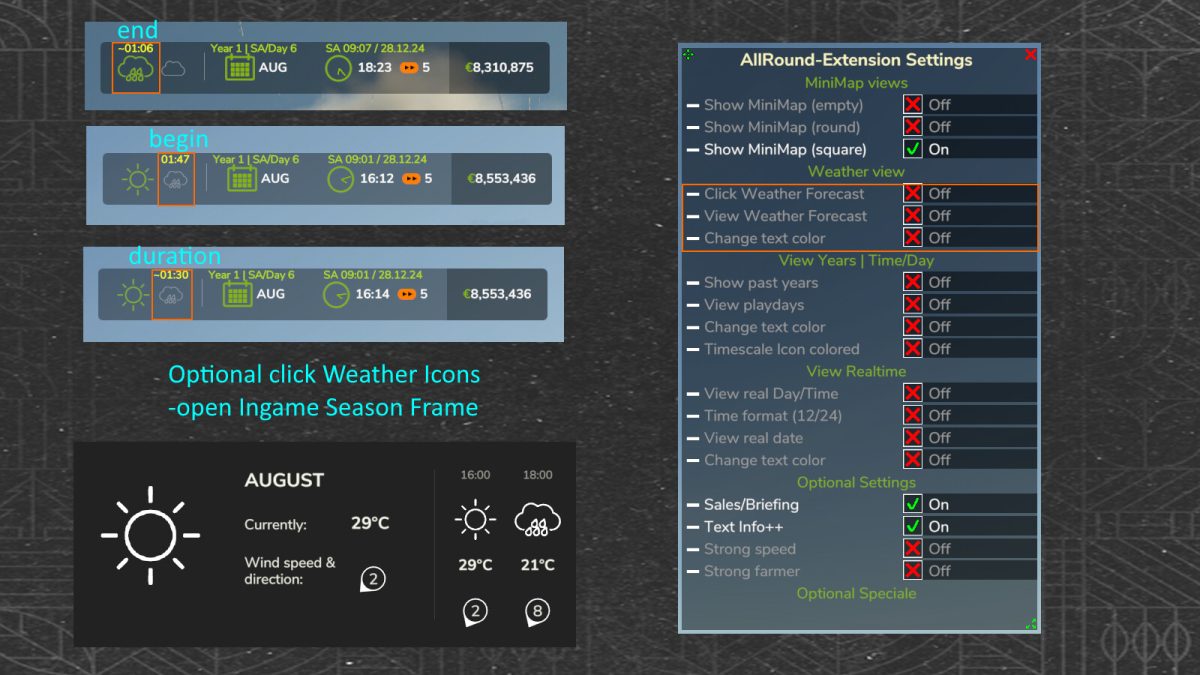
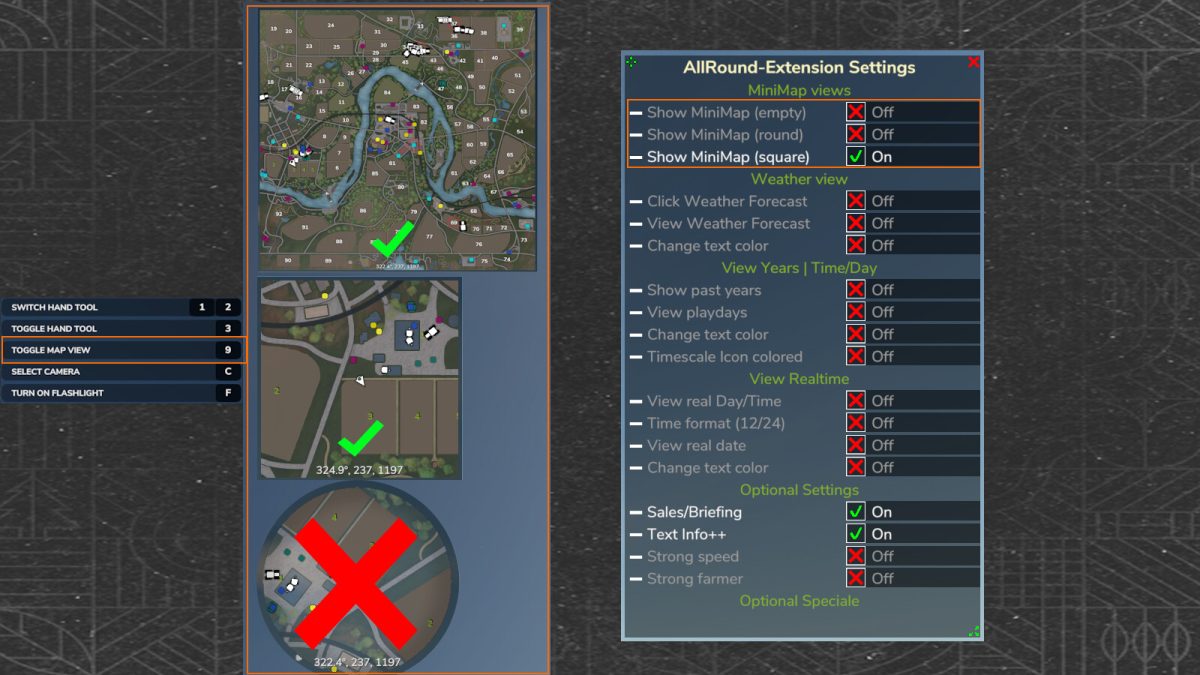
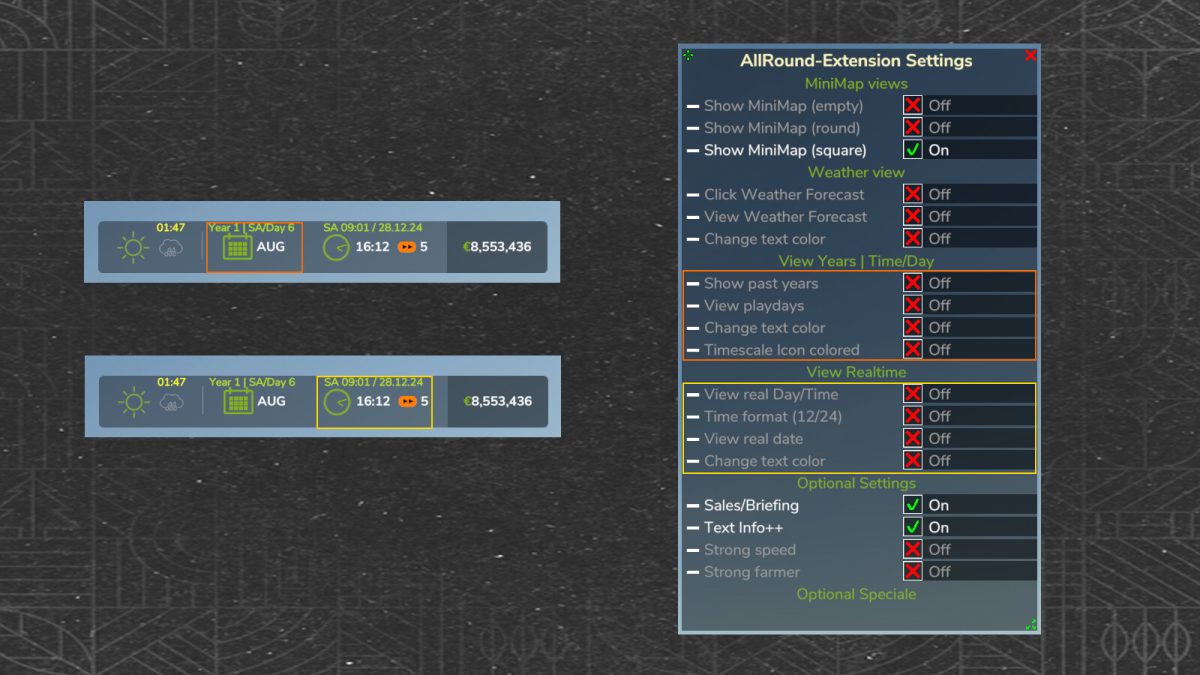
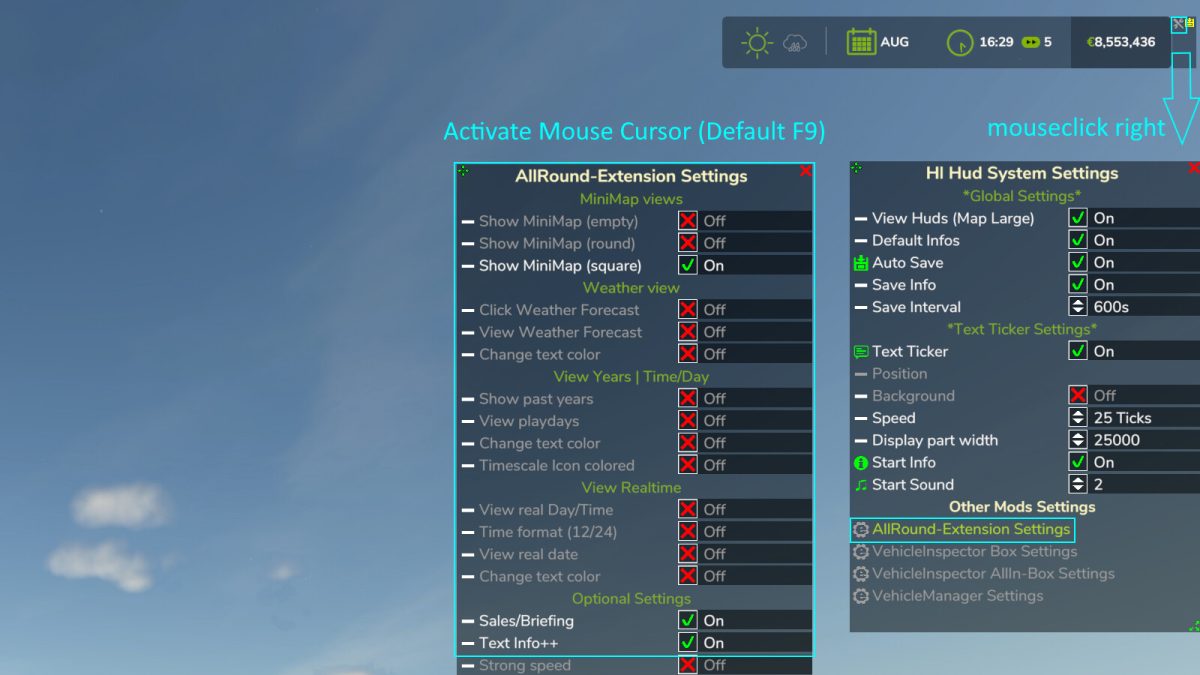
The mod includes the implementation of real-world date and time, adding a layer of authenticity to the gameplay. Players will have the opportunity to experience the passage of in-game years and days, allowing for more strategic planning in their farming activities. Additionally, the minimap views can be adjusted, giving players the ability to switch between different perspectives for better navigation.
Moreover, the mod adds informative notifications about new special offers in the shop, particularly concerning vehicle sales, enabling players to stay updated on any deals that could benefit their farming endeavors. These features, along with many more adjustments included in the mod, aim to create a more immersive and engaging farming experience.
– Real date/day/time integration
– In-game years and days progression
– Adjustable minimap views
– Notifications for new shop special offers
– Various gameplay enhancements and adjustments
HappyLooser
How do I install Farming Simulator mods?
Find a mod that you like and want to download first. Then, on your PC, download a mod. Mods are typically in.zip format. However, it is sometimes in.rar format. If the mod file is in.zip format, no additional actions are required. If a file is in.rar format, you must unarchive it using software such as WinRar or Zip7. Windows 10 users do not need to use archive software; Win10 includes an unarchive feature.
The next step is to locate the mods folder on your computer. It is typically found in Documents/My Games/Farming Simulator [Your FS game version, e.g. 2022]. Open the "mods" folder and place the downloaded.zip archive or unarchived.rar file there.
The final step. Have fun with Farming Simulator mods!