

Automotive Gantry Crane v 1.0

Automotive Gantry Crane v 1.0

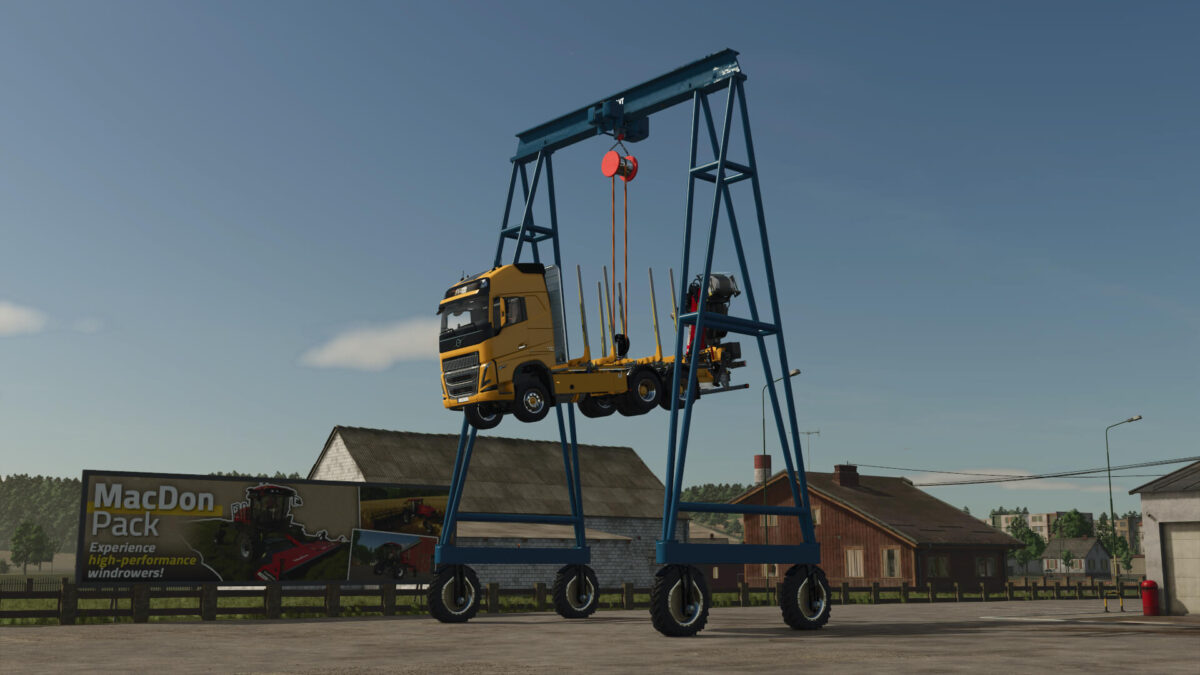
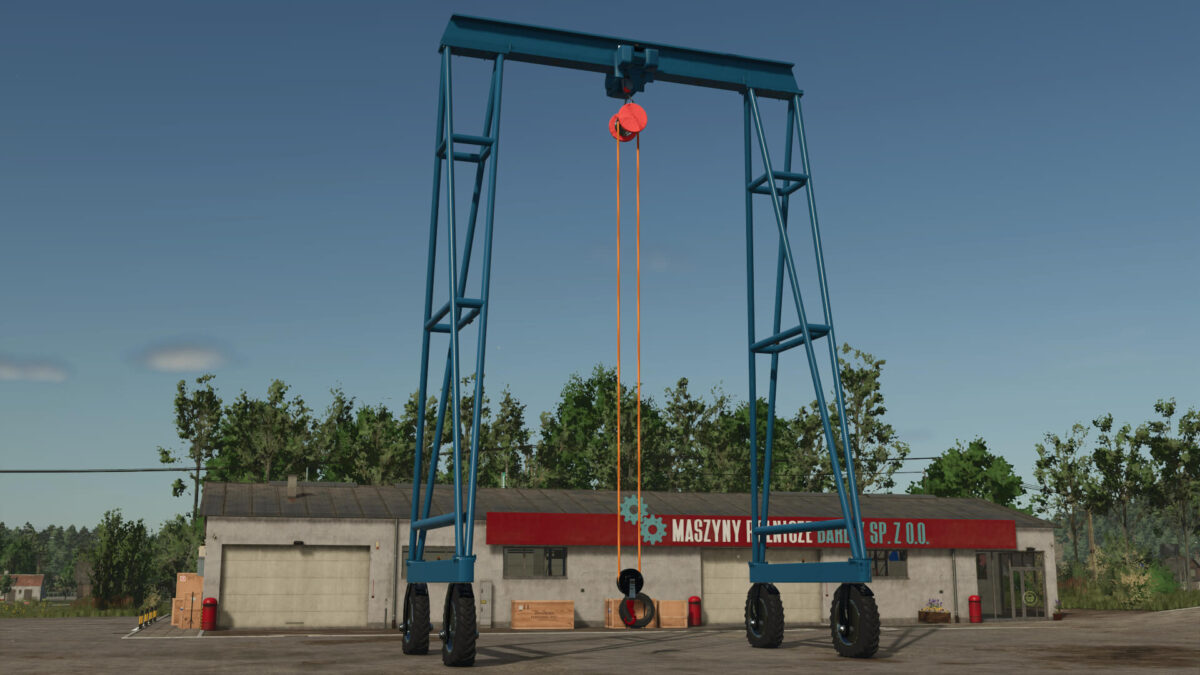
The Automotive Gantry Crane v 1.0 offers a versatile solution for lifting and moving various objects in Farming Simulator 25. This mod features tension belts that securely pick up items, along with attacher joints specifically designed for Big Bags, enhancing its usability in transporting goods.
The crane is equipped with a mouse-controlled hook, allowing for precise positioning of loads. It also includes work lights for visibility during nighttime operations and beacon lights to alert others when in use. Users can select from multiple camera views to assist with the maneuvering and placement of items.
With a purchase price of $117,850, the crane has an impressive power rating of 14,500 HP, a weight of 159,000, and a maximum speed of 20. It can be found in the Vehicle Menu under Squigglze in the Misc category.
Additionally, a placeable vehicle version is included, enabling players to set up the crane in their desired location. This part can be accessed from the Build Menu, in the Squigglze Star Tab under Tools.
– Tension belts for secure object pickup
– Attacher joints for Big Bags
– Mouse-controlled crane hook
– Work lights for nighttime use
– Beacon lights for safety notifications
Squigglze
How do I install Farming Simulator mods?
Find a mod that you like and want to download first. Then, on your PC, download a mod. Mods are typically in.zip format. However, it is sometimes in.rar format. If the mod file is in.zip format, no additional actions are required. If a file is in.rar format, you must unarchive it using software such as WinRar or Zip7. Windows 10 users do not need to use archive software; Win10 includes an unarchive feature.
The next step is to locate the mods folder on your computer. It is typically found in Documents/My Games/Farming Simulator [Your FS game version, e.g. 2022]. Open the "mods" folder and place the downloaded.zip archive or unarchived.rar file there.
The final step. Have fun with Farming Simulator mods!