

Avon Valley Map v 1.1


Avon Valley Map v 1.1

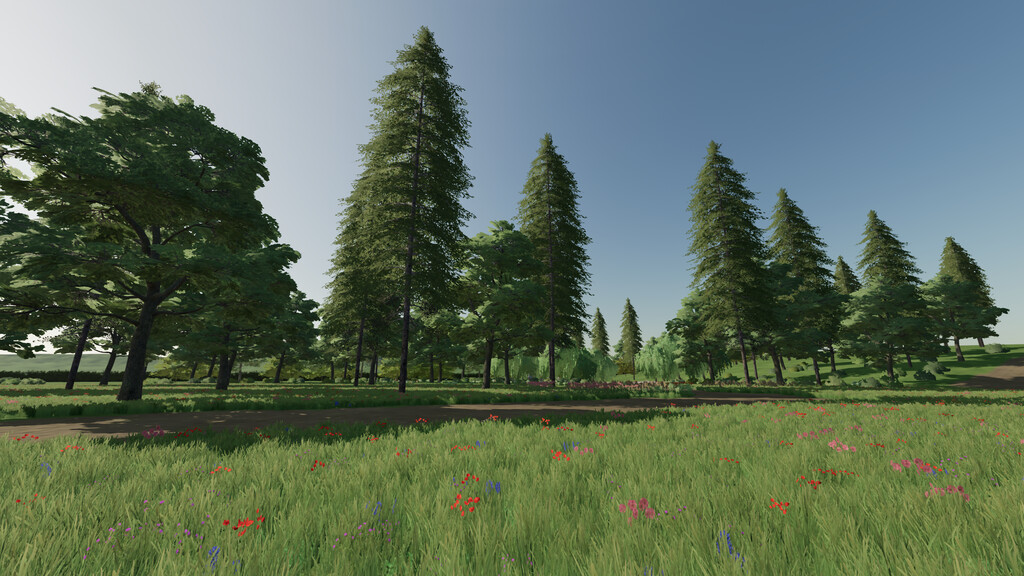
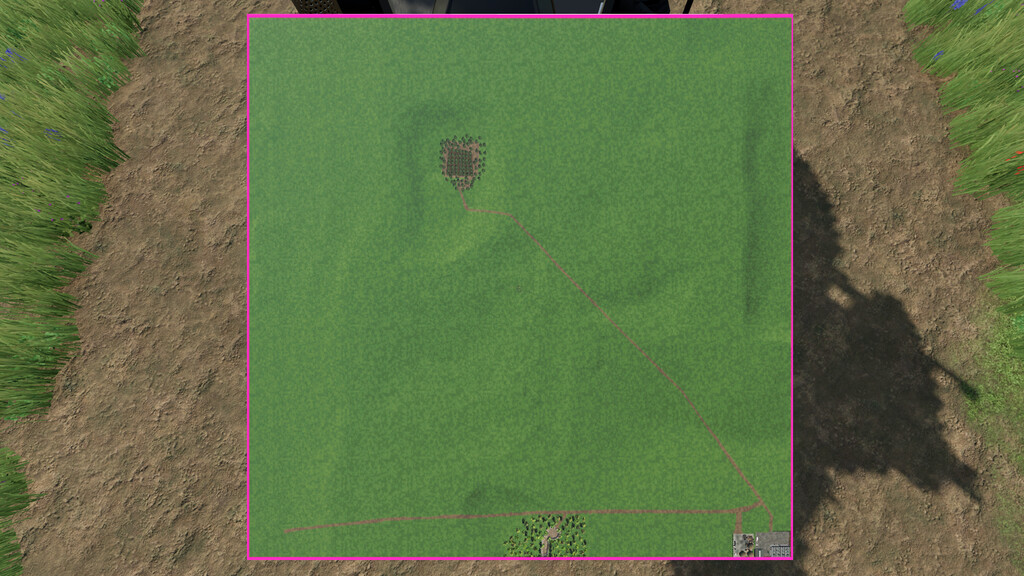
Welcome to Avon Valley. This is empty wilderness is set in the uk.
Build your own farm and turn this great expanse back to its former glory.
There is a custom made pond that is great to relax by at the end of the day.
The following are available on the map:
– 3 selling points for bales, liquids and crops/products from the basegame
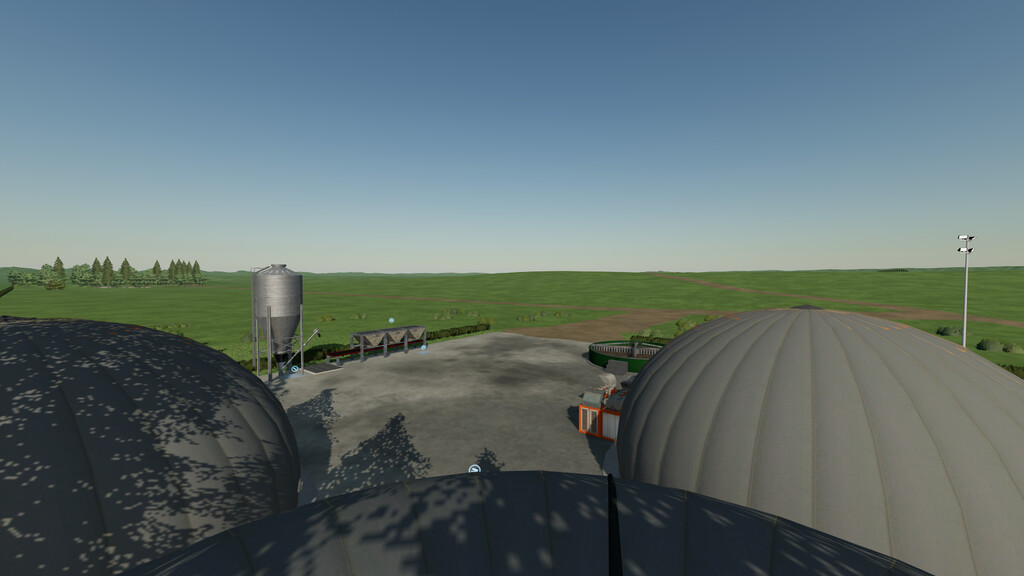
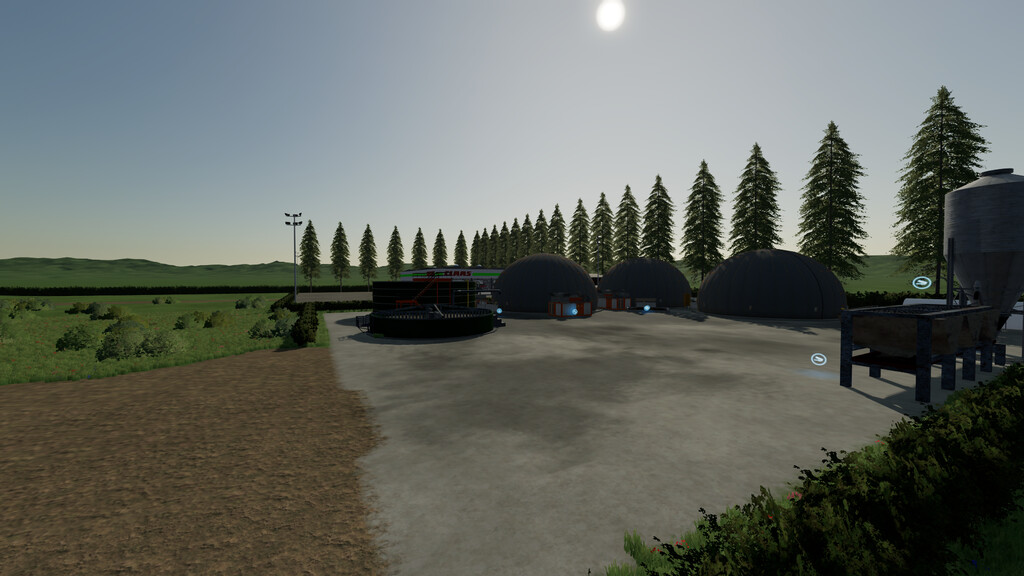
– Custom build bga with a selling point for methane
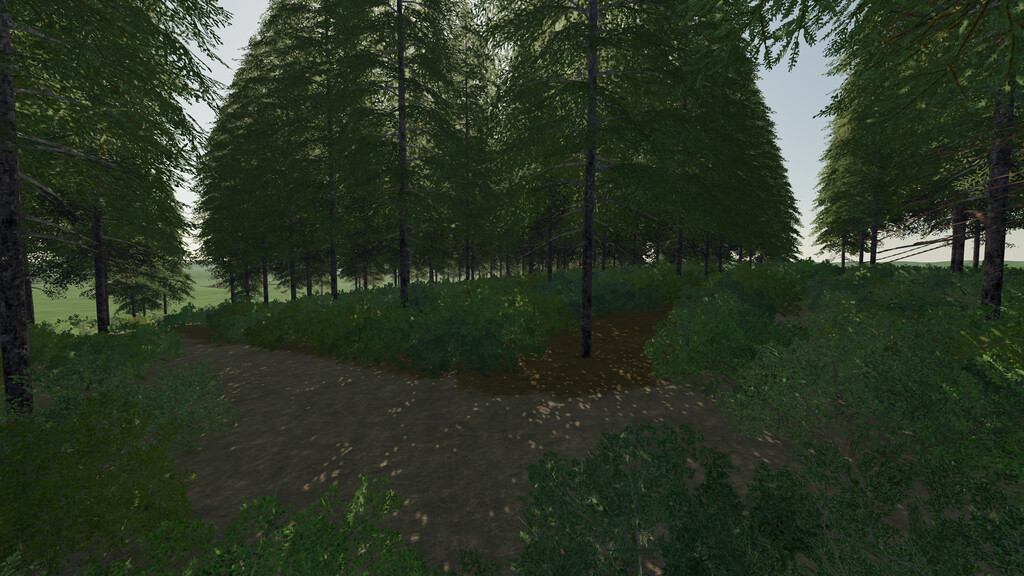
– Small forest that can be used for startup
– Custom build UK GEO
– 1 predefined grass field to get you started
– Precision Farming ready
Changelog; 1.1.0.0
-Corrected placement of Building (major bug fixed)
-expanded the forest
-Added Swedish translation
MISSYB, Volcan95
Farming Simulator 22
How do I install Farming Simulator mods?
Find a mod that you like and want to download first. Then, on your PC, download a mod. Mods are typically in.zip format. However, it is sometimes in.rar format. If the mod file is in.zip format, no additional actions are required. If a file is in.rar format, you must unarchive it using software such as WinRar or Zip7. Windows 10 users do not need to use archive software; Win10 includes an unarchive feature.
The next step is to locate the mods folder on your computer. It is typically found in Documents/My Games/Farming Simulator [Your FS game version, e.g. 2022]. Open the "mods" folder and place the downloaded.zip archive or unarchived.rar file there.
The final step. Have fun with Farming Simulator mods!