

Better Ground Deformation for Maps v 1.0

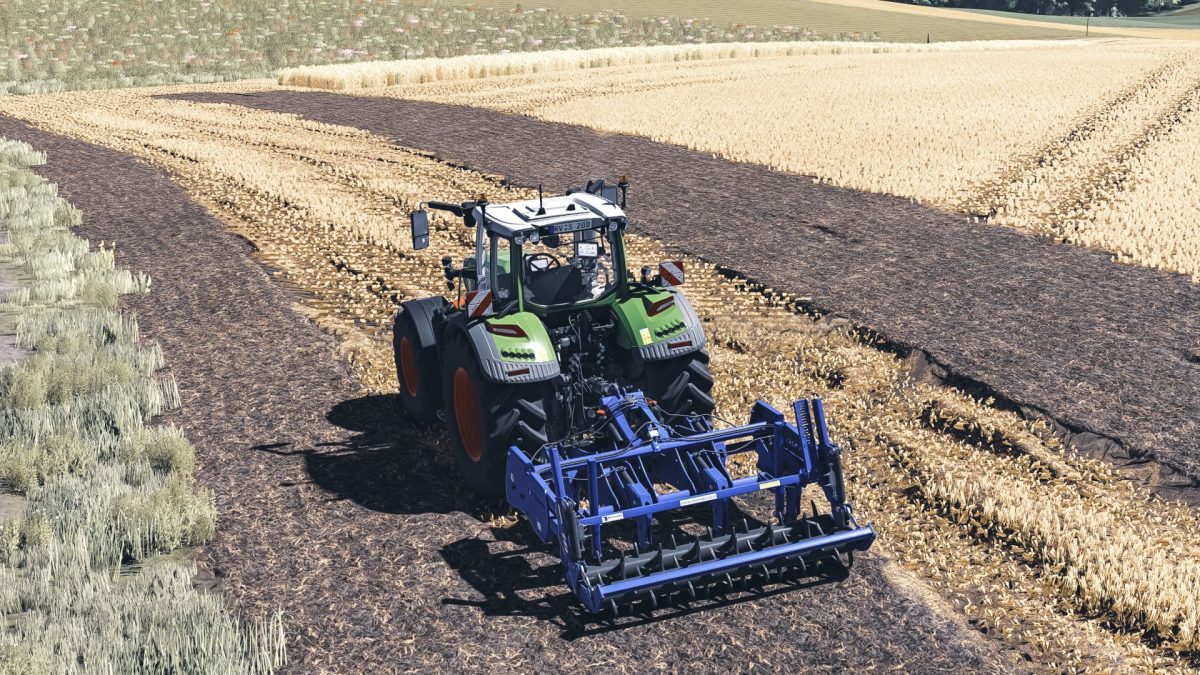
Better Ground Deformation for Maps v 1.0

This mod provides essential files aimed at enhancing the ground deformation experience within your Farming Simulator 25 maps. By incorporating these files into your map, you’ll achieve a more realistic and dynamic terrain interaction when using various vehicles and tools. The mod includes clear instructions for installation and customization. For those seeking a milder effect, you can easily adjust the “maxHeight” parameter to values like 0.3 or 0.4 to decrease the level of deformation.
– Improves ground deformation effects
– Easy installation with provided instructions
– Customizable deformation intensity via “maxHeight” parameter
– Compatible with existing maps
– Enhances realism in terrain interaction
cieplykrzysiu
How do I install Farming Simulator mods?
Find a mod that you like and want to download first. Then, on your PC, download a mod. Mods are typically in.zip format. However, it is sometimes in.rar format. If the mod file is in.zip format, no additional actions are required. If a file is in.rar format, you must unarchive it using software such as WinRar or Zip7. Windows 10 users do not need to use archive software; Win10 includes an unarchive feature.
The next step is to locate the mods folder on your computer. It is typically found in Documents/My Games/Farming Simulator [Your FS game version, e.g. 2022]. Open the "mods" folder and place the downloaded.zip archive or unarchived.rar file there.
The final step. Have fun with Farming Simulator mods!