

Bomag BW 203AD Roller v 1.0

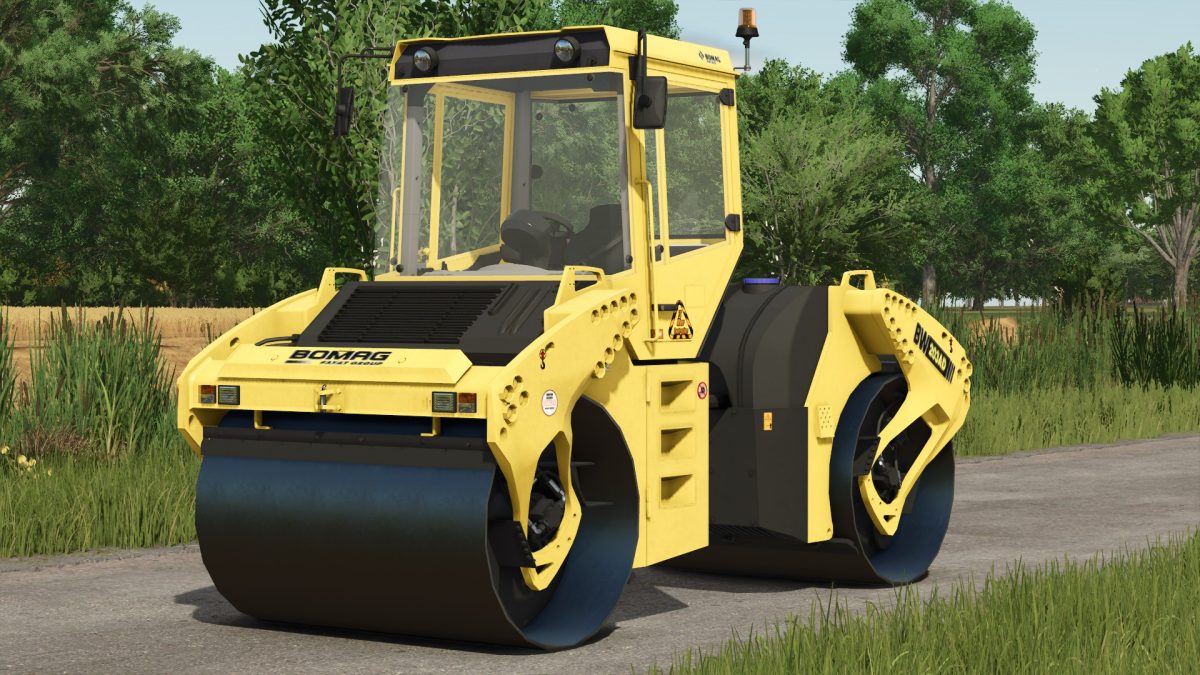
Bomag BW 203AD Roller v 1.0

The Bomag BW 203AD Roller is designed to deliver effective compaction for various construction and landscaping projects within Farming Simulator 25.
With a maximum speed of 26 km/h, this roller provides efficient performance, making it suitable for a range of applications, from road construction to leveling surfaces on your farm.
The mod replicates the real life capabilities of the Bomag BW 203AD, ensuring players experience authentic operation and handling in their gameplay.
This roller is built to handle various ground types, making it a versatile addition to your ingame fleet.
Players can expect realistic textures and details that enhance the visual experience.
The mod aims to integrate seamlessly with the Farming Simulator environment, providing a practical solution for terrain management and maintenance.
– Realistic operating speeds up to 26 km/h
– Suitable for various ground types
– Authentic design and textures
– Enhances terrain management capabilities
– Compatible with Farming Simulator 25 environment
FS Miner
How do I install Farming Simulator mods?
Find a mod that you like and want to download first. Then, on your PC, download a mod. Mods are typically in.zip format. However, it is sometimes in.rar format. If the mod file is in.zip format, no additional actions are required. If a file is in.rar format, you must unarchive it using software such as WinRar or Zip7. Windows 10 users do not need to use archive software; Win10 includes an unarchive feature.
The next step is to locate the mods folder on your computer. It is typically found in Documents/My Games/Farming Simulator [Your FS game version, e.g. 2022]. Open the "mods" folder and place the downloaded.zip archive or unarchived.rar file there.
The final step. Have fun with Farming Simulator mods!