

Chainsaw Fuel v 1.0

Chainsaw Fuel v 1.0

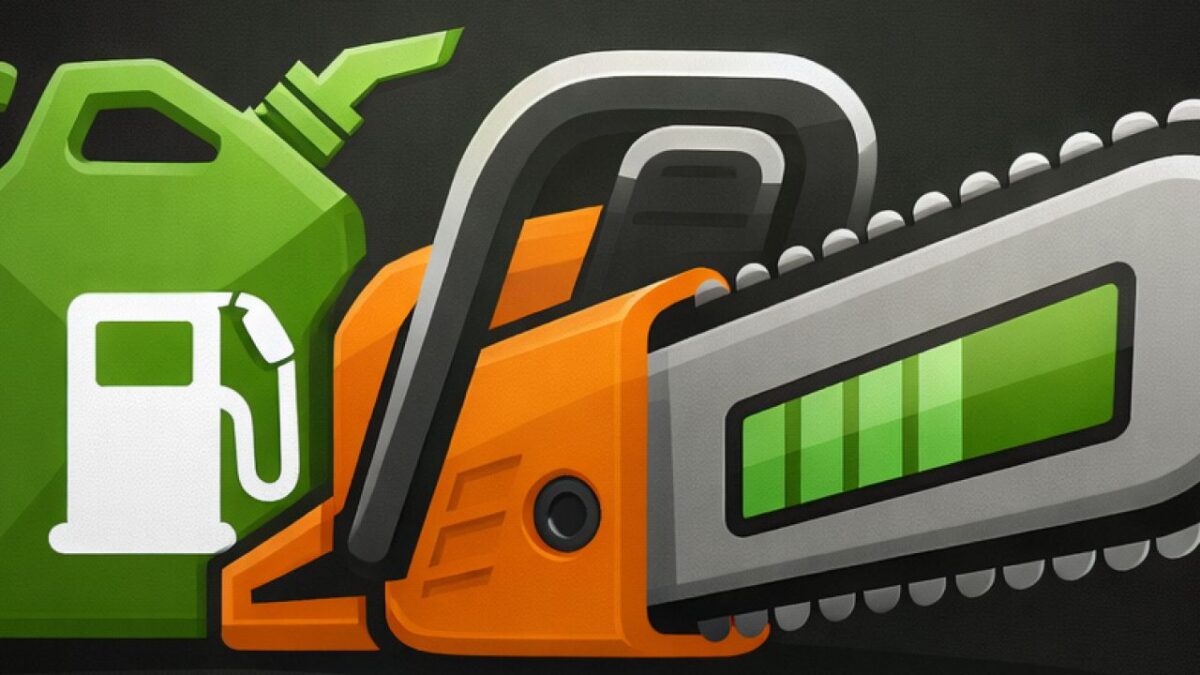
Adds a fully functional fuel system to the chainsaw in Farming Simulator 25, bringing a more immersive and realistic forestry experience.
The chainsaw now consumes fuel while being used. Once the fuel reaches 0%, the chainsaw will automatically stop working and must be refueled before continuing.
Refueling is done by pressing R, costing money based on the current diesel price in your game. This ensures the system integrates naturally into the FS economy.
A compact and clean HUD shows your current fuel percentage and can be moved anywhere on the screen for a customizable experience.
Features
Realistic fuel consumption while cutting
Chainsaw automatically disables at 0% fuel
Refuel with R using farm money
Fuel cost scales with diesel prices
Compact, clean fuel HUD
Movable HUD (press Alt + H to reposition)
HUD position saves automatically
Gameplay Impact
Works with most gameplay and forestry mods
plutogaming91
How do I install Farming Simulator mods?
Find a mod that you like and want to download first. Then, on your PC, download a mod. Mods are typically in.zip format. However, it is sometimes in.rar format. If the mod file is in.zip format, no additional actions are required. If a file is in.rar format, you must unarchive it using software such as WinRar or Zip7. Windows 10 users do not need to use archive software; Win10 includes an unarchive feature.
The next step is to locate the mods folder on your computer. It is typically found in Documents/My Games/Farming Simulator [Your FS game version, e.g. 2022]. Open the "mods" folder and place the downloaded.zip archive or unarchived.rar file there.
The final step. Have fun with Farming Simulator mods!