

Chambergo 2k25 Map v 1.0


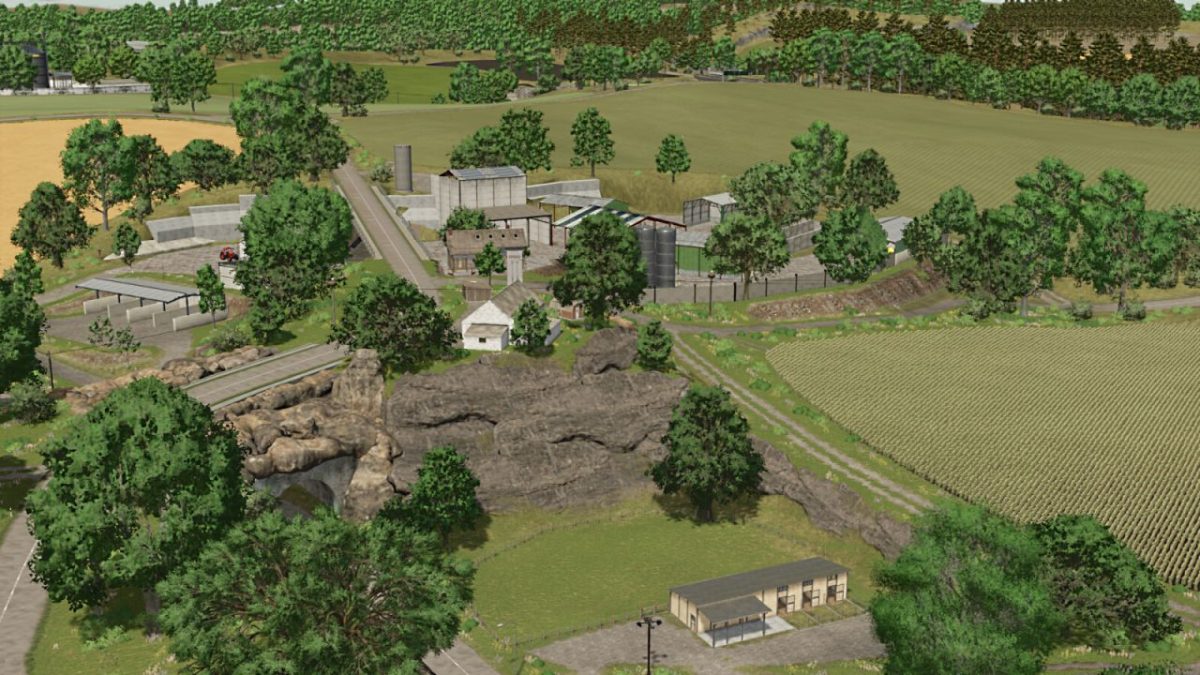

Chambergo 2k25 Map v 1.0

– 90 farmlands available for purchase.
– 51 fields (including 7 meadows)
– Fully equipped pre-built farm (Workshop, Silos, Diesel Tank)
– Missions: Transport wood, Cut down dead trees, and Crush rocks.
– Multi-angle terrain.
– A large space to build your own farm.
– Collectibles (25)
– Pre-built pens (Cows, Pigs, Sheep, and Horses)
– Pre-built factories (20)
– Logging area with over 800 planted trees. (Scots Pines and Poplars)
– Pre-installed Vineyards and Olive Trees.
– 3 new Products: Cherries, Apples, and Sportswear.
– Pre-installed Cherry and Apple Tree Plantations.
– 2 BGAs (East and West)
– Multiple Retail Outlets (11)
– Lime, Seed, and Animal Feed Stations.
– 6 Large Forests.
– A map for precision agriculture has been developed.
erShaba
How do I install Farming Simulator mods?
Find a mod that you like and want to download first. Then, on your PC, download a mod. Mods are typically in.zip format. However, it is sometimes in.rar format. If the mod file is in.zip format, no additional actions are required. If a file is in.rar format, you must unarchive it using software such as WinRar or Zip7. Windows 10 users do not need to use archive software; Win10 includes an unarchive feature.
The next step is to locate the mods folder on your computer. It is typically found in Documents/My Games/Farming Simulator [Your FS game version, e.g. 2022]. Open the "mods" folder and place the downloaded.zip archive or unarchived.rar file there.
The final step. Have fun with Farming Simulator mods!