

Construction Favorites v 1.0

Construction Favorites v 1.0

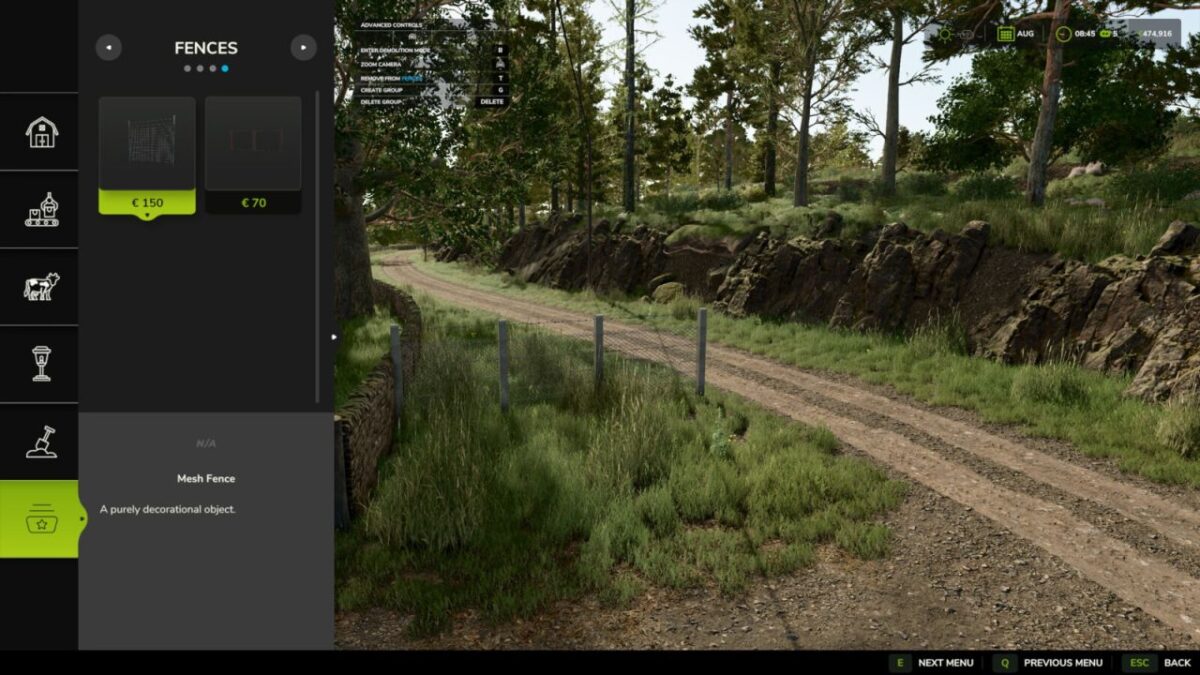
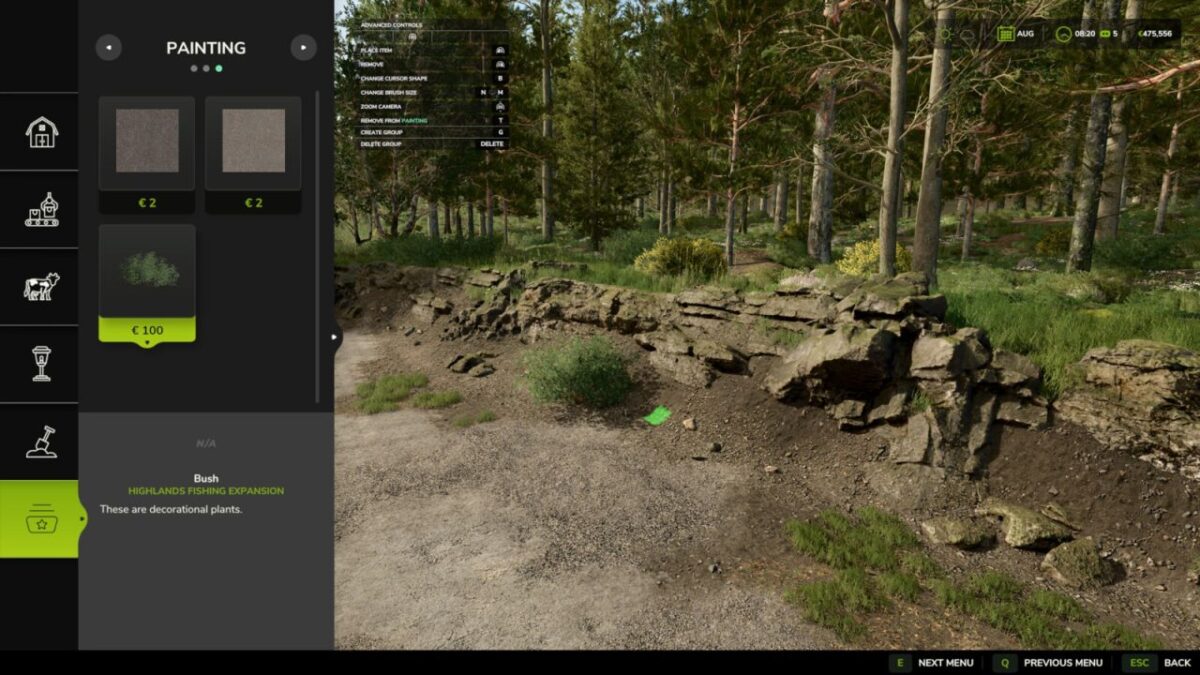
Add a touch of convenience to your game by organizing your most used buildings and landscaping tools. Instead of constantly searching for the same items in the construction menu, you can now save your favorite items in up to 9 customly colored groups for quick and easy access.
Features:
– A new “Favorites” category right inside the construction menu.
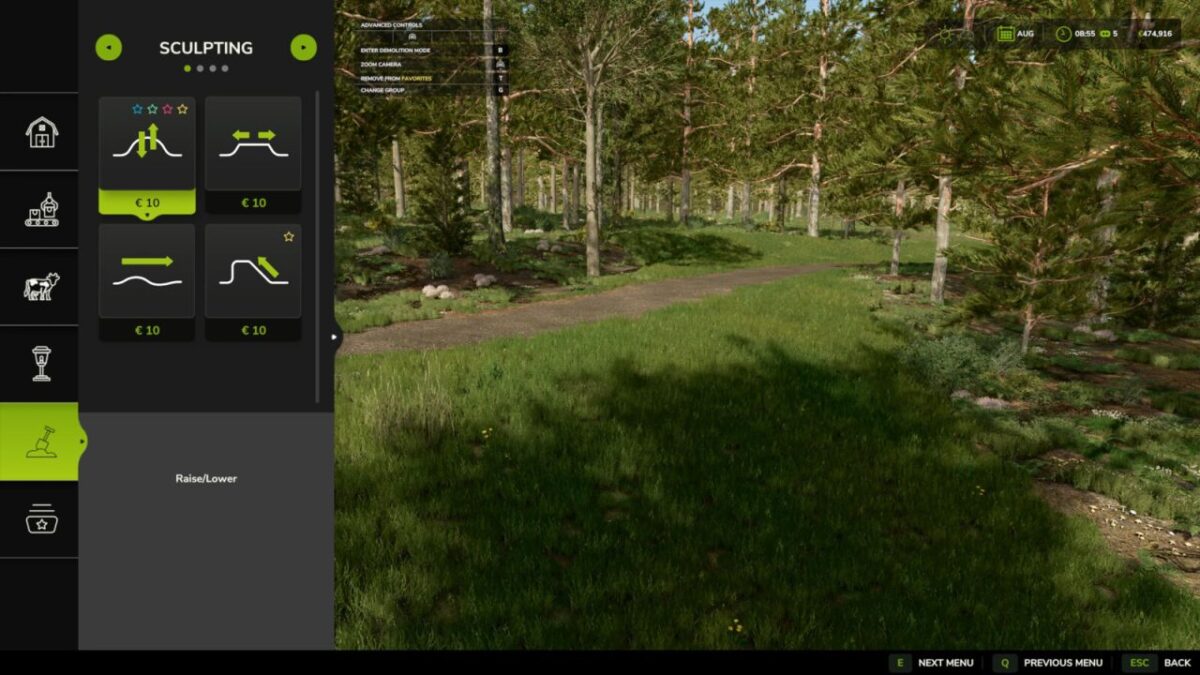
– Full support for all base game, DLC, and modded placeables, including landscaping brushes.
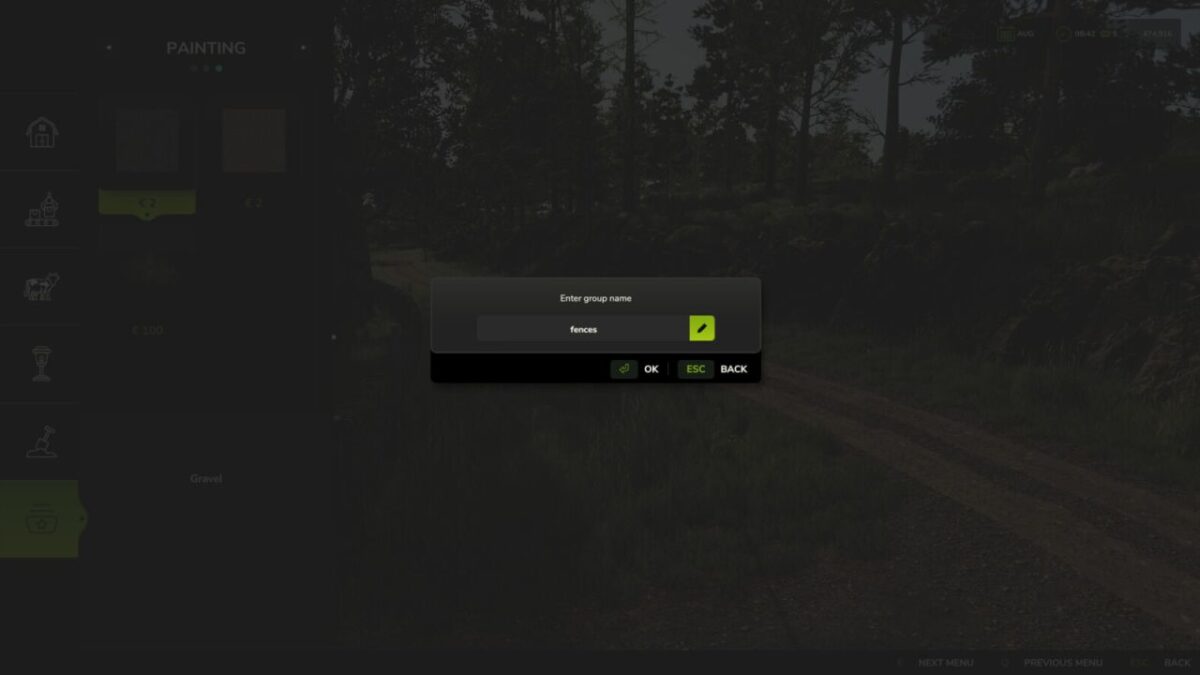
– Create up to 9 customizable groups with unique names and distinct colors.
– Quickly identify your favorited items by their color-coded star icons.
– Automatically removes favorites from uninstalled mods and DLCs.
Hotkeys:
– Press ‘T’ to add or remove the selected item to/from the active favorite group.
– Press ‘G’ to cycle through favorite groups or create new groups.
– Press ‘Delete’ to delete the currently active group.
aaw3k
How do I install Farming Simulator mods?
Find a mod that you like and want to download first. Then, on your PC, download a mod. Mods are typically in.zip format. However, it is sometimes in.rar format. If the mod file is in.zip format, no additional actions are required. If a file is in.rar format, you must unarchive it using software such as WinRar or Zip7. Windows 10 users do not need to use archive software; Win10 includes an unarchive feature.
The next step is to locate the mods folder on your computer. It is typically found in Documents/My Games/Farming Simulator [Your FS game version, e.g. 2022]. Open the "mods" folder and place the downloaded.zip archive or unarchived.rar file there.
The final step. Have fun with Farming Simulator mods!