

Contract Boost v 1.0.8.6

Contract Boost v 1.0.8.6

Boost your contracts by making more money, and allowing collection of the spoils!
Features:
– 50% more profit from every contract
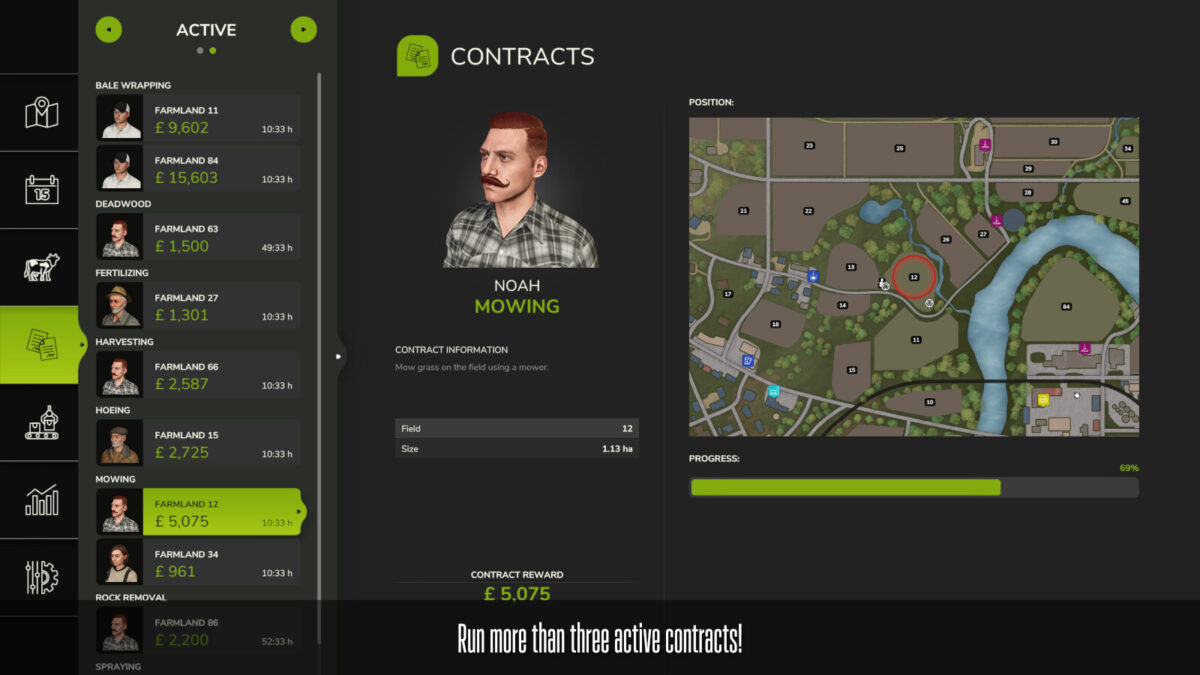
– 10 max contracts
– 5 max contracts per type
– 50 total contracts available
– Borrowed contract equipment comes with free fieldwork items to fill your tools
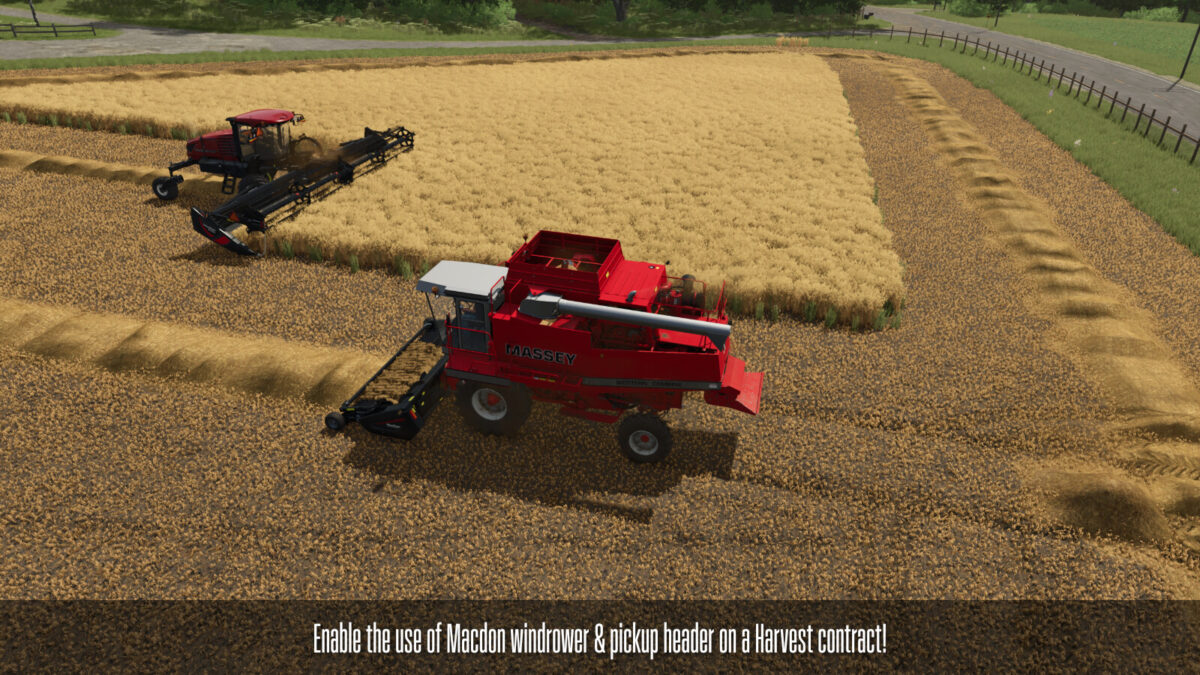
– Allow using swathing equipment on harvest missions
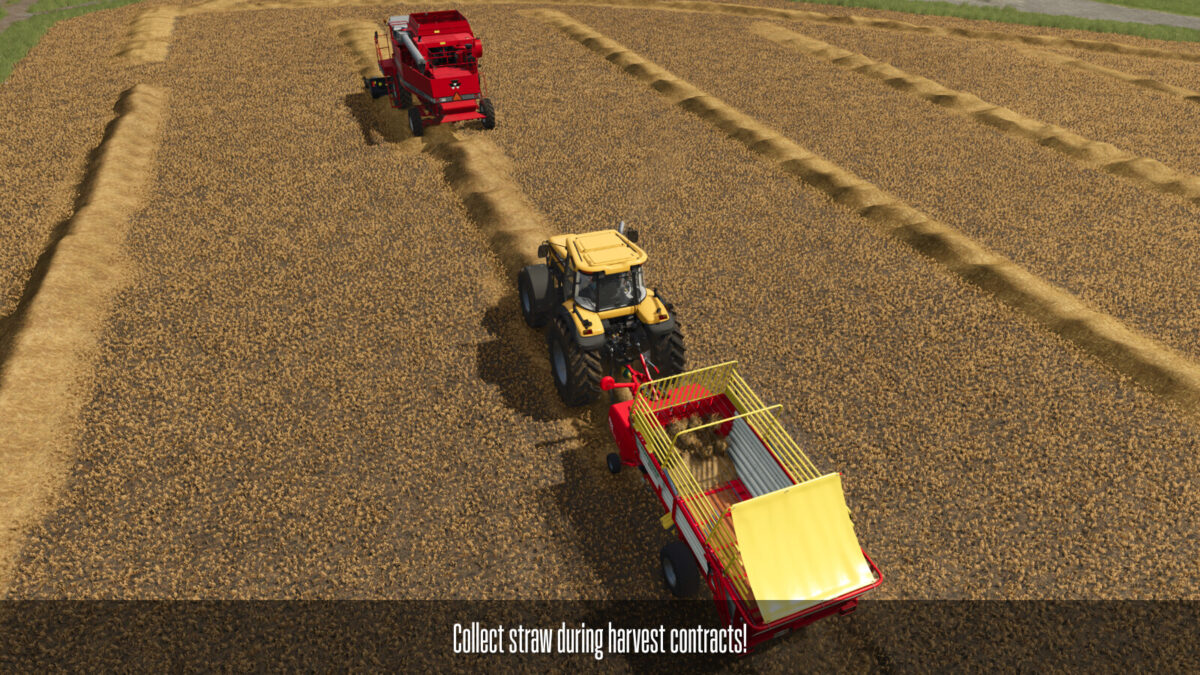
– Allow collecting straw from harvest missionss
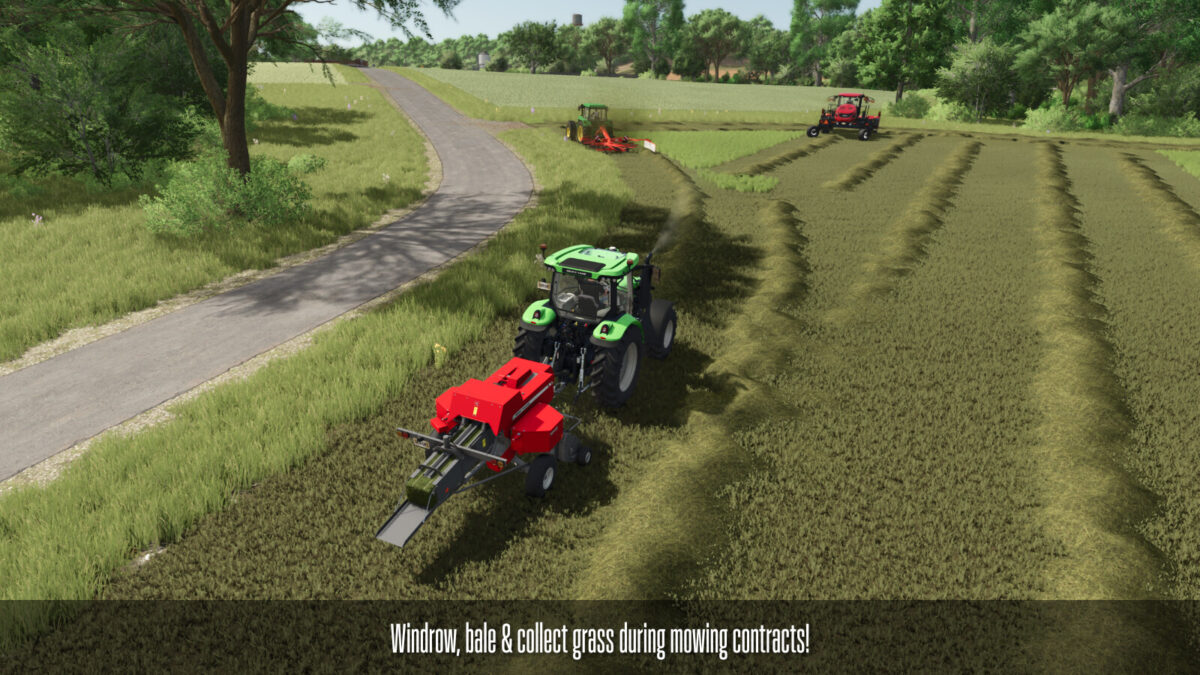
– Allow collecting grass from mowing missions
– Allow collecting stones from plow, cultivate, and sowing missions
All of the above settings can be modified via an XML settings file at FarmingSimulator2025/modSettings/ContractBoost.xml
Version 1.0.8.6:
* Fixed preferStrawHarvestMissions adjusting the logic to prevent straw baling contracts from being created on harvest ready fields, indirectly allowing those fields to be available for harvesting contracts. This setting also prevents straw baling contracts from being created on “greenBig” field (one state before harvest ready), which the game allows for some odd reason. Having this setting on will still allow grass baling missions, and will still allow straw baling missions on harvested fields (which is a base game “feature”)
* Fixes #68
* Added windrowers to Bale Contracts, allowing the player to re-windrow the field before baling. This should allow baling missions to be easily done by workers by windrowing first, then matching the settings from the used windrower to the baler
GMNGjoy
How do I install Farming Simulator mods?
Find a mod that you like and want to download first. Then, on your PC, download a mod. Mods are typically in.zip format. However, it is sometimes in.rar format. If the mod file is in.zip format, no additional actions are required. If a file is in.rar format, you must unarchive it using software such as WinRar or Zip7. Windows 10 users do not need to use archive software; Win10 includes an unarchive feature.
The next step is to locate the mods folder on your computer. It is typically found in Documents/My Games/Farming Simulator [Your FS game version, e.g. 2022]. Open the "mods" folder and place the downloaded.zip archive or unarchived.rar file there.
The final step. Have fun with Farming Simulator mods!