

Crop Destruction Overhaul v 1.0

Crop Destruction Overhaul v 1.0

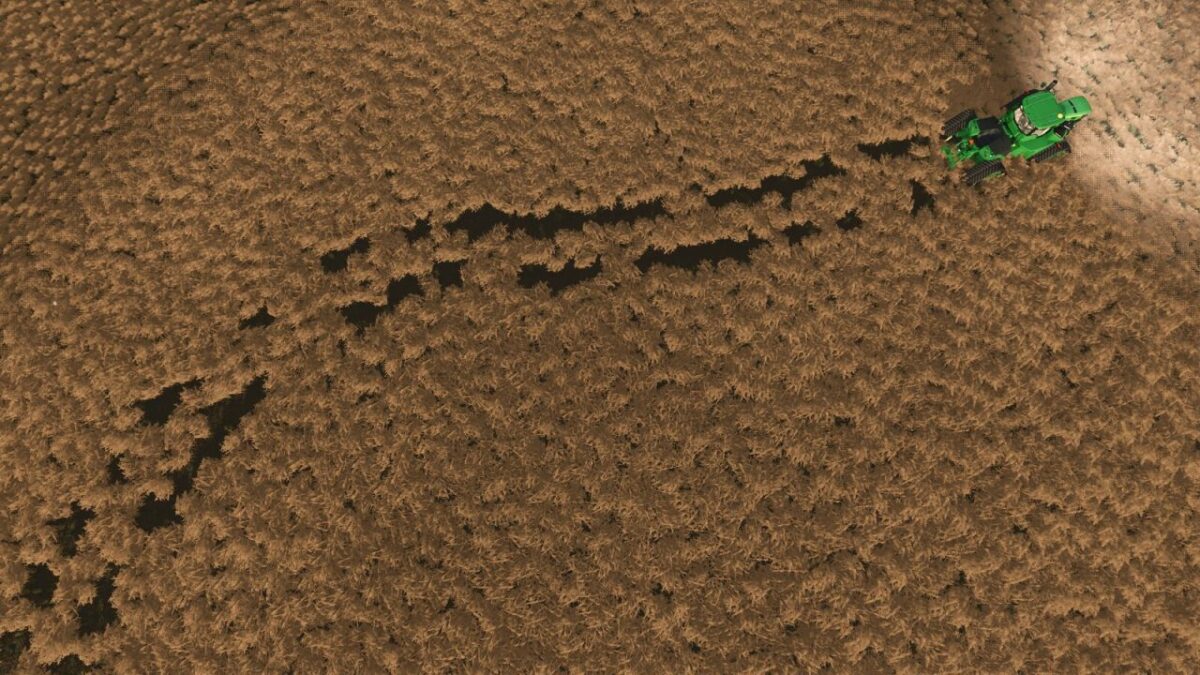
Take control of your impact on the field with a completely redesigned crop destruction system. This mod replaces the binary “On/Off” setting with a dynamic, physics-based approach that rewards precision and careful operation.
Key Features:
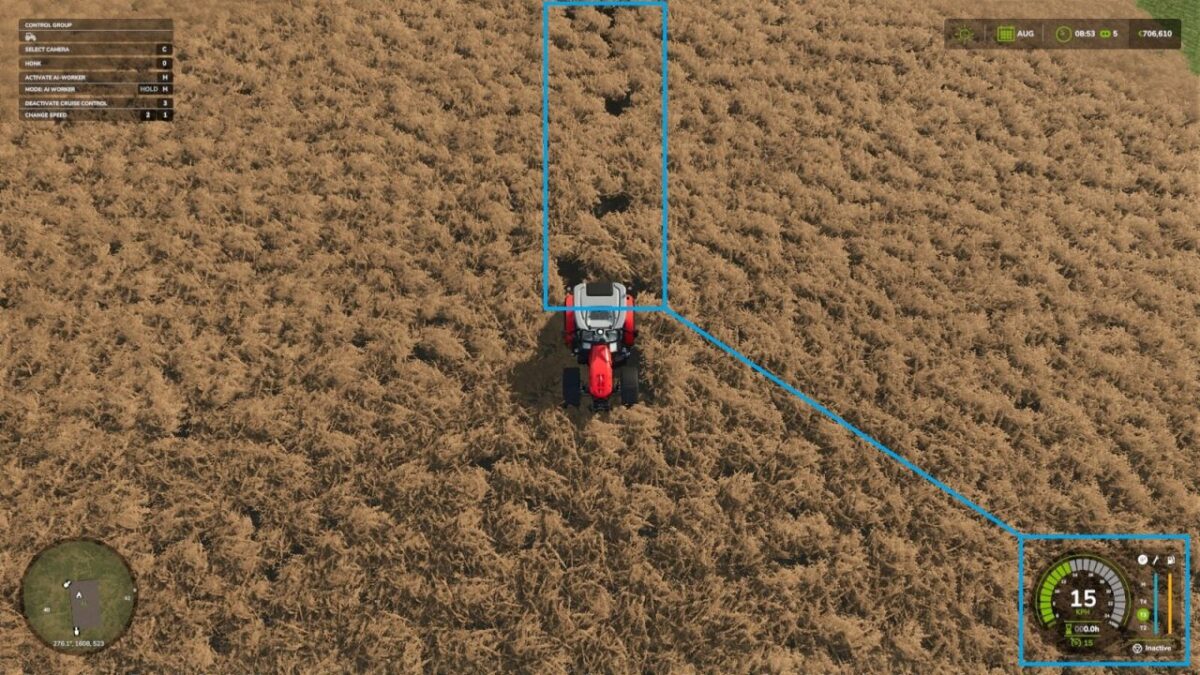
Speed-Based Destruction: Crop damage is no longer guaranteed. At “creeping” speeds (under 5 km/h), crops are preserved. As your speed increases, so does the probability of destruction, making high-speed turns or transit through fields a calculated risk.
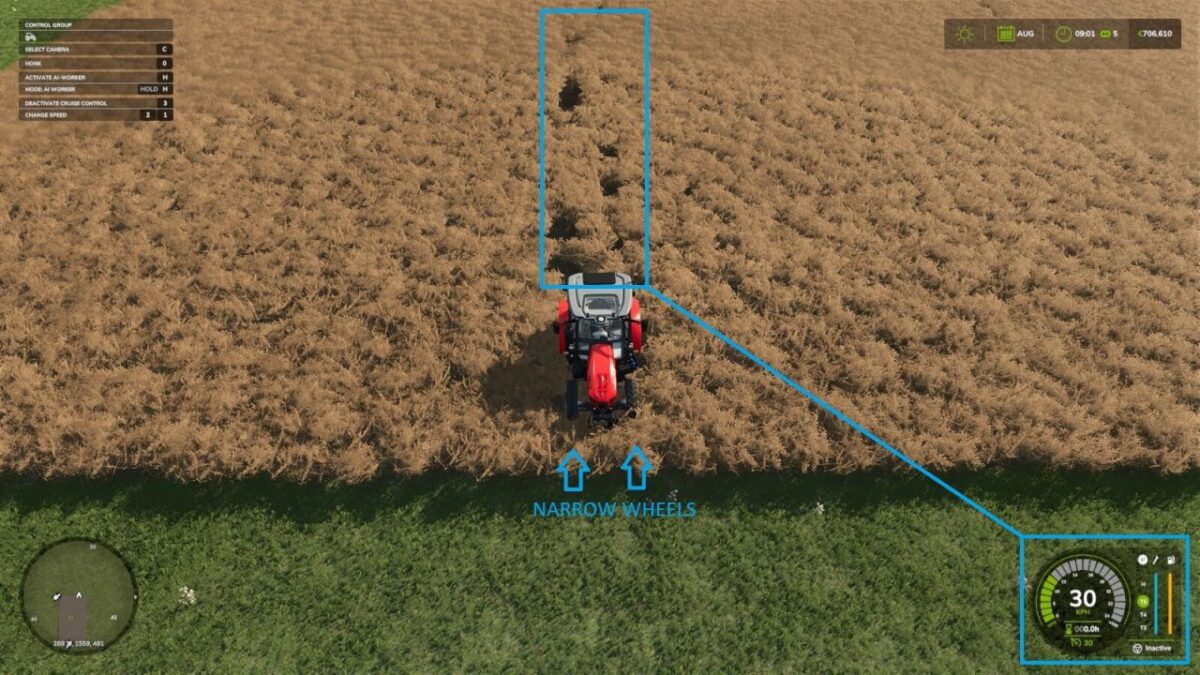
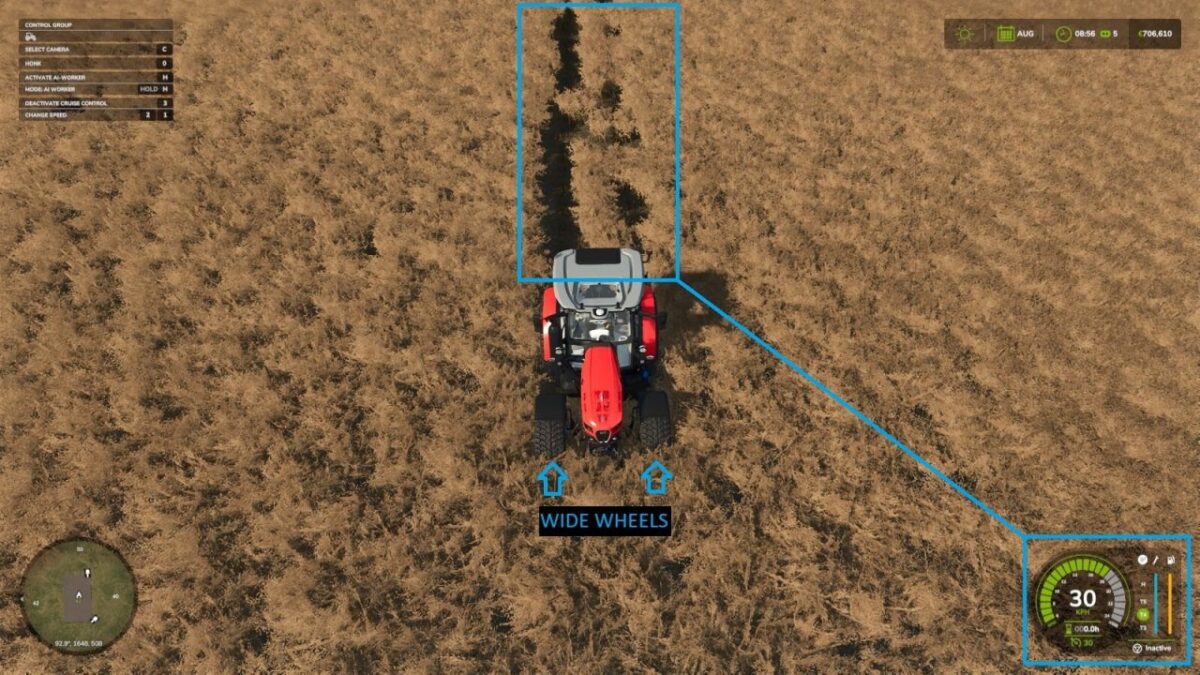
Footprint Matters: Destruction is calculated based on the actual physical contact area of your tires. Standard tires have a larger footprint and cause more damage, while narrower tires naturally minimize your impact.
Care Wheel Integration: Vehicles fitted with specialized Narrow/Care Wheels receive a further 50% reduction in destruction probability. They are no longer “magic” invincibility shields; you must still watch your speed, but they offer the best protection for your yield.
Persistent Realism: Once enabled, this mod takes full control of the crop destruction logic, overriding the standard game settings to ensure a consistent, realistic experience.
TommyNookah
How do I install Farming Simulator mods?
Find a mod that you like and want to download first. Then, on your PC, download a mod. Mods are typically in.zip format. However, it is sometimes in.rar format. If the mod file is in.zip format, no additional actions are required. If a file is in.rar format, you must unarchive it using software such as WinRar or Zip7. Windows 10 users do not need to use archive software; Win10 includes an unarchive feature.
The next step is to locate the mods folder on your computer. It is typically found in Documents/My Games/Farming Simulator [Your FS game version, e.g. 2022]. Open the "mods" folder and place the downloaded.zip archive or unarchived.rar file there.
The final step. Have fun with Farming Simulator mods!