

Drakurza Map v 2.2.2.3

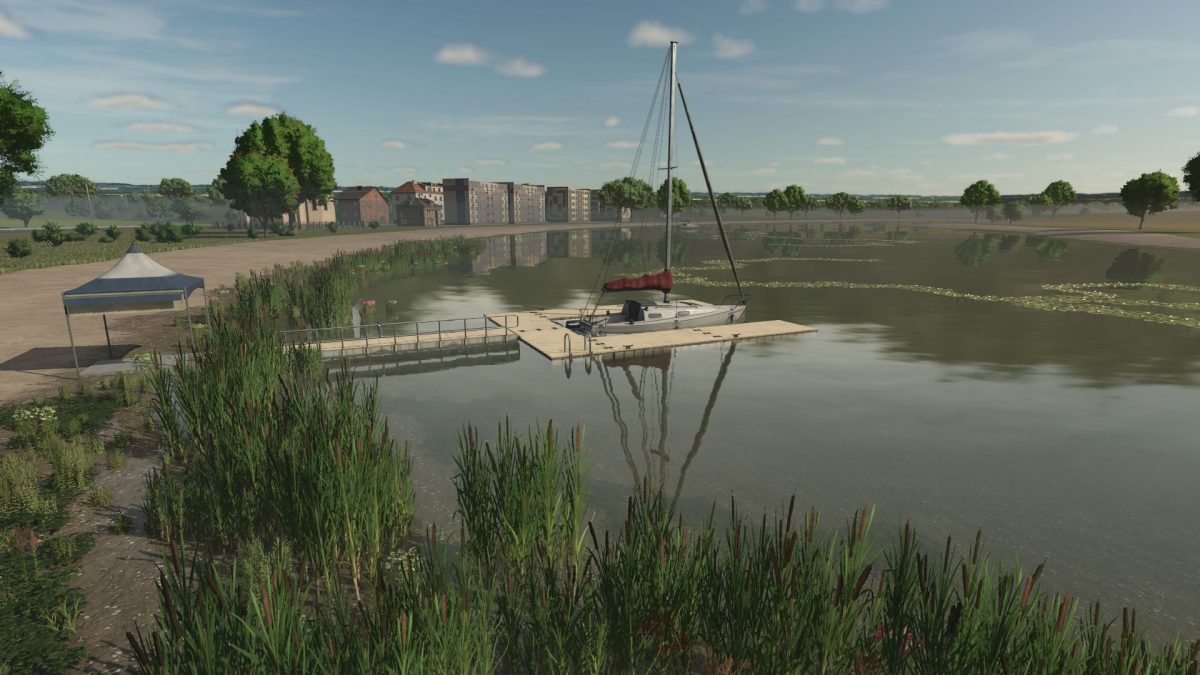
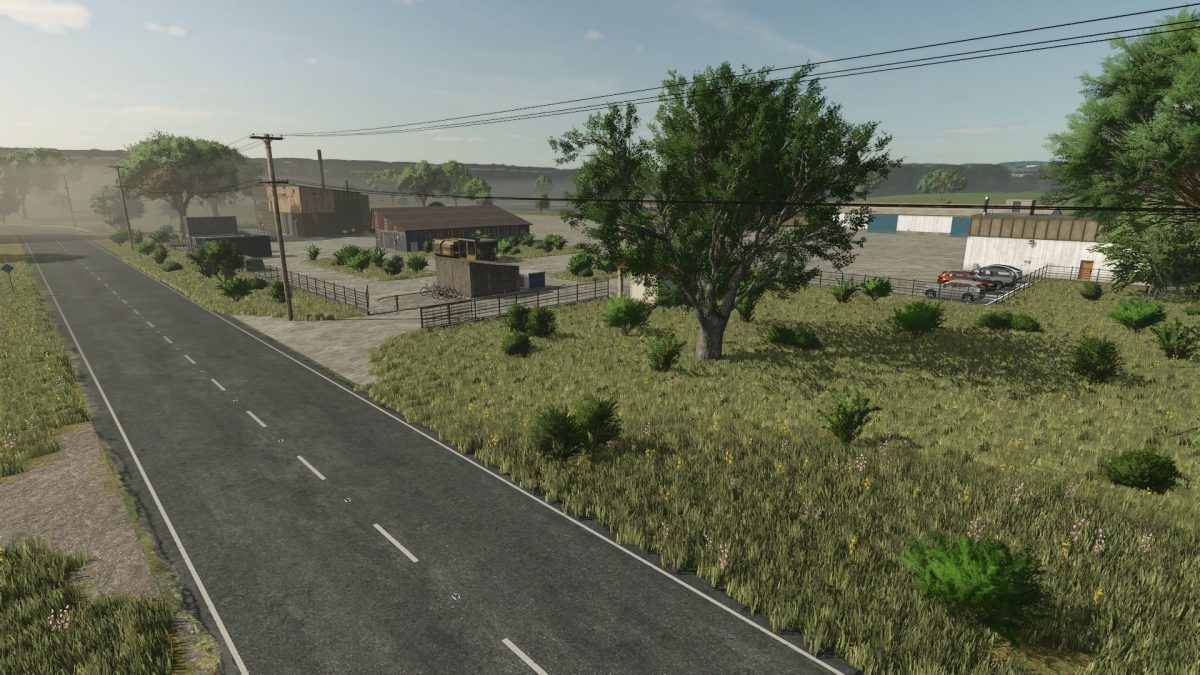
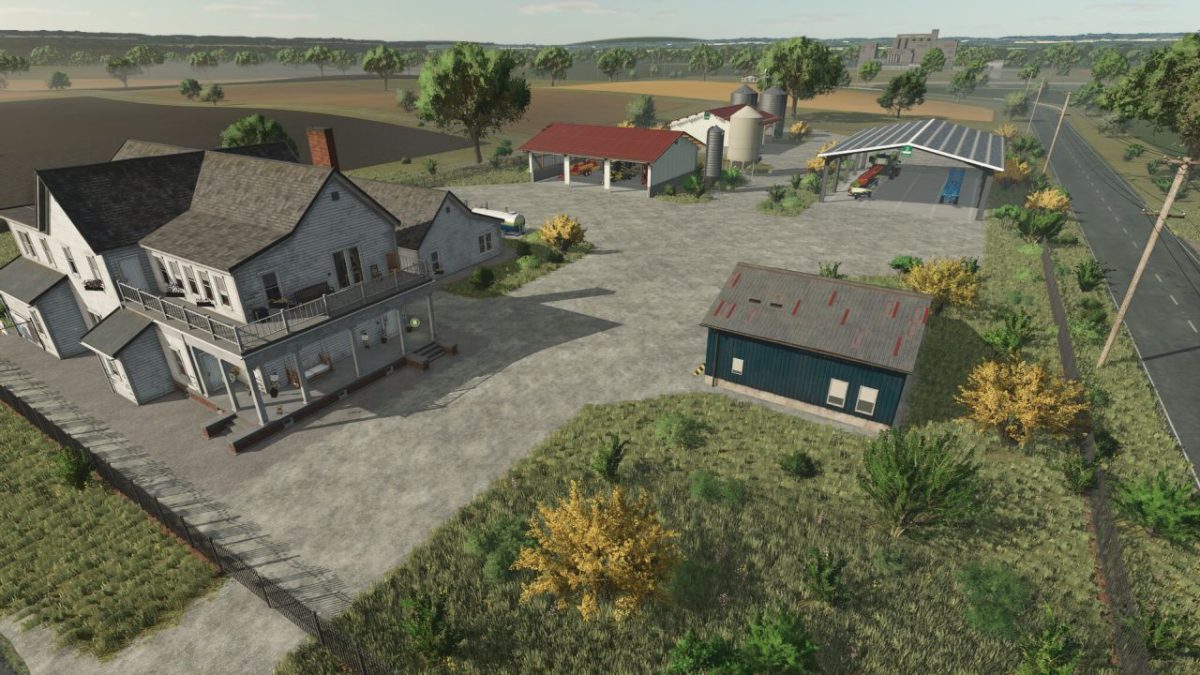
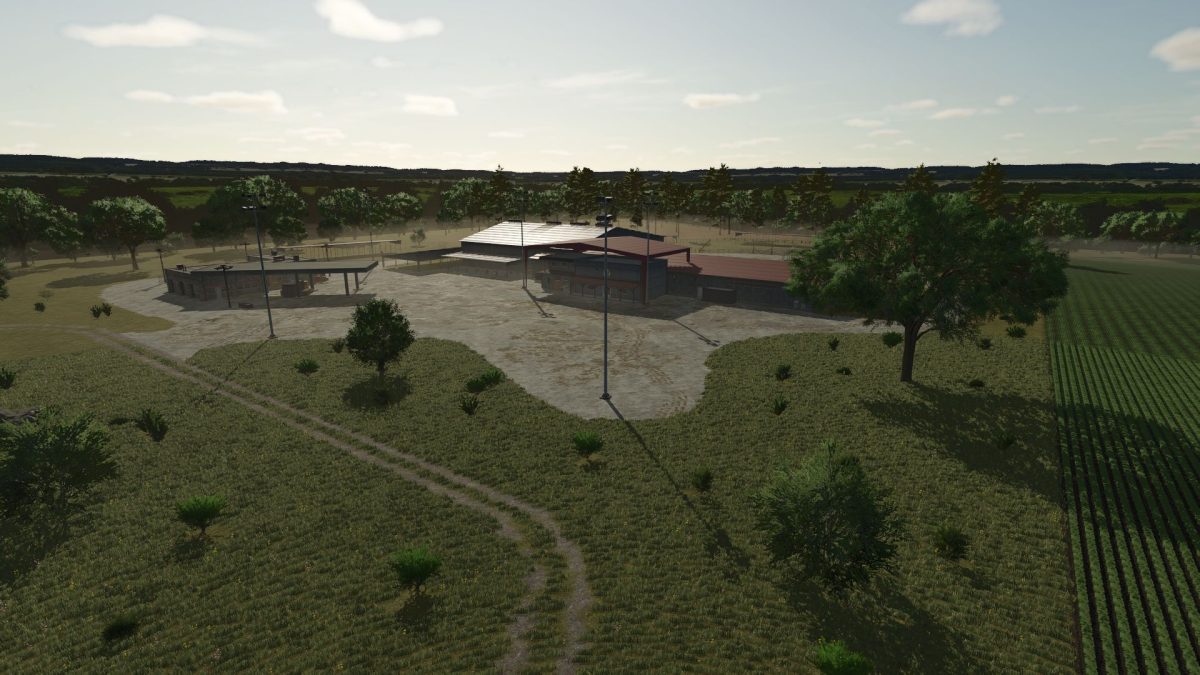
Drakurza Map v 2.2.2.3

– 67 fields
– 1 MW BGA
– Enough empty space to build our ideas
– Animal dealer
– Transport, dead wood and destructable rock missions
– A starter industrial park that can be expanded
Version 2.2.2.3:
* Buyable factories
* More selling points (grain and products)
* Added to the grain mill selling point more grains
* Upgrade PDA: more detailed resolution
* Collectibles from the info menu deleted, because there aren’t collectibles
* The previous factories couldn’t be sold after purchase, it fixed
* Grain mill and dairy info trigger corrected
* Reduced the price of BGA
* When you teleport to Noah, you get stuck in the container
Drakurza
How do I install Farming Simulator mods?
Find a mod that you like and want to download first. Then, on your PC, download a mod. Mods are typically in.zip format. However, it is sometimes in.rar format. If the mod file is in.zip format, no additional actions are required. If a file is in.rar format, you must unarchive it using software such as WinRar or Zip7. Windows 10 users do not need to use archive software; Win10 includes an unarchive feature.
The next step is to locate the mods folder on your computer. It is typically found in Documents/My Games/Farming Simulator [Your FS game version, e.g. 2022]. Open the "mods" folder and place the downloaded.zip archive or unarchived.rar file there.
The final step. Have fun with Farming Simulator mods!