

Dynamic Bale Capacity v 1.0

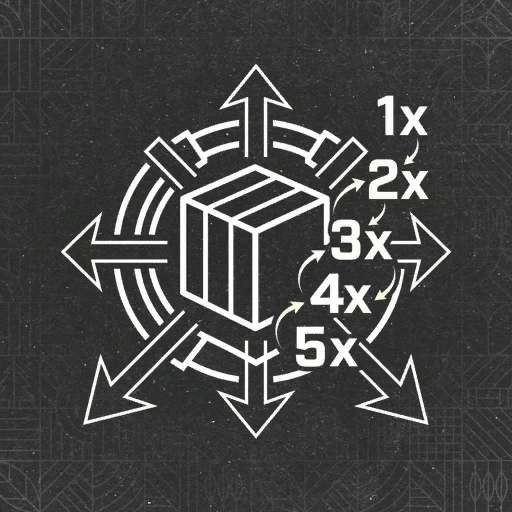
Dynamic Bale Capacity v 1.0

Stop hauling thousands of small bales. If you’re tired of the standard, low-capacity bales in FS25, this mod gives you the industrial-scale power you need to run a massive farming operation.
The Power of Efficiency
This script dynamically modifies the capacity of bales as they are created, allowing you to handle much more product with fewer trips.
Custom Scaling: Increases bale capacity far beyond the base game limits.
Total Compatibility: Works seamlessly with all standard and modded balers and bale types.
Smart Integration: Automatically adjusts capacity values without breaking game physics or animations.
Multiplayer Supported: Perfectly stable for use on dedicated servers and co-op farms.
Scale your farm. Reduce your workload. Farm like a pro.
83Bit
How do I install Farming Simulator mods?
Find a mod that you like and want to download first. Then, on your PC, download a mod. Mods are typically in.zip format. However, it is sometimes in.rar format. If the mod file is in.zip format, no additional actions are required. If a file is in.rar format, you must unarchive it using software such as WinRar or Zip7. Windows 10 users do not need to use archive software; Win10 includes an unarchive feature.
The next step is to locate the mods folder on your computer. It is typically found in Documents/My Games/Farming Simulator [Your FS game version, e.g. 2022]. Open the "mods" folder and place the downloaded.zip archive or unarchived.rar file there.
The final step. Have fun with Farming Simulator mods!