

Fazenda Madureira Map v 1.0


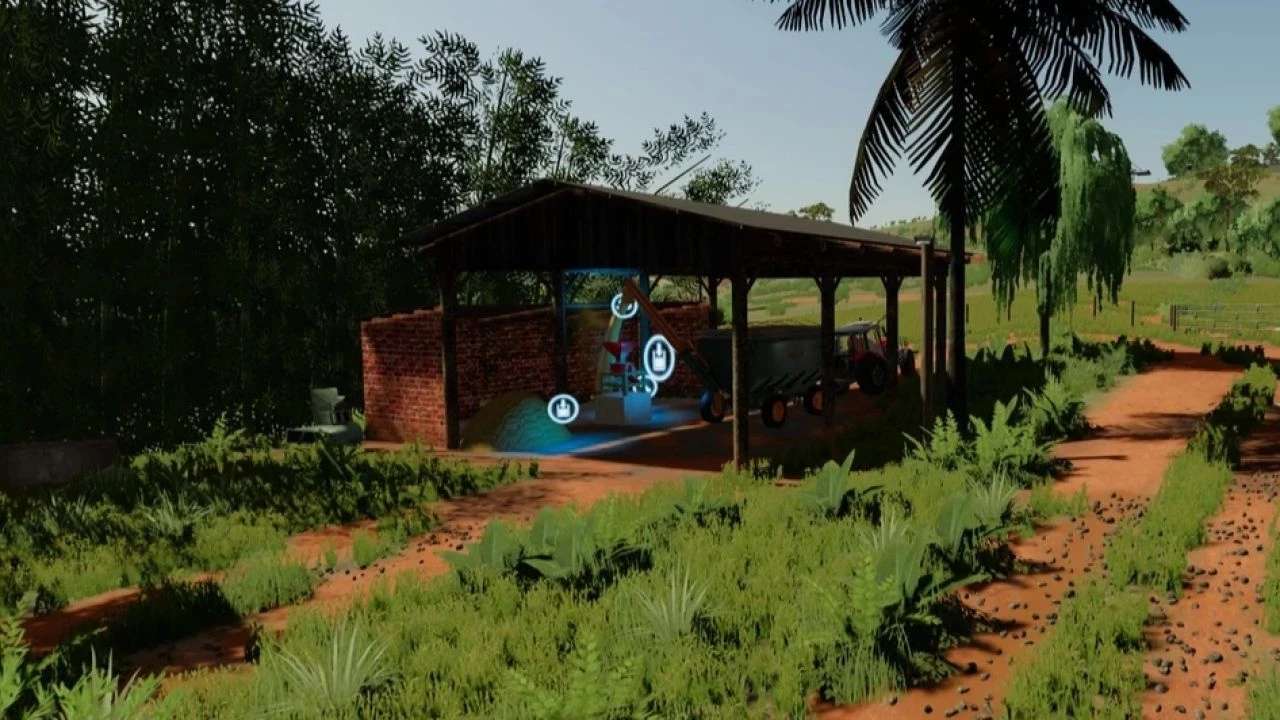
Fazenda Madureira Map v 1.0

– Bambu grove, Pote Velha Gas Station, Coffee Dryer, Cafezal, Fish Splines
– Turbid water
– Animal Trader, Couchete, Queijeira
– Houses
– Corral
– Map base, Vehicle Store, Tank Houses and Mods (Diesel Tank, Sheep Pasture, Cows and Optional Sheds for Headquarters), Market, Textile Sales and Bakery
– Part of the Workshop, Dairy, Gates and Walls
– Part of the Workshop and Trucks are some vehicles
– Block wall
– Mata Burro
– Milk tank and sofas
– Corrego
– Water from the rice paddy
Estevão
Farming Simulator 22
How do I install Farming Simulator mods?
Find a mod that you like and want to download first. Then, on your PC, download a mod. Mods are typically in.zip format. However, it is sometimes in.rar format. If the mod file is in.zip format, no additional actions are required. If a file is in.rar format, you must unarchive it using software such as WinRar or Zip7. Windows 10 users do not need to use archive software; Win10 includes an unarchive feature.
The next step is to locate the mods folder on your computer. It is typically found in Documents/My Games/Farming Simulator [Your FS game version, e.g. 2022]. Open the "mods" folder and place the downloaded.zip archive or unarchived.rar file there.
The final step. Have fun with Farming Simulator mods!