

Gaucho Fields Map v 1.0

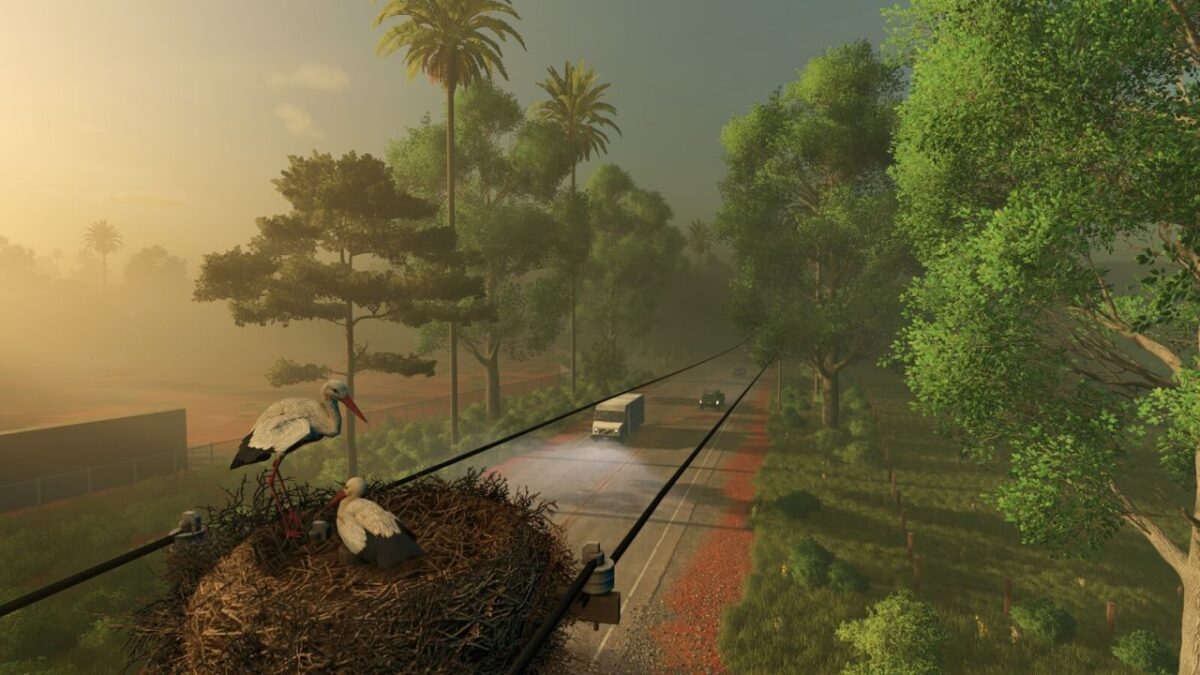
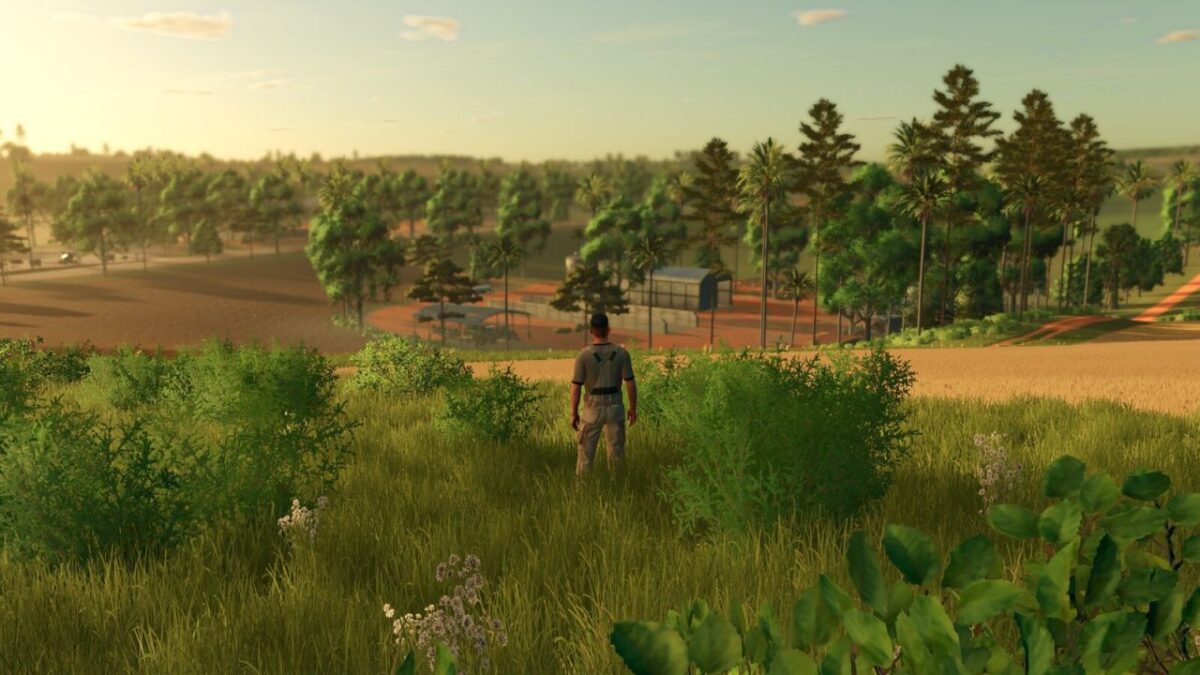
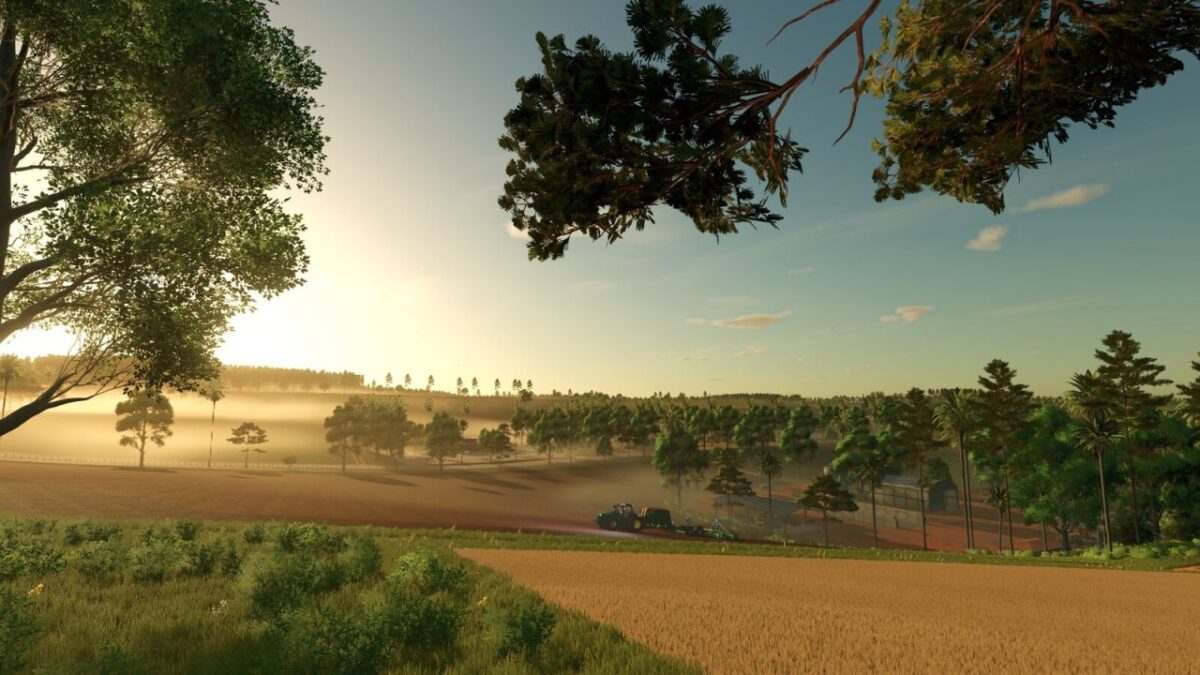
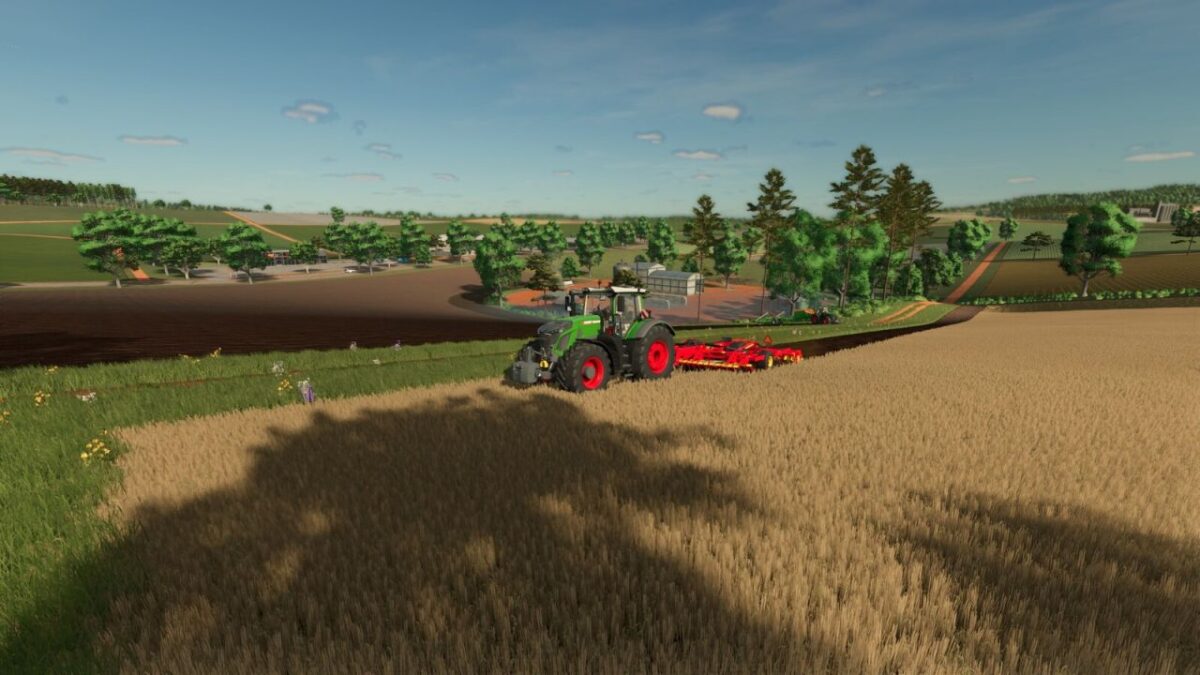
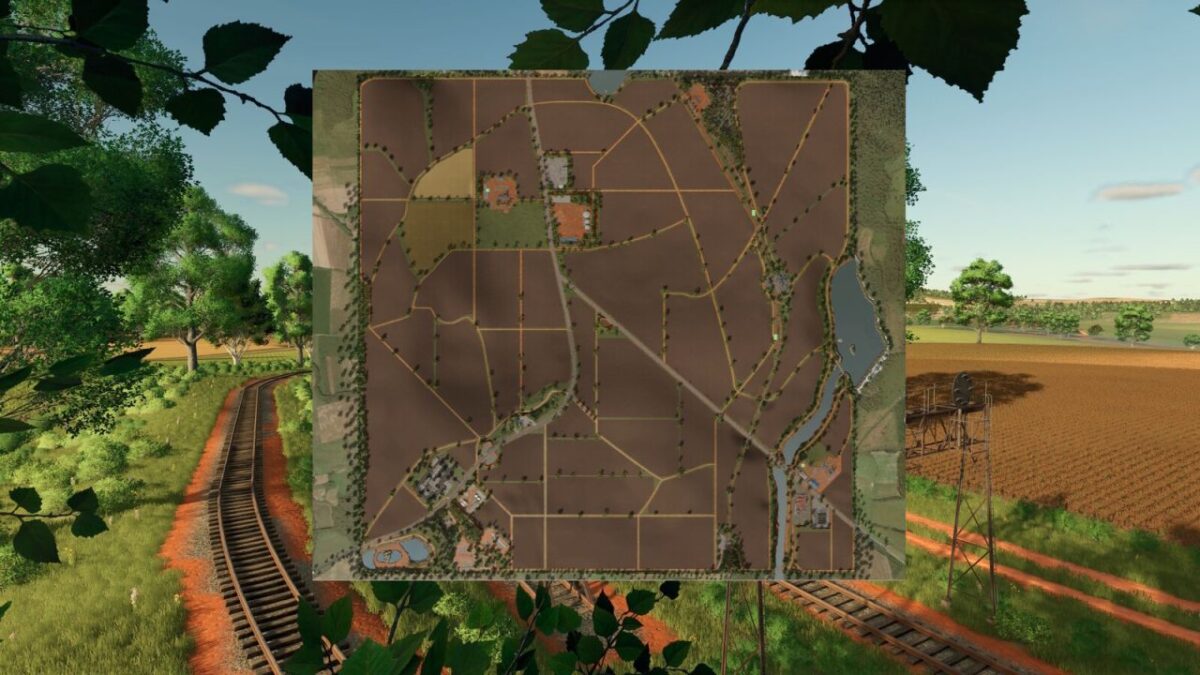
Gaucho Fields Map v 1.0

– 69 farmlands (purchasable properties), divided into 58 agricultural fields, as well as 4 forest areas ideal for forestry and wood production
– 2 farmyards
– Quarry (requires ownership of Field 66)
– Sawmill (requires ownership of Field 69)
– BGA – Biogas Plant (requires ownership of Field 63)
– Field 68 required for strategic expansion
– 4 lime stations
– Lime can be sold at selling points
– Collectibles spread across the entire map
– There are selling points where you can sell lime
– Production & Economy
– 5 production facilities
– 5 selling points
– A fully functional railway selling station, allowing goods to be transported to the city of Santa Maria – RS
– A dedicated bale selling point
– There are some rocks scattered around the map that can be broken with the help of a machine, allowing the area to be cleared and the land to be used more efficiently
– New Crops
– The map introduces 3 new crops: Black beans, Alfalfa, Triticale
– In addition, the map includes a customized crop calendar, with special focus on the Brazilian second corn season (“Safrinha”), further enhancing the realism of regional agriculture
– Imak Shop
– Pilzer Shop
– There are three forklifts on the map, one of them is at the shop, and a wheel loader at the quarry — all to assist with loading your products
– Campos Gaúchos offers a complete farming experience, including crop farming, animal husbandry, production chains, forestry, and railway logistics — all set in an authentic southern Brazilian environment
SamuelBatistaModding
How do I install Farming Simulator mods?
Find a mod that you like and want to download first. Then, on your PC, download a mod. Mods are typically in.zip format. However, it is sometimes in.rar format. If the mod file is in.zip format, no additional actions are required. If a file is in.rar format, you must unarchive it using software such as WinRar or Zip7. Windows 10 users do not need to use archive software; Win10 includes an unarchive feature.
The next step is to locate the mods folder on your computer. It is typically found in Documents/My Games/Farming Simulator [Your FS game version, e.g. 2022]. Open the "mods" folder and place the downloaded.zip archive or unarchived.rar file there.
The final step. Have fun with Farming Simulator mods!