

Greenhills Estate Map v 1.1

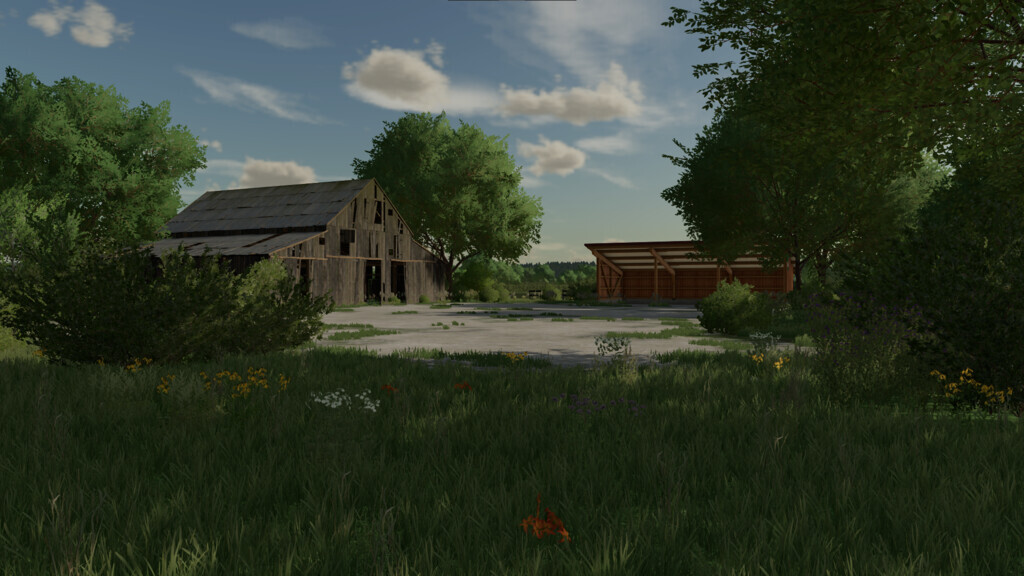
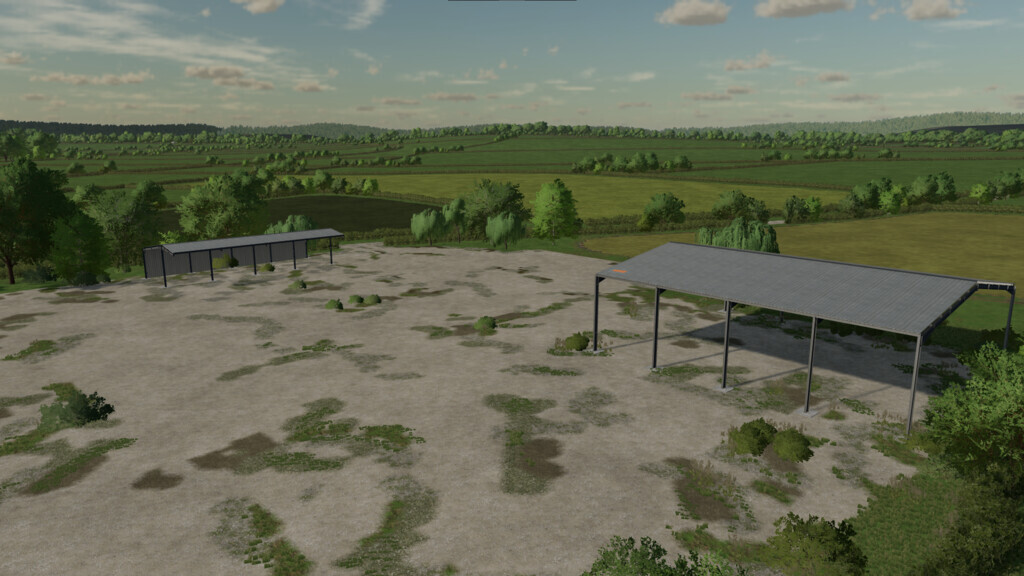
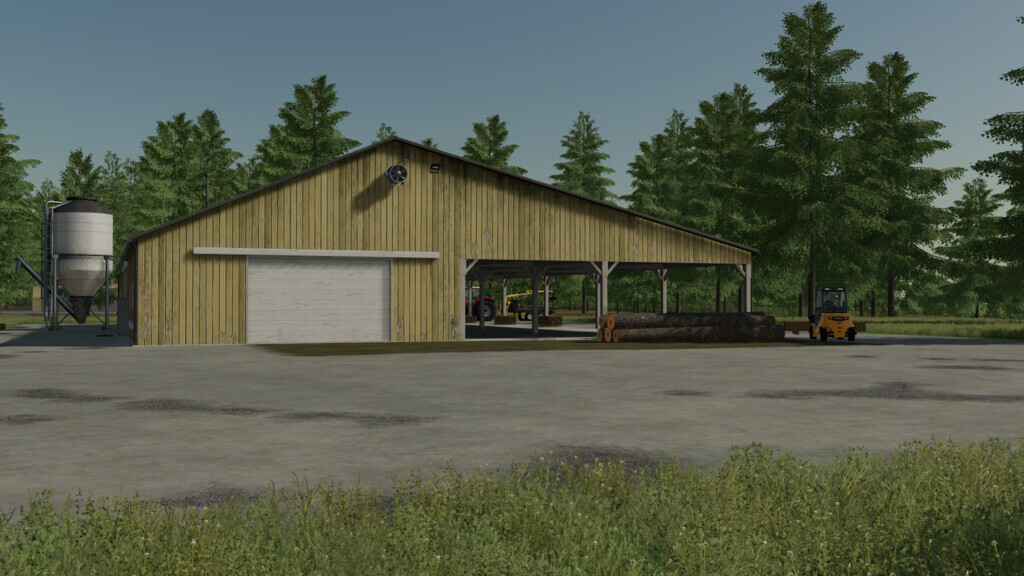
Greenhills Estate Map v 1.1

– 7 fields
– 76 buyable farmlands
– 2 Forestry areas
– Sale points for grains, bales, and production items
– Sawmill
– Extra ground angles
– Extra paintable terrain textures
– Extra decroative plants and bushes
– UK License Plates
– Custom soil map for precision farming
– No traffic
– No Pedesrians
– No collectables
– The map has the standard seasonal growth plan
Version 1.1:
* Removed Multi Terrain Angle
* Custom lighting and color grading
* Added more fields. Now 7 fields
* Updated farmlands. Now 76 buyable farmlands
* Lowered the cost of farmlands
* Redesign of PDA
* Redesign of map borders
* Updated starting vehicles in New Farmer mode
* Created seperate selling station at the farmers market for bales
* New flood lights added to Vehicle Shop, Selling and Buying locations
* Added a few more decorative plants
* Updated AI splines for gravel road and selling/buying locations
* Updated snow mask
* Added sleep trigger at vehicle shop
* Added wardrobe trigger at vehicle shop
* Added Manure buy and sell points
* Added Slurry buy and sell points
* Lowered the amount of cut grass on Grass fields and Meadows
* Lowered the sell prices for Grass, Hay, Straw, and Silage
* New sawmill with new products: Fence Rails, Fence Posts Square, Fence Posts Round, Gate Posts
* New fence and gates added to the build mode
* New hedgerows added to the build mode
* Custom US meadow grass (removes warning from log)
* All the fences, gates, and hedgerows within the map can be removed from the build mode
jampot72
Farming Simulator 22
How do I install Farming Simulator mods?
Find a mod that you like and want to download first. Then, on your PC, download a mod. Mods are typically in.zip format. However, it is sometimes in.rar format. If the mod file is in.zip format, no additional actions are required. If a file is in.rar format, you must unarchive it using software such as WinRar or Zip7. Windows 10 users do not need to use archive software; Win10 includes an unarchive feature.
The next step is to locate the mods folder on your computer. It is typically found in Documents/My Games/Farming Simulator [Your FS game version, e.g. 2022]. Open the "mods" folder and place the downloaded.zip archive or unarchived.rar file there.
The final step. Have fun with Farming Simulator mods!