

Holder ED II v 1.0

Holder ED II v 1.0

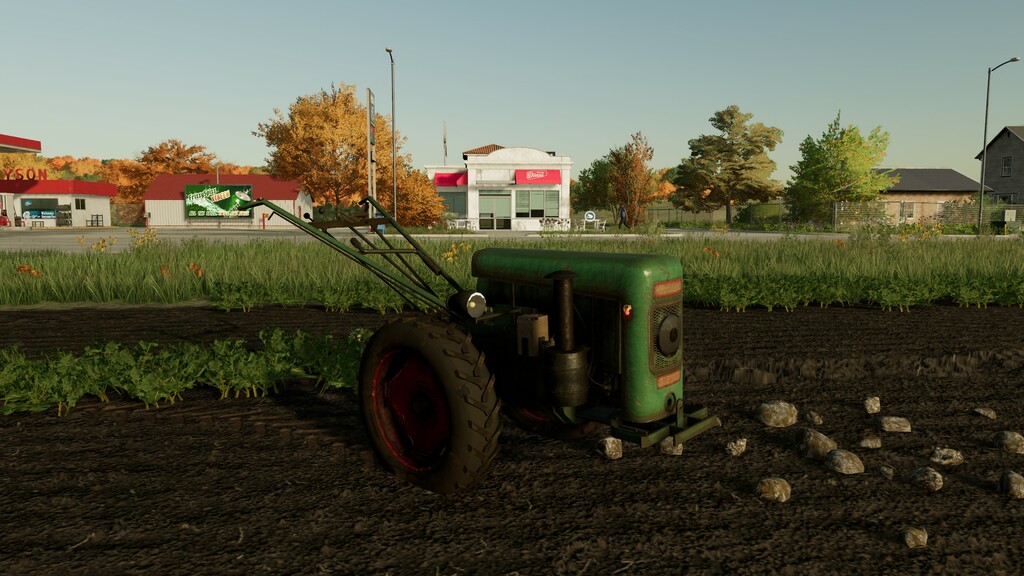
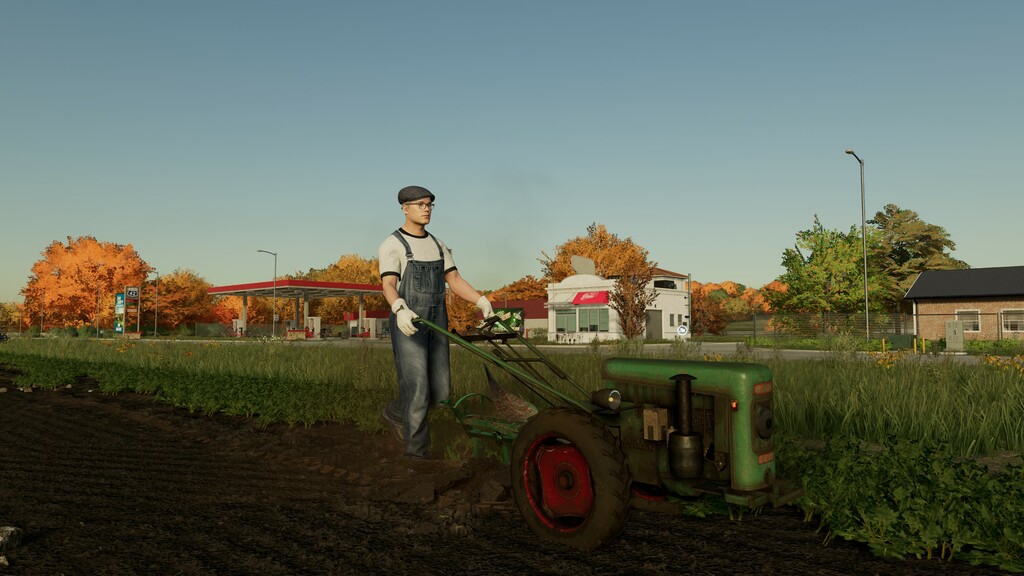
The dream of all small-scale farmers is finally coming true! The Holder ED II single-axle tractor has finally made its way onto your map. After years of development and numerous setbacks, it is finally ready for the market.
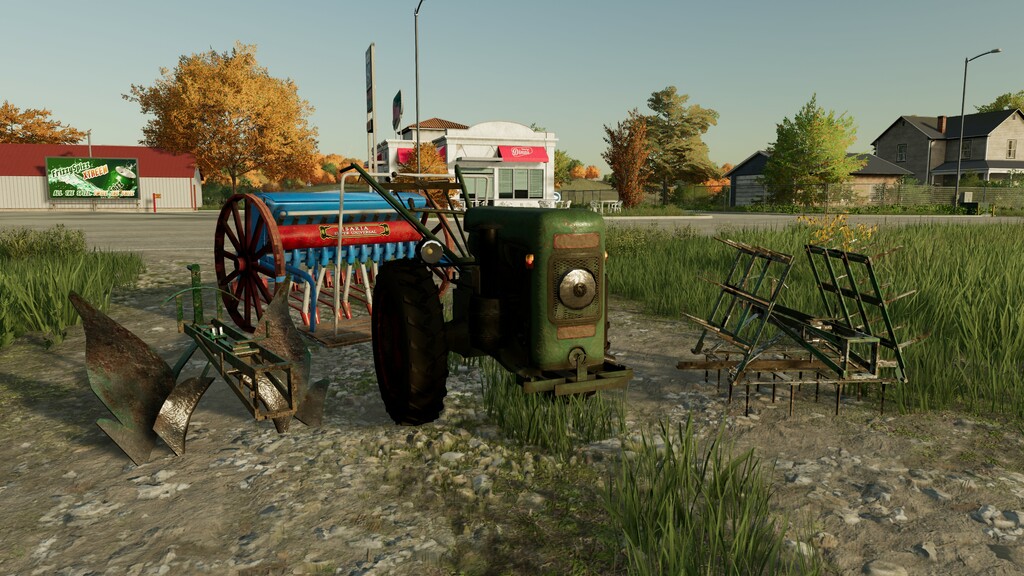
For only Your new best friend on your farm boasts an impressive 10 horsepower under the hood and travels slightly faster than walking speed. It also comes with appropriate tires for various terrains. Its simple coupling system is exclusively designed for attachments intended for the Holder ED II:
The plow: The foundation of any soil cultivation is the plow. An exclusively designed 1-share plow for the Holder is included in this package. It can also be reversed, ensuring that nothing stands in the way of your dream furrows on your small farm.
The cultivator: But that’s not all. With the cultivator, you prepare your soil for the upcoming sowing. With an impressive working width of 1.6 meters, your field will be prepared in no time.
The seeder: The high-tech device in the Holder universe is undoubtedly the seeder from Isaria. It can be used to sow all common types of crops. Its large wheels easily maneuver across any field, and the seeds are sown in no time.
This pack provides the basic equipment for small-scale farmers, but rest assured that more machines can be added in the future.”
Shop Category: compact tractors
Price: 14.000 $
Plow: 990 $
Cultivator: 990 $
Seeder: 3.600 $
Power: 10 PS
Max Speed 10 km/h
Kevin_J_Barton
Farming Simulator 22
How do I install Farming Simulator mods?
Find a mod that you like and want to download first. Then, on your PC, download a mod. Mods are typically in.zip format. However, it is sometimes in.rar format. If the mod file is in.zip format, no additional actions are required. If a file is in.rar format, you must unarchive it using software such as WinRar or Zip7. Windows 10 users do not need to use archive software; Win10 includes an unarchive feature.
The next step is to locate the mods folder on your computer. It is typically found in Documents/My Games/Farming Simulator [Your FS game version, e.g. 2022]. Open the "mods" folder and place the downloaded.zip archive or unarchived.rar file there.
The final step. Have fun with Farming Simulator mods!