

Horse Care Manager v 1.1

Horse Care Manager v 1.1

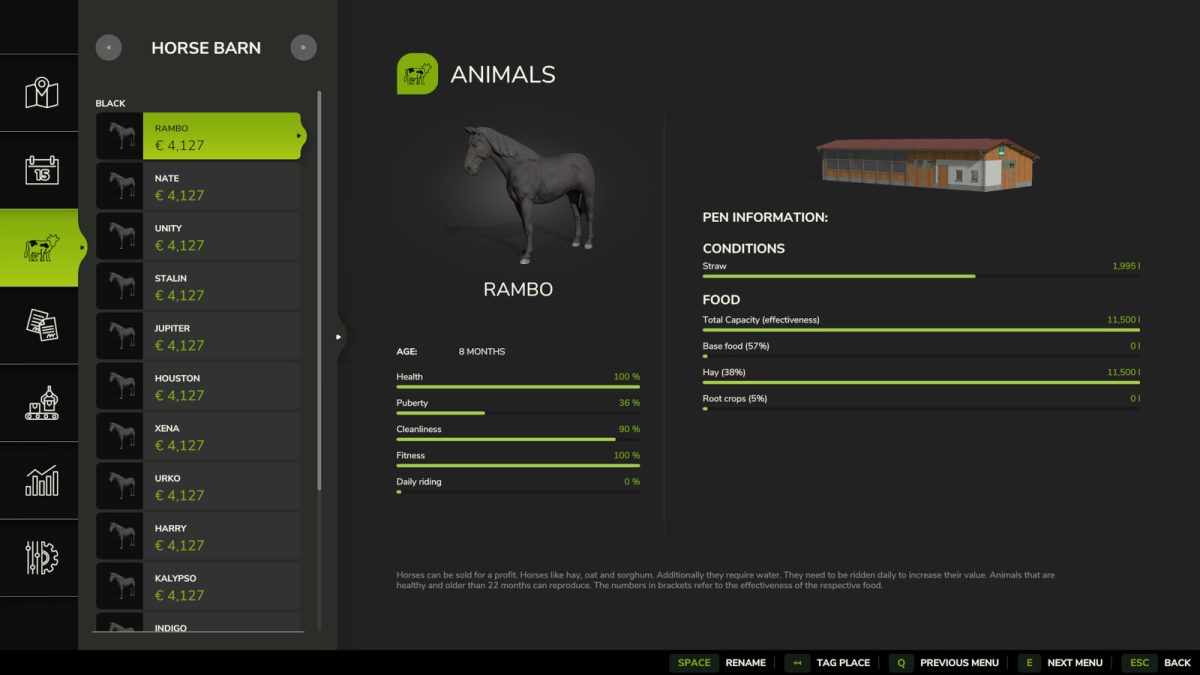
The Horse Care Manager v 1.1 mod for Farming Simulator 25 introduces an efficient tool for players who wish to streamline their horse management experience. If you find yourself short on time or simply prefer not to engage in riding activities, this mod can assist in taking care of horses on your farm. It enables you to delegate training and upkeep tasks to an in-game helper, allowing you to focus on other aspects of your farming operations while ensuring that your horses receive the necessary attention and training.
This mod is designed to enhance gameplay by removing the tediousness of horse care, ensuring that your animals remain productive without requiring constant player intervention. The helper can handle a range of activities, making it a valuable asset for anyone looking to optimize their farm’s efficiency.
– Delegates horse training and care tasks
– Time-saving for busy players
– Enhances overall gameplay experience
– Allows focus on other farming activities
– Suitable for players who prefer not to ride horses
Version 1.1:
* The script’s working hours were changed to 9:00 instead of the previous one, which started around 11:00 p.m., which made it look as if the mod was not working
Miodowy
How do I install Farming Simulator mods?
Find a mod that you like and want to download first. Then, on your PC, download a mod. Mods are typically in.zip format. However, it is sometimes in.rar format. If the mod file is in.zip format, no additional actions are required. If a file is in.rar format, you must unarchive it using software such as WinRar or Zip7. Windows 10 users do not need to use archive software; Win10 includes an unarchive feature.
The next step is to locate the mods folder on your computer. It is typically found in Documents/My Games/Farming Simulator [Your FS game version, e.g. 2022]. Open the "mods" folder and place the downloaded.zip archive or unarchived.rar file there.
The final step. Have fun with Farming Simulator mods!