

John Deere 6R Medium+ v 1.0

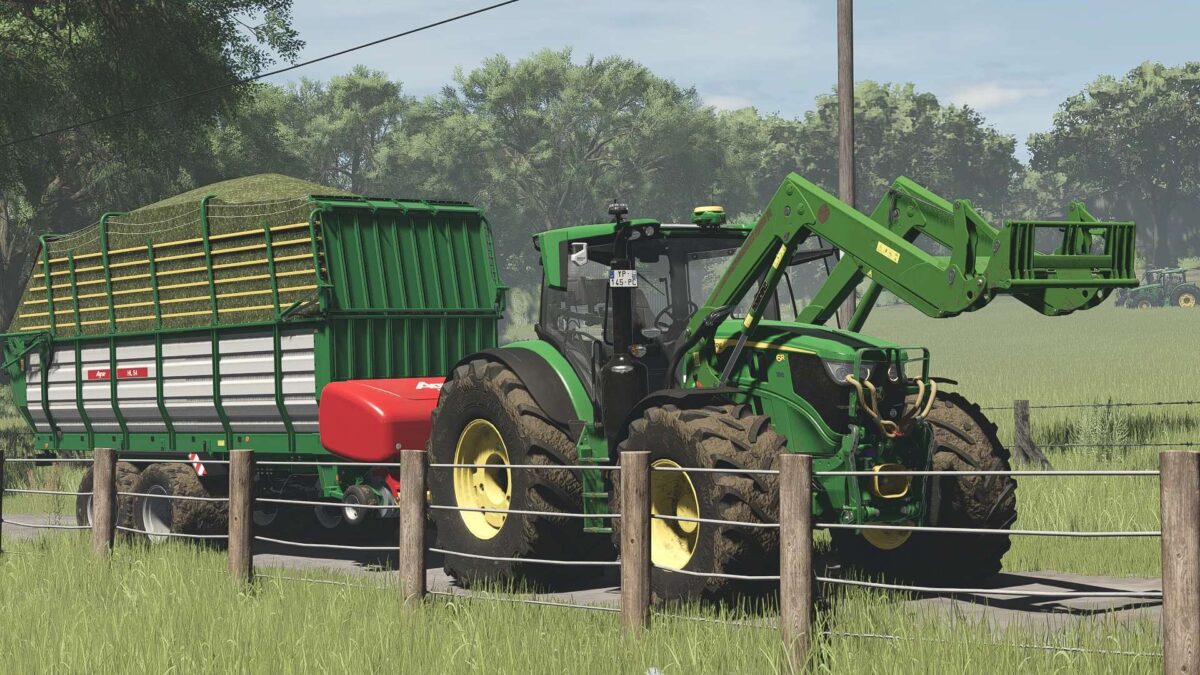
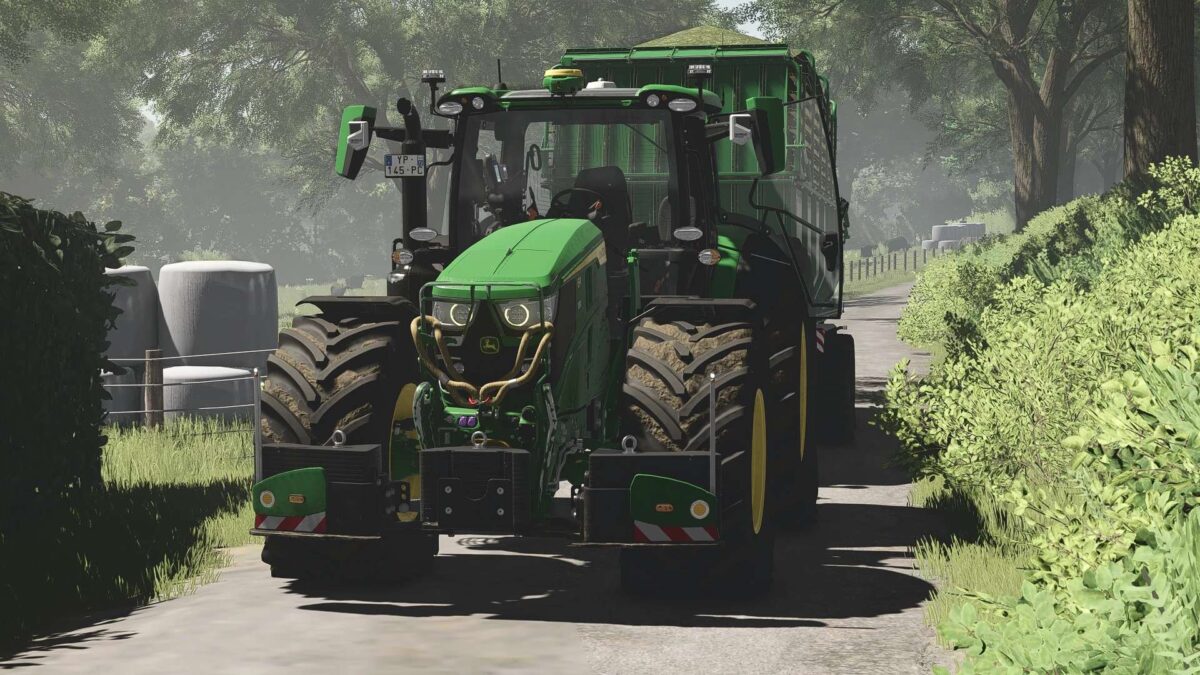
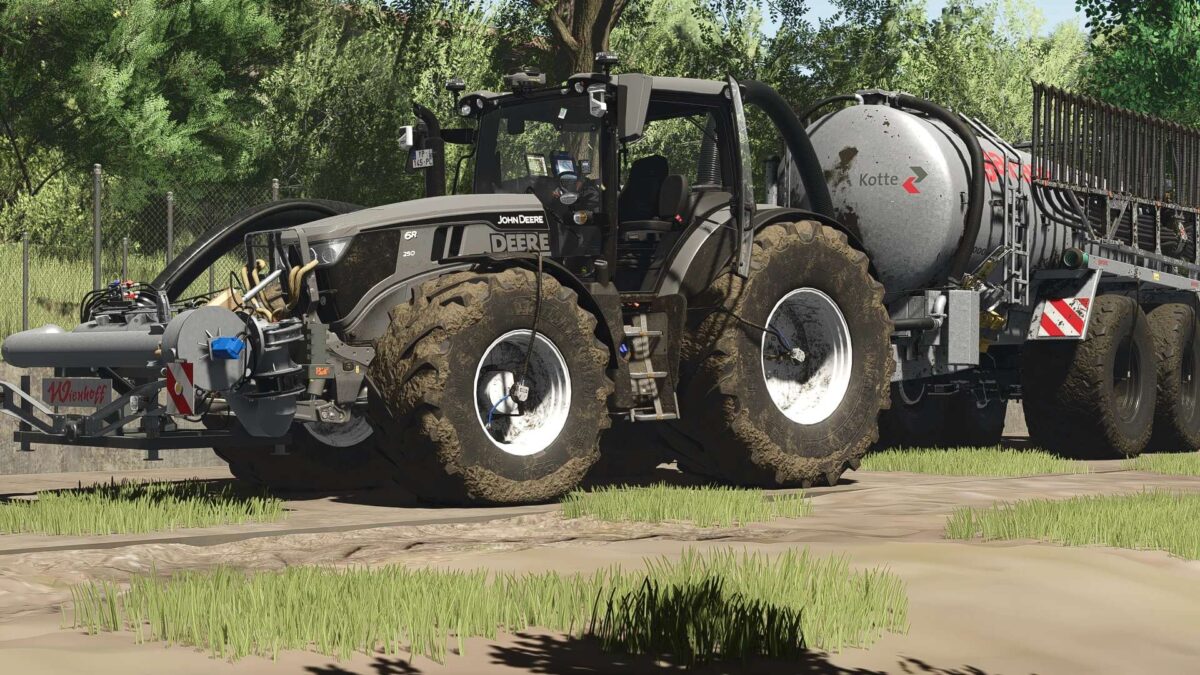
John Deere 6R Medium+ v 1.0

General Data
Price: from €182,000
Transmission: Continuously Variable (CVT)
Top Speed: 50 km/h
Engine & Performance
6R 145 – up to 192 hp
6R 155 – up to 203 hp
6R 165 – up to 213 hp
6R 185 – up to 234 hp
6R 230 – up to 255 hp
6R 250 – up to 300 hp
Technology & Realism
PTG Tire Pressure Monitoring System
Interior Display
Integrated RDA Script
Animated PTG Terminal
Turbo Sound
Passenger Script
Lowerable Front Axle
Mouse Control & IC (Inside & Outside)
With Sound
Slurry & Application
Adapted Tubing – Slurry Hoses
Compatible with Wienhoff FreeSight Front Suction Arm
IC System (Inside & Outside)
IC in the Interior & Exterior
Cameras – Controllable via IC
All Displays Can Be Toggled on/off via IC
CCI Terminal with IC Functions
Controls via IC:
Engine On/Off
Lights & Hazard Warning Lights
Cruise Control
Door Opening
Rear Window Opening
Sunroof Opening
90% Own IC Icons created – unique user experience
Lights & Electrics
Configurable rotating beacons (rotating lights / flashing lights)
Configurable daytime running light color
Configurable decorative lights
Orange LED parking lights on the roof
Marker lights in warning panels
Technology & Interior
CCI200 terminal
Lemken / Zunhammer / Kuhn / Krone / Amazone
Switchable via DBL
Configurable mobile phone
Home screen
Dark mode with lights on
CB radio
Lighting
Animated antenna
Design & Customization
Main color (6R + Agribumper)
Rim color
Interior color
Seat color & Decorative Stitching
Hood Stickers:
Deer
Deere Logo
3 Steps to Heaven
Illuminated Logos
Configurable Warning Panels
Rear Fenders
Narrow / Medium / Wide
Agribumper System
Weight: 400 – 1800 kg
Flashing Lights
Headlights & Marker Lights
Original Prices
Front Loader & Attachments
Front Loader Console for 683R (Hydraulic Quick Coupler)
John Deere 683R Front Loader
Color Configurable
Options:
663R (Standard)
683R
663R without hood guard
Additional Features
New tires, rims, hubs & wheel weights
Front PTO color configurable
Blue K80 cover caps
Decorative rope on the hood guard
Note
Hood decals color freely selectable
Only works when selecting black/white
Note from the modder:
This is my first tractor.
I’m learning every day and doing my best to improve the mod.
Updates coming soon!
If you notice any bugs, errors, or problems,
feel free to message me privately – I’ll take care of it.
Conclusion
This 6R isn’t your average tractor
it’s a high-end tech package.
More control.
More detail.
More realism.
Hop in, adjust the settings, and take your farm to the next level.
Recommended Mods & Requirements
Here you’ll find the mods you can use for full functionality or that are recommended:
Dashboard Live
For enhanced displays and more realism in the interior:
Dashboard Live Vanilla Vehicles
Dashboard Live
RDA Script
For additional functions and enhanced realism with various systems:
Tire Pressure Control System
Slurry Setup (Recommended)
For the full slurry experience, we recommend the following setup:
Slurry Pack by Finanzamt31er
My Slurry Tanks (compatible with the suction arm)
Important:
My tanks are fully compatible with the front suction arm from Finanzamt31er and can be easily connected.
Wienhoff FreeSight
Joskin Modulo2 – Slurry with Style & Power
Zunhammer Pack
Interactive Control
For all IC functions in the vehicle:
Interactive Control
Precision Farming
For enhanced realism in fieldwork & sensors:
Precision Farming
Note
For the best gaming experience, we recommend installing all the mods listed above.
This ensures all features, sounds, and systems function as intended.
xGerExoTic
How do I install Farming Simulator mods?
Find a mod that you like and want to download first. Then, on your PC, download a mod. Mods are typically in.zip format. However, it is sometimes in.rar format. If the mod file is in.zip format, no additional actions are required. If a file is in.rar format, you must unarchive it using software such as WinRar or Zip7. Windows 10 users do not need to use archive software; Win10 includes an unarchive feature.
The next step is to locate the mods folder on your computer. It is typically found in Documents/My Games/Farming Simulator [Your FS game version, e.g. 2022]. Open the "mods" folder and place the downloaded.zip archive or unarchived.rar file there.
The final step. Have fun with Farming Simulator mods!