

John Deere 7030 Series v 1.0

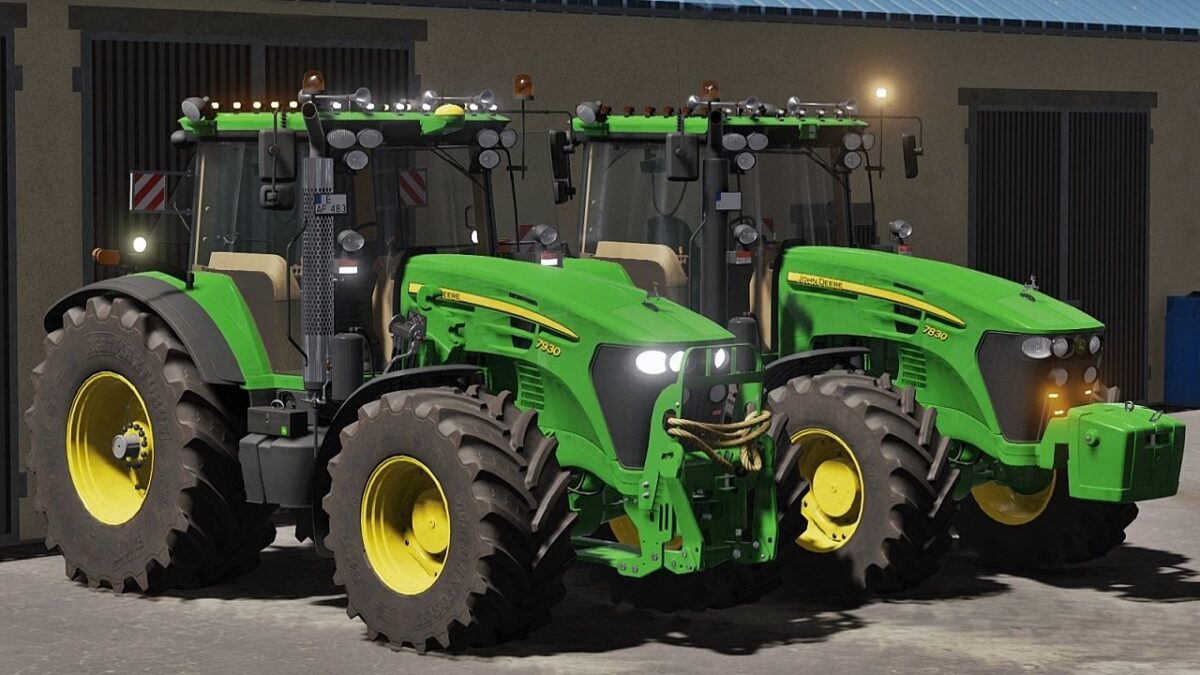
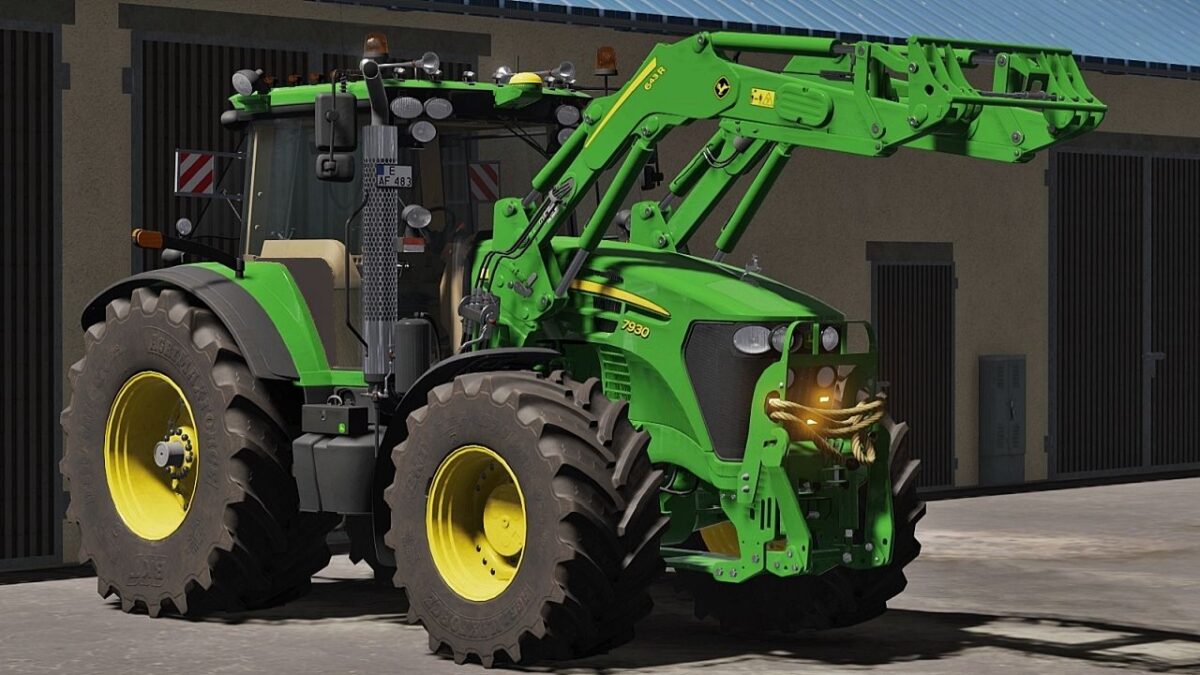
John Deere 7030 Series v 1.0

– Basic Price: 105.000 €
– Max Speed: 52 km/h
– Power: 220-250 hp
JD 7730 – 220 hp
JD 7830 – 235 hp
JD 7930 – 250 hp
– Interactive Control support
– Precision Farming support [crop sensors configuration] – RealGPS mod support
– Vehicle Years mod support
– Engine power config (7730, 7830, 7930)
– Wheels and tires config
– FL console config (John Deere, MP-Lift, Hauer)
– Exhaust config (standard / chrome)
– Extra lights config (strobes lights , top lights)
– JD GPS Starfire config
– John Deere Accessories config (Deer on bonnet statue, ToolBox)
– Front weights or hydraulic config
– Beacon lights config
– Front fenders config
– Rear Fenders config (standard / wide)
– FL protection + rope config [only front hydraulic] – WorkLights config
– Warning Signs config [2 types config] – Mirrors config
– Transmission config (PowerQuad / AutoPower)
– Hydraulic Control config (mechanic / electric)
– Air Horn Trumpets config
– Rims color config
– CB Radio config
– Number Plates config
– Animated indoor huds
– Animated parts in cabin
– Lights, work lights, turn signals and beacon lights
Truffi, Sotillo, Mo6R
How do I install Farming Simulator mods?
Find a mod that you like and want to download first. Then, on your PC, download a mod. Mods are typically in.zip format. However, it is sometimes in.rar format. If the mod file is in.zip format, no additional actions are required. If a file is in.rar format, you must unarchive it using software such as WinRar or Zip7. Windows 10 users do not need to use archive software; Win10 includes an unarchive feature.
The next step is to locate the mods folder on your computer. It is typically found in Documents/My Games/Farming Simulator [Your FS game version, e.g. 2022]. Open the "mods" folder and place the downloaded.zip archive or unarchived.rar file there.
The final step. Have fun with Farming Simulator mods!