

Landkreis Mittelberg Map v 1.1.0.2


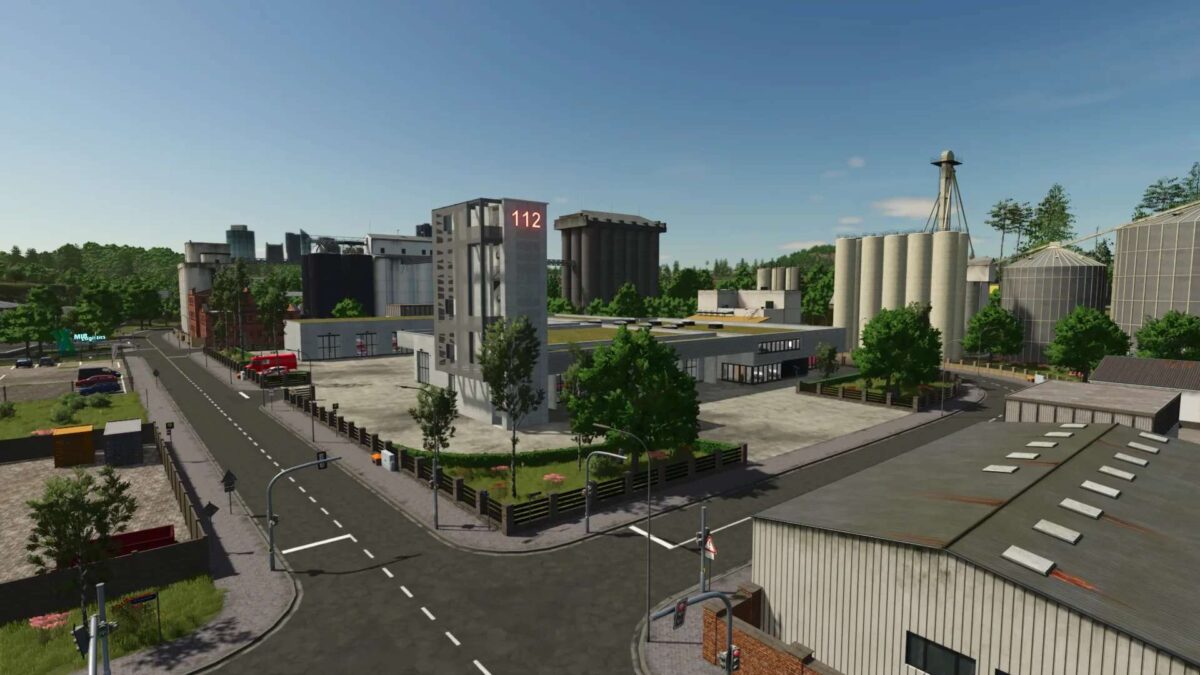
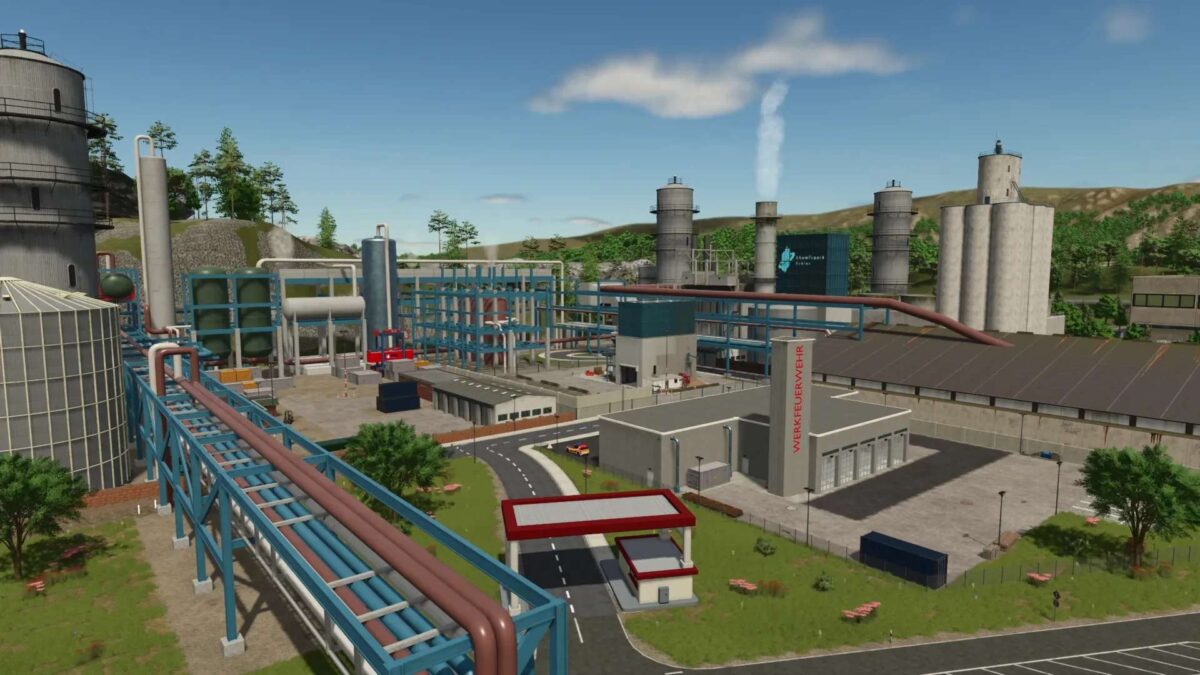
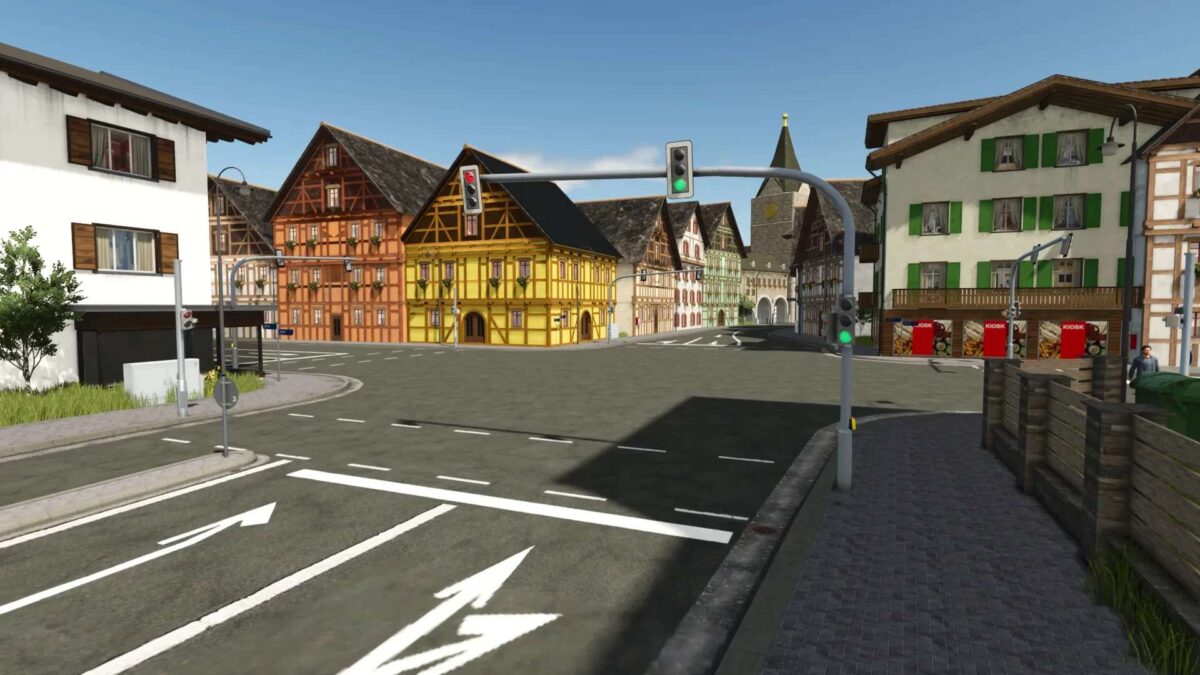
Landkreis Mittelberg Map v 1.1.0.2

– 29 fields + 4 meadows
– Farmyard
– Biogas plant
– Gravel pit
– 3 fire stations
– 2 town halls
– 2 police stations
– 2 ambulance services
– Hospital
– Towing service
– Sewage treatment plant
– Car dealership
– Soccer field
– Water rescue service
– Relief organization
– Road maintenance depot
– Go-kart track
– Highway with tunnels, bridges, interchanges, and rest areas
– Shops and retail outlets
– Recycling center
– Drive-in movie theater
– Industrial parks
– Driving practice area
– Controllable sirens for the fire department (activating one siren activates all others)
Version 1.1.0.2:
* Added power lines for realism in the fields in the center of the map
* Vehicle inspection stickers are now valid again
* Emergency system script: The hotspot of the currently active incident can now be clicked again (Fix for FS25 Patch 1.16)
* Patched further bugs in the FS25_FarmPack_Vogelsberger mod (Static Actor Warnings can still only be fixed by the mod creator – farmerfivetom please fix your mod)
* Various minor bug fixes and visual changes
SoSi-Modding
How do I install Farming Simulator mods?
Find a mod that you like and want to download first. Then, on your PC, download a mod. Mods are typically in.zip format. However, it is sometimes in.rar format. If the mod file is in.zip format, no additional actions are required. If a file is in.rar format, you must unarchive it using software such as WinRar or Zip7. Windows 10 users do not need to use archive software; Win10 includes an unarchive feature.
The next step is to locate the mods folder on your computer. It is typically found in Documents/My Games/Farming Simulator [Your FS game version, e.g. 2022]. Open the "mods" folder and place the downloaded.zip archive or unarchived.rar file there.
The final step. Have fun with Farming Simulator mods!