

Lazy Acres Farm Map v 1.1

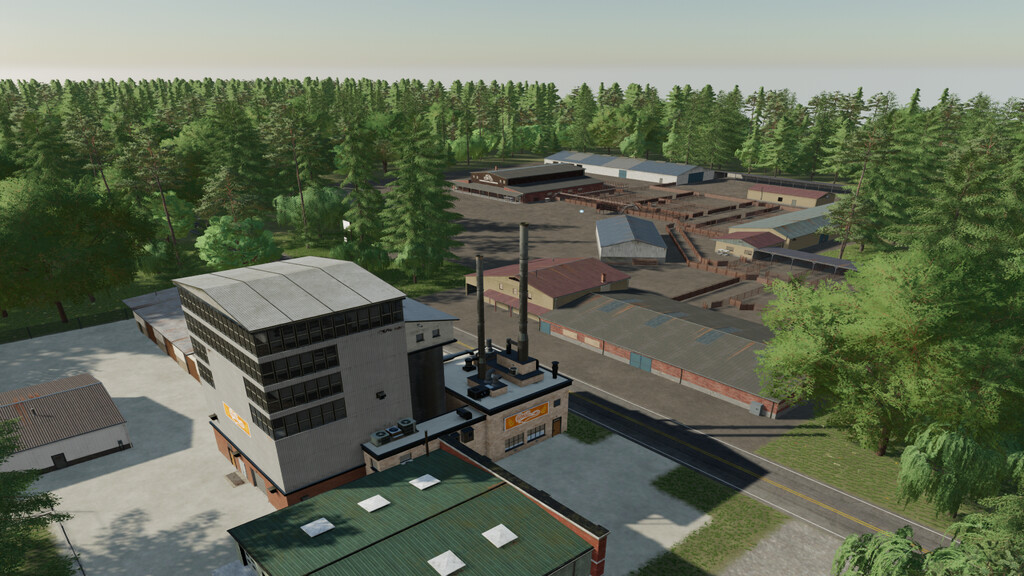

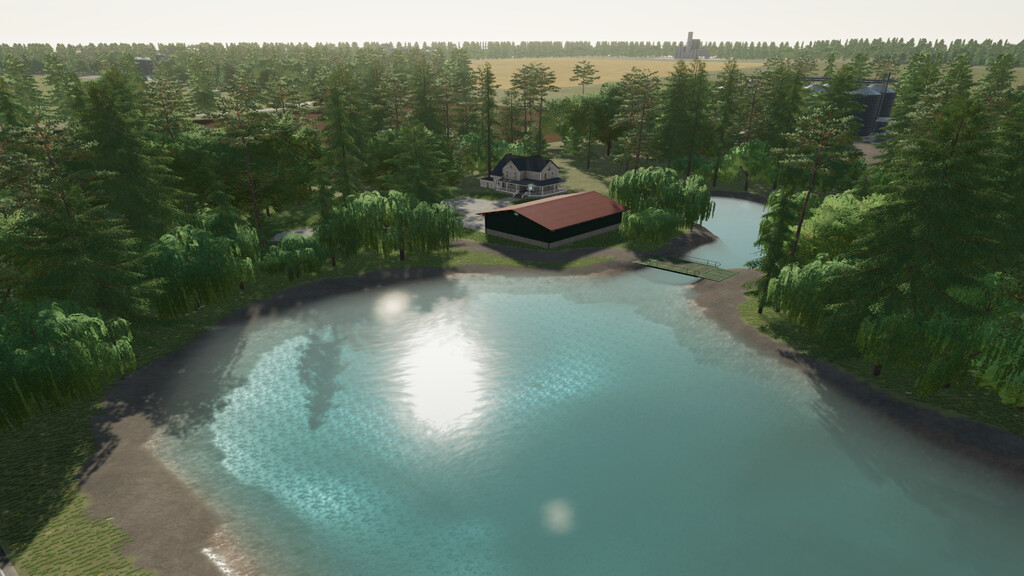
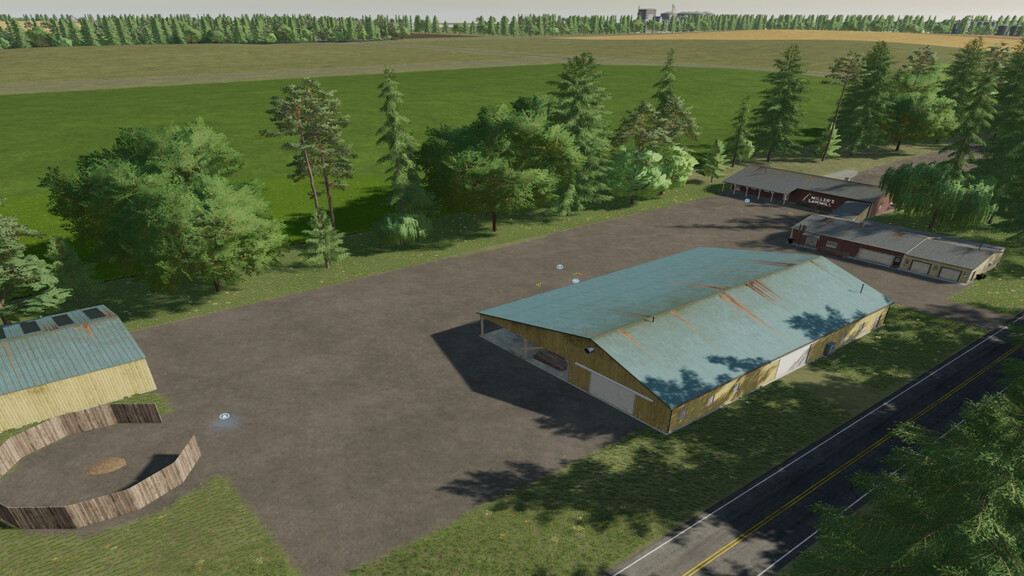
Lazy Acres Farm Map v 1.1

– Break out your big equipment
– 18 large fields
– 11 sell points
– 12 production chains offer many options
– There is a water refill at your starting farm pond
– Very large, central farm to house all of the big equipment you will need, plus all of your animal husbandries
– Default seasonal growth and soil map
Version 1.1:
* Fixed issue with plowing and fertilizing fields
* Fixed duplicate tree issue
* Reduced the amount of trees on map
* Added BGA
* Added Rye, Millet, Lavender, Carrot, and Onion
* Added Lavender Oil pallets to the oil processing plant
* Added Jam Factory to store: Input – Grape and Strawberry, Output – Grape Jam and Strawberry Jam
* Various visual floating fixes
* Added Holmer TerraDos multifruit to map
* Added clover and alfalfa with bales
* Added soybean straw and bale
* Canola can now leave a straw swath
* Updated animal food
TNTmodding
Farming Simulator 22
How do I install Farming Simulator mods?
Find a mod that you like and want to download first. Then, on your PC, download a mod. Mods are typically in.zip format. However, it is sometimes in.rar format. If the mod file is in.zip format, no additional actions are required. If a file is in.rar format, you must unarchive it using software such as WinRar or Zip7. Windows 10 users do not need to use archive software; Win10 includes an unarchive feature.
The next step is to locate the mods folder on your computer. It is typically found in Documents/My Games/Farming Simulator [Your FS game version, e.g. 2022]. Open the "mods" folder and place the downloaded.zip archive or unarchived.rar file there.
The final step. Have fun with Farming Simulator mods!