

MTZ Pack v 1.0.0.2

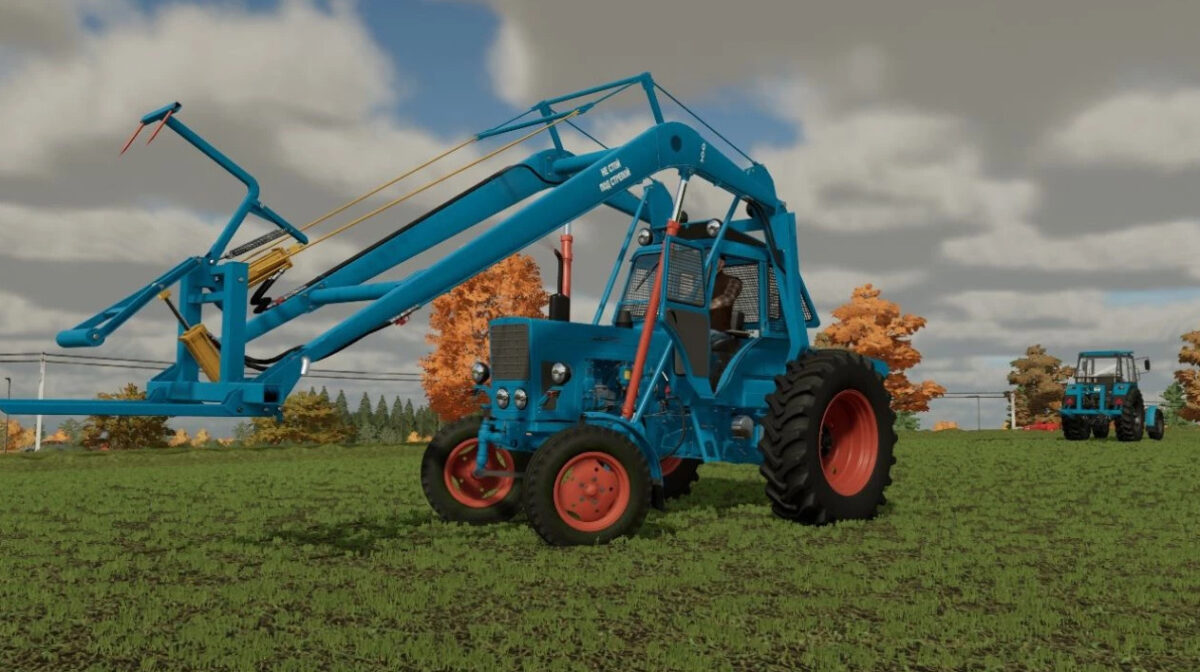
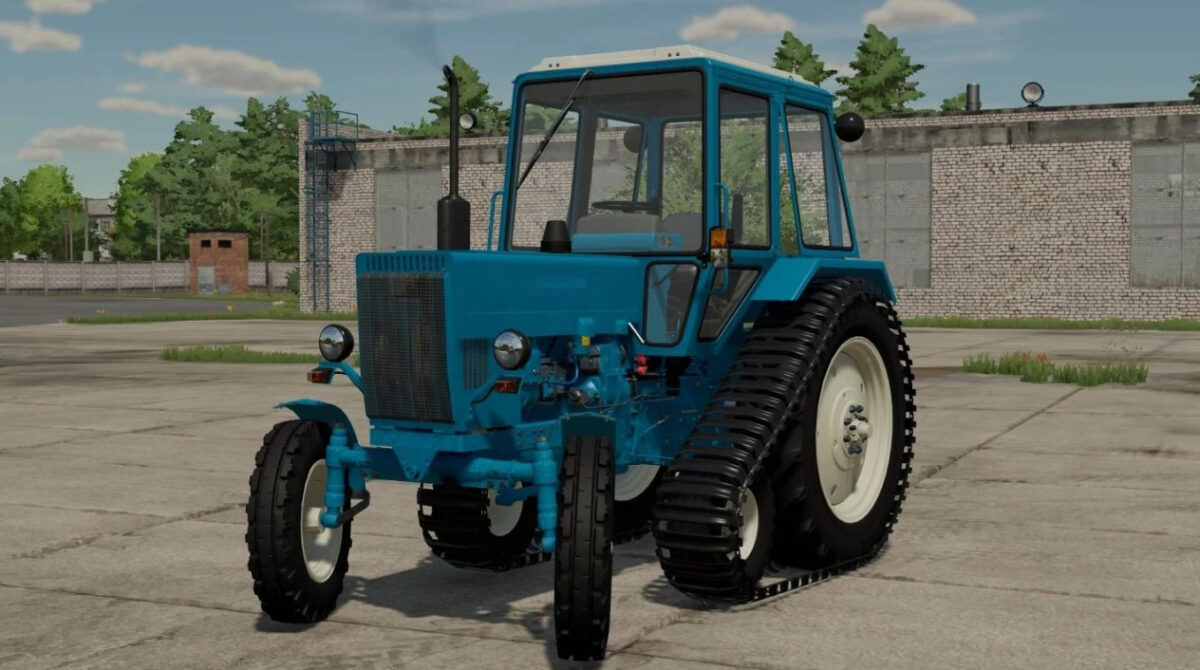
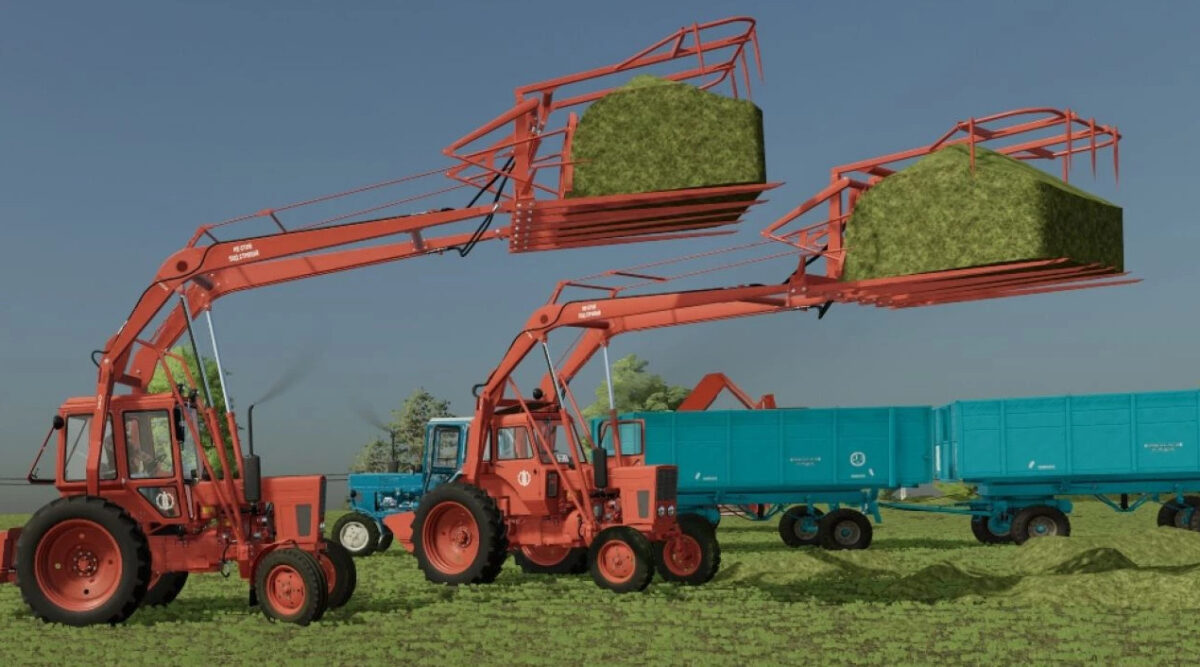
MTZ Pack v 1.0.0.2

The Pack consist of:
– MTZ 80/82/Beam bridge
– MTZ 80/82 stacker
– MTZ 82 MES 200
– MTZ 80 half track
– MTZ 80/82 EO 2621
– MTZ-80/82 PAF 1BM
– MTZ 80x
– SPS 4.2 beet/potato loader cleaner
– RKS 2.6 beet/potato harvester
– HMP 1.8 cotton harvester
– 2PTS 6 cotton
– BM 6B haulm harvester
– PKU Barnaul 0.8
– PKU Barnaul 0.8 with boom extension
– Grab
– Pitch fork
– Dozer blade
– Dozer blade for snow
– PS 0.8 Stogomet
– PKU 08-13
– Rake PS 0.8
– Rake SNU 550 Trailer
– Rake SNU 550 12
– POM 630
– Universal bucket 0.8 cube
– Universal bucket 1 cube
– Universal bucket 1.2 cubes
– Triangle MTZ
Version 1.0.0.2:
– Added MTZ-82P/82UKP
– Added MTZ-82UK MES -200
– Added MTZ-80UK – half-track
– Added MTZ-80UK/82UK EO-2621
– Added MTZ-80UK/82UK PAF-1BM
– Added MTZ-80UKX
– Added MTZ-80/82 Export
– Added MTZ-80UK SPS-4.2 – beet/potato loader cleaner
– Added MTZ-80UK RKS-2.6 – beet/potato harvester
– Added MTZ-80UK/82UK Stogomet SNU-550
– Added MTZ-80/82 Stogomet SNU-550
– Added MTZ-82 BX100
– Added MTZ-80MK/82MK
– Added 4 engine sounds
– Added launcher
– Added 4 front weights
– Added interior color selection
– Added a combination of vehicles
– Added the brand of Chervona Zirka
– Added Rake PF-0.5
– Added PPU-0.5 Pallet forks
– Added PPU-0.5 Big Bag
– Added PPU-0.5
– Added PPU-0.5 Trailer
– Added the name of the wheels
– Added new front tires for MTZ-80/82
– Added tire Ya-319, F-64, F-74
– Fixed the weight distribution of tractors
– Fixed Simple IC on MTZ-UK
– Fixed other little things
– Revived all the toggle switches tidy
– Changed the light to more realistic, yellow
– Cut off and revived traction clutch, gas
– Fixed the grille of the new hood
– Added hydraulic hoses on the front hitch
– Minor fixes and improvements
– Added wiring to the front lighting
– Added an old hood under the turbine
– Minor fixes and improvements
UssrModdingTeam
Farming Simulator 22
How do I install Farming Simulator mods?
Find a mod that you like and want to download first. Then, on your PC, download a mod. Mods are typically in.zip format. However, it is sometimes in.rar format. If the mod file is in.zip format, no additional actions are required. If a file is in.rar format, you must unarchive it using software such as WinRar or Zip7. Windows 10 users do not need to use archive software; Win10 includes an unarchive feature.
The next step is to locate the mods folder on your computer. It is typically found in Documents/My Games/Farming Simulator [Your FS game version, e.g. 2022]. Open the "mods" folder and place the downloaded.zip archive or unarchived.rar file there.
The final step. Have fun with Farming Simulator mods!