

Neuerkirch Map v 1.1

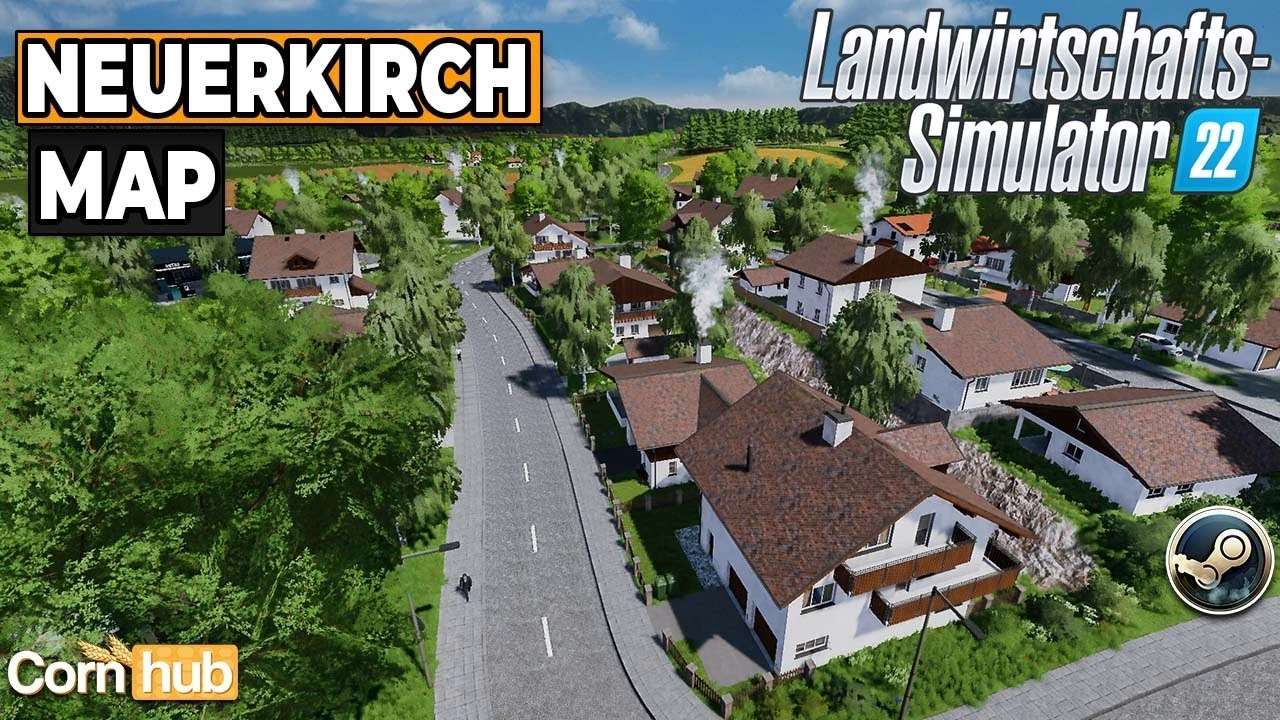
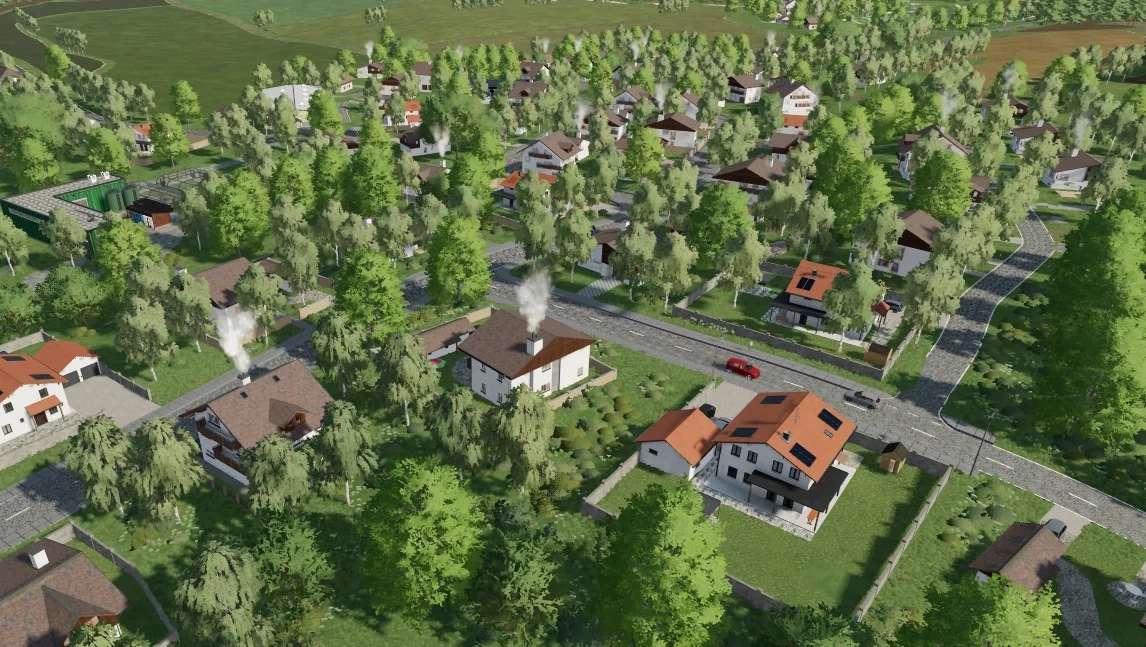
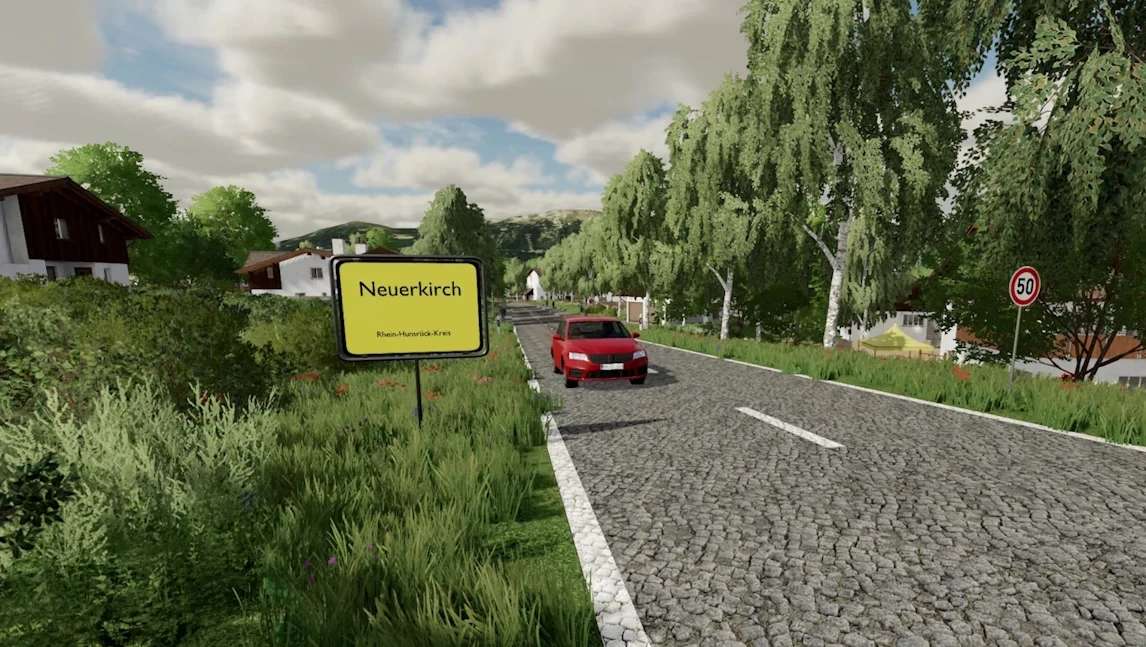
Neuerkirch Map v 1.1

Version 1.1:
* Bug fixed
* Fruit sequence restored (map playable again)
* Sheep fixed (now need straw, now produce manure)
* Chicken coop fixed (floor repainted, triggers now pick up the items needed without them being stored in the silo next to it)
* Fixed various errors in the log
* Guardrail fixed (now has collision)
* Traffic light fixed (the phase of the traffic light now has 1 minute, so you should be able to do it without being caught by the trigger and flying through the air)
* Added lime production
* Added bottling plant production
* Floor adapted to the productions
* A few street lamps were added to the courtyard
* Electricity pylons now have a collision
* Productions now need the corresponding pallets
Maddog Design
Farming Simulator 22
How do I install Farming Simulator mods?
Find a mod that you like and want to download first. Then, on your PC, download a mod. Mods are typically in.zip format. However, it is sometimes in.rar format. If the mod file is in.zip format, no additional actions are required. If a file is in.rar format, you must unarchive it using software such as WinRar or Zip7. Windows 10 users do not need to use archive software; Win10 includes an unarchive feature.
The next step is to locate the mods folder on your computer. It is typically found in Documents/My Games/Farming Simulator [Your FS game version, e.g. 2022]. Open the "mods" folder and place the downloaded.zip archive or unarchived.rar file there.
The final step. Have fun with Farming Simulator mods!