

Neuffener Valley Map v 3.0

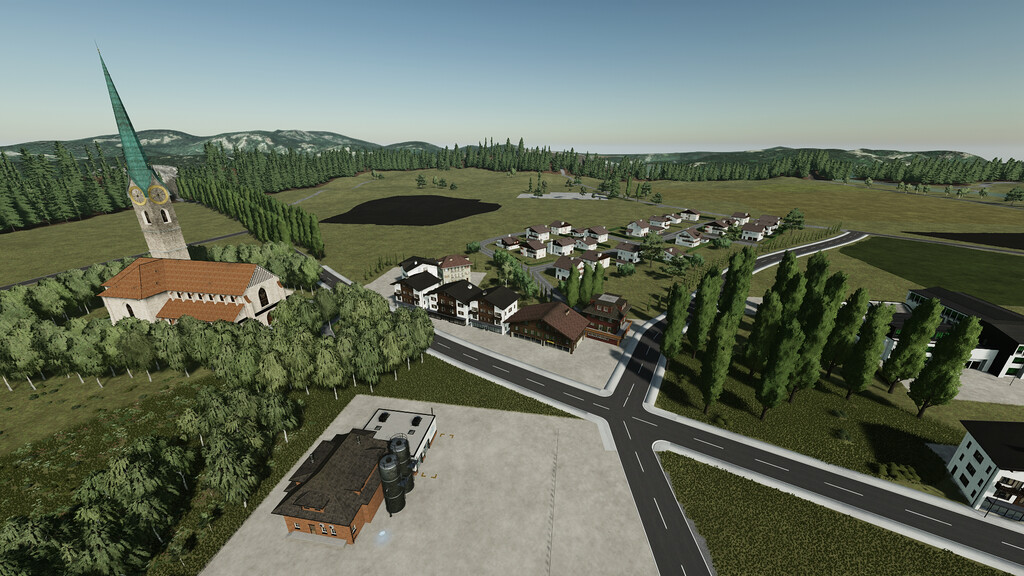
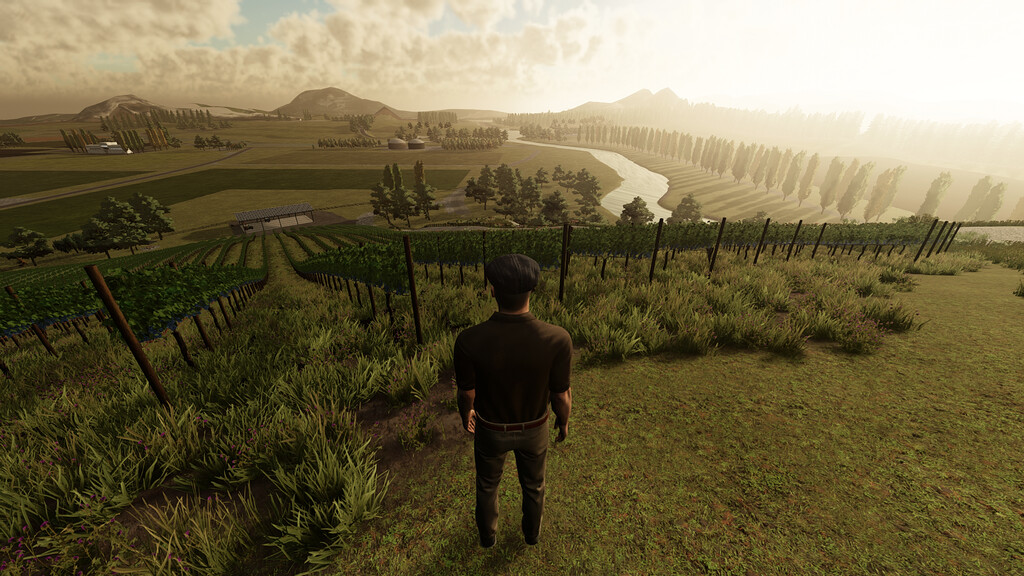
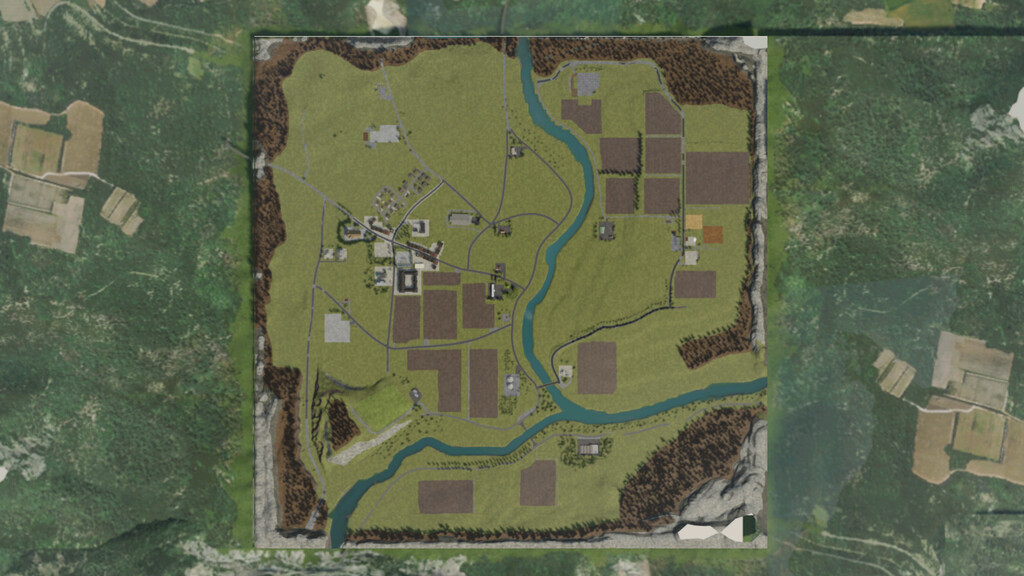
Neuffener Valley Map v 3.0

– 37 fields
– 68 farmlands
– Paintable fields
– 14 productions
– 14 points of sale
– 14 farmlands for the small and large forestry
Version 3.0:
* Collectibles have been added
* Added various decoration elements
* Added barriers
* Added new fill Types
* Exchanged DebrisCrusher with Universal Crusher
* Sandy beach for the visitors of the farmer’s market
* New farmlands
* Added concrete production including sandy beach with piled sand
* Added quarry with stone and limestone
* Small pond
* When buying the productions, the farmland is also bought at the same time
* Added silo for grapes and olives
emproLoop
Farming Simulator 22
How do I install Farming Simulator mods?
Find a mod that you like and want to download first. Then, on your PC, download a mod. Mods are typically in.zip format. However, it is sometimes in.rar format. If the mod file is in.zip format, no additional actions are required. If a file is in.rar format, you must unarchive it using software such as WinRar or Zip7. Windows 10 users do not need to use archive software; Win10 includes an unarchive feature.
The next step is to locate the mods folder on your computer. It is typically found in Documents/My Games/Farming Simulator [Your FS game version, e.g. 2022]. Open the "mods" folder and place the downloaded.zip archive or unarchived.rar file there.
The final step. Have fun with Farming Simulator mods!