

Nordgrad Map v 2.0.0.1

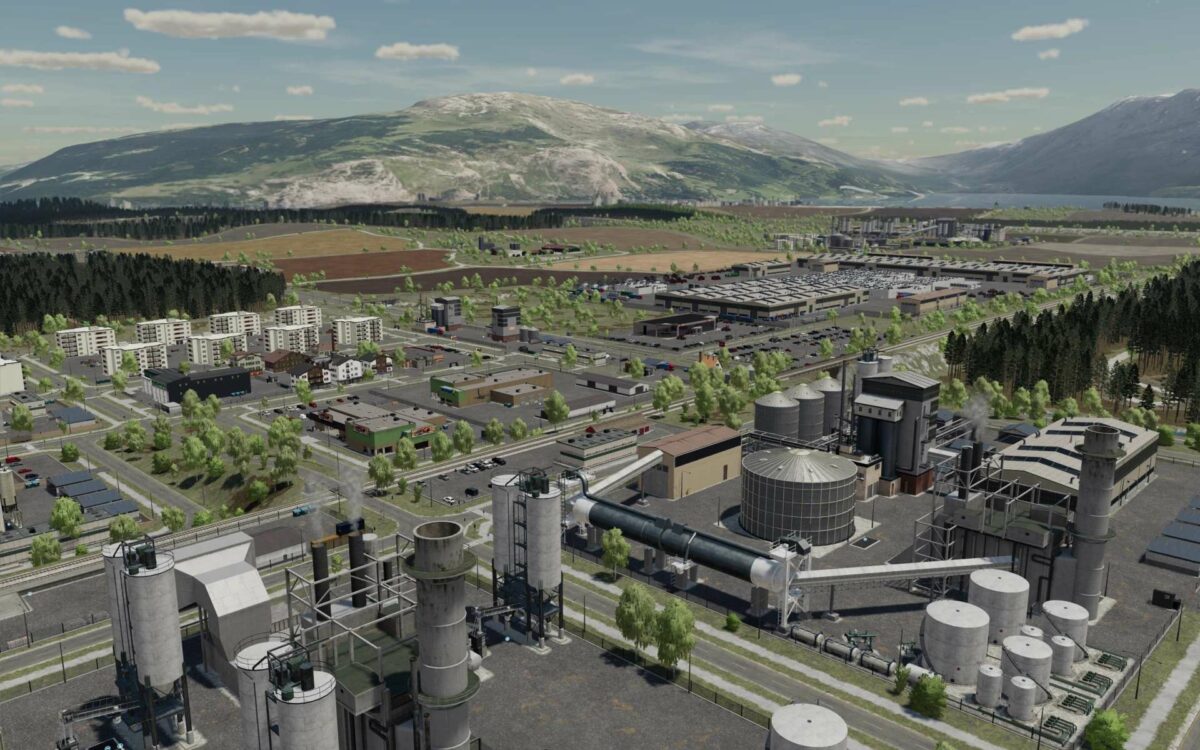
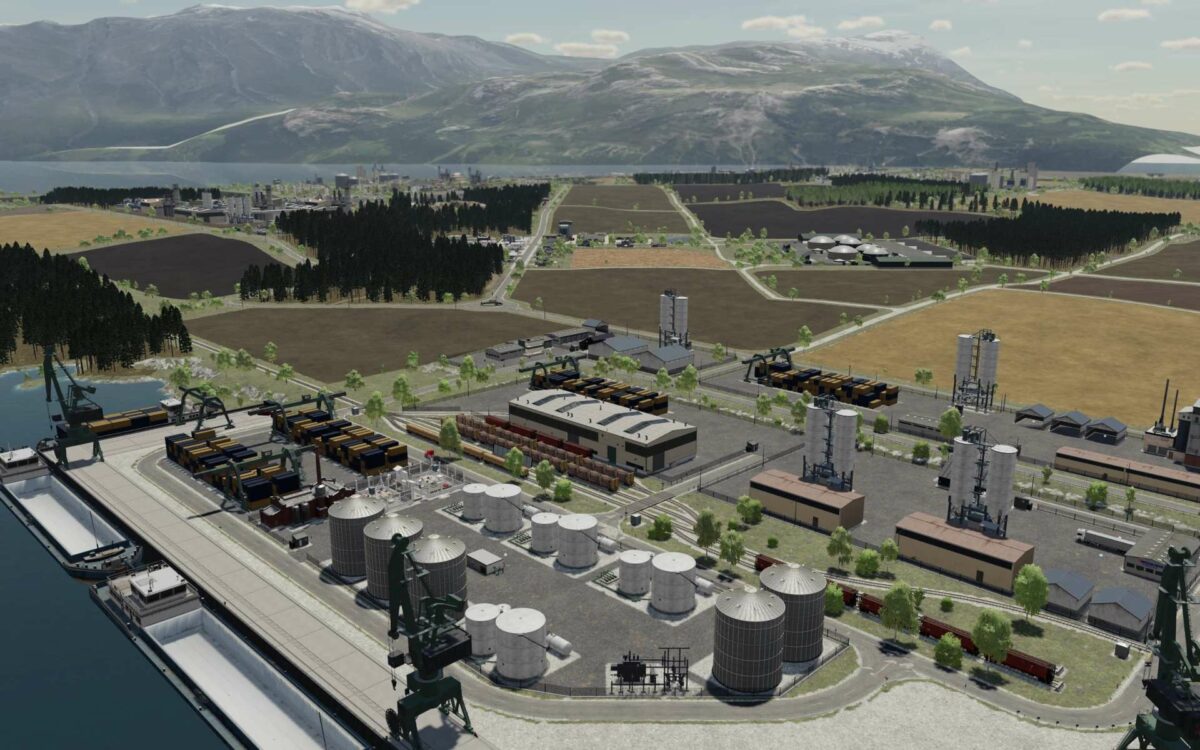
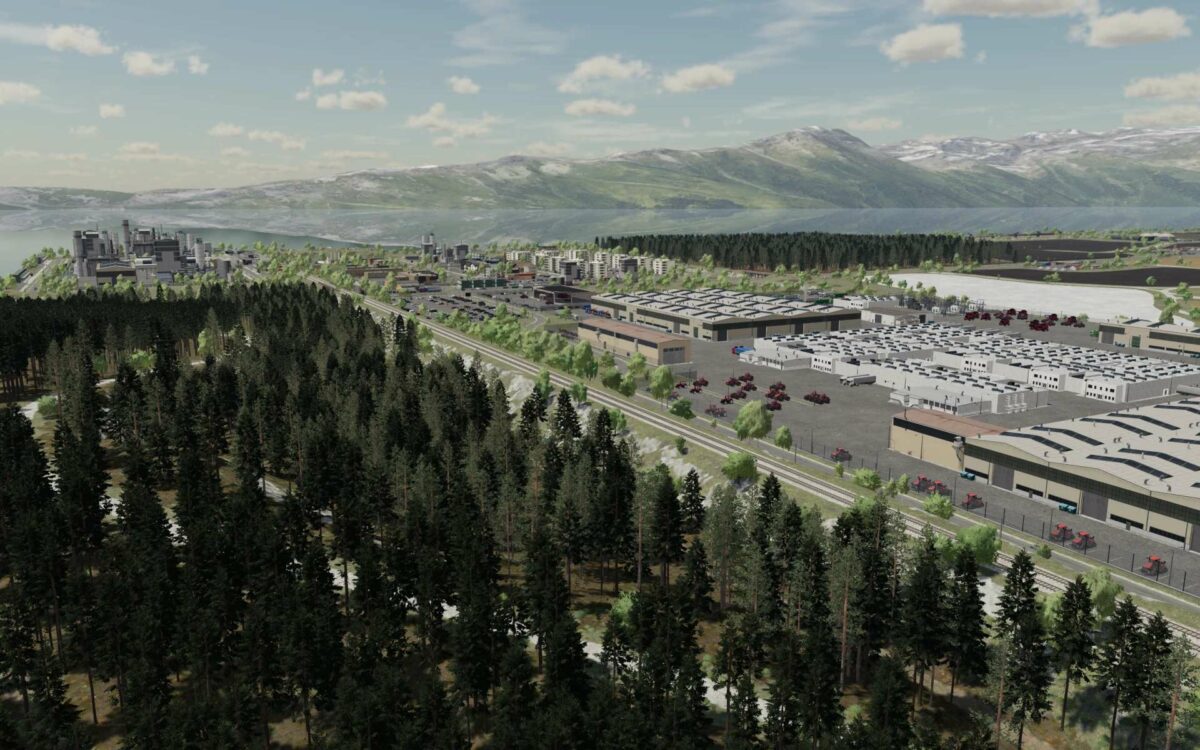
Nordgrad Map v 2.0.0.1

– 66 Fields
– More than 52000 Trees
– A wide variety of Woodlands
– Tangled Forest Roads
– 3 BGA Sites
– 6 Career
– 6 Cities
– 1 Village
– 2 Trains with large Trains
– Seaport
– 2 Logistics Centers
– Coal, Iron Ore, Sand, Clay and more
– Oil Production and Processing
– 37 Factories
– 157 New Pallets of Products
– 9 Oil Rigs
Version 2.0.0.1:
* Added icons to all factories
* Removed two pipes under field number 64
* Fixed terrain under the barn on one of the farm plots
* Fixed the top layer of the two fields that are given to the company at the start, now they contain wheat (ready for harvesting)
* Reduced selling price: coal, sand, clay, asphalt, gravel, iron ore, rubber, stone powder
* Fixed sales triggers in seaport
* Fixed for network play: logistic centers, barns, etc… can now be used by all players from any farm
* Fixed buildings and decoration objects in the pulp mill that were in the air
* Fixed Fabric production trigger for receiving cotton is in the correct location
* Price change when buying factories and other things
* Price change when buying quarries
* Removed static machines in the port that were interfering with traffic
* Fixed mp3 audio file format to ogg format
* Added new custom sounds to the map
* Farmer’s barns work correctly, when you sell them, the decor next to them is sold
* Added speed radars
* Traffic lights now work
* Removed collisions on power lines that cross roads
* Added power plant on the map
* Added possibility to build wind generators and solar panels (electricity production)
* Added new products: coke
* Added AI splines for helpers on the whole map
* Fixed field numbering
* Fixed unload trigger in seaport (grain). Long trailers for multiple compartments can now unload without problems
WarBossBY
Farming Simulator 22
How do I install Farming Simulator mods?
Find a mod that you like and want to download first. Then, on your PC, download a mod. Mods are typically in.zip format. However, it is sometimes in.rar format. If the mod file is in.zip format, no additional actions are required. If a file is in.rar format, you must unarchive it using software such as WinRar or Zip7. Windows 10 users do not need to use archive software; Win10 includes an unarchive feature.
The next step is to locate the mods folder on your computer. It is typically found in Documents/My Games/Farming Simulator [Your FS game version, e.g. 2022]. Open the "mods" folder and place the downloaded.zip archive or unarchived.rar file there.
The final step. Have fun with Farming Simulator mods!