

Pallegney Map v 1.1

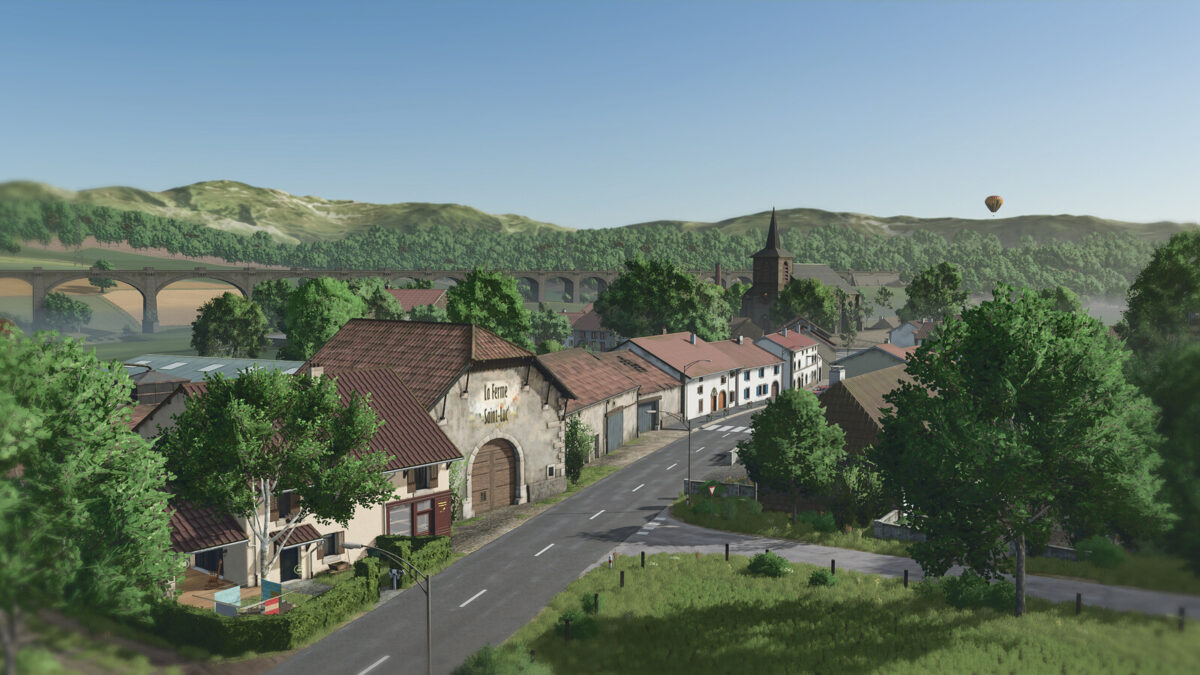
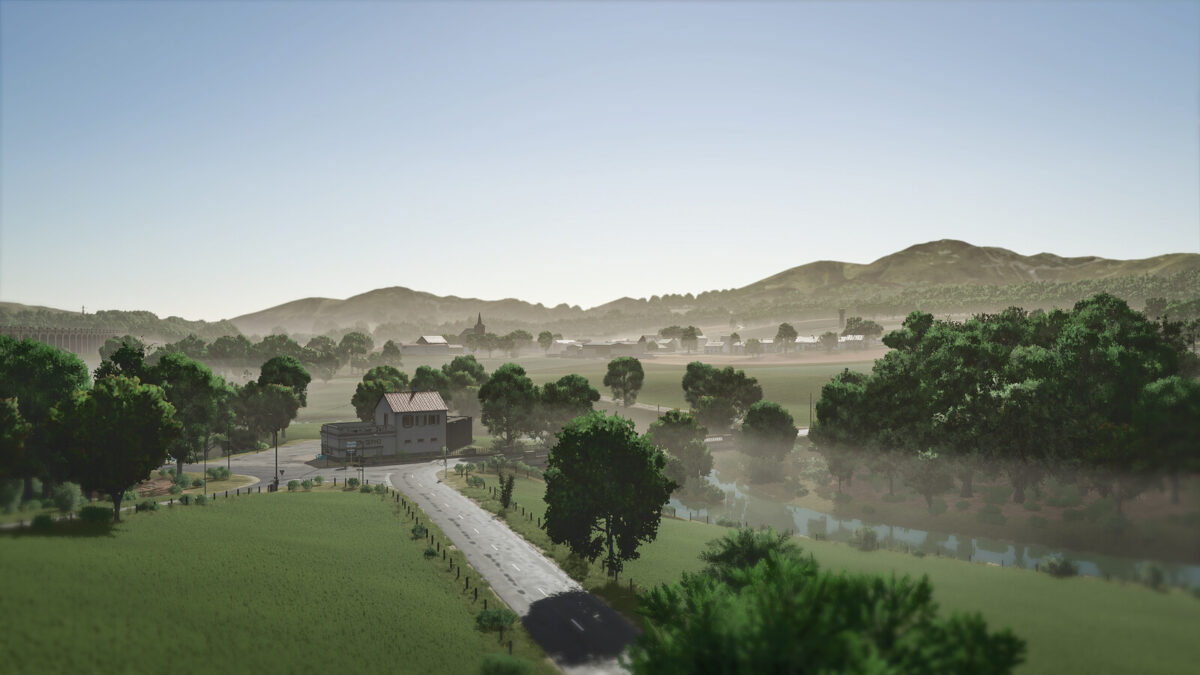
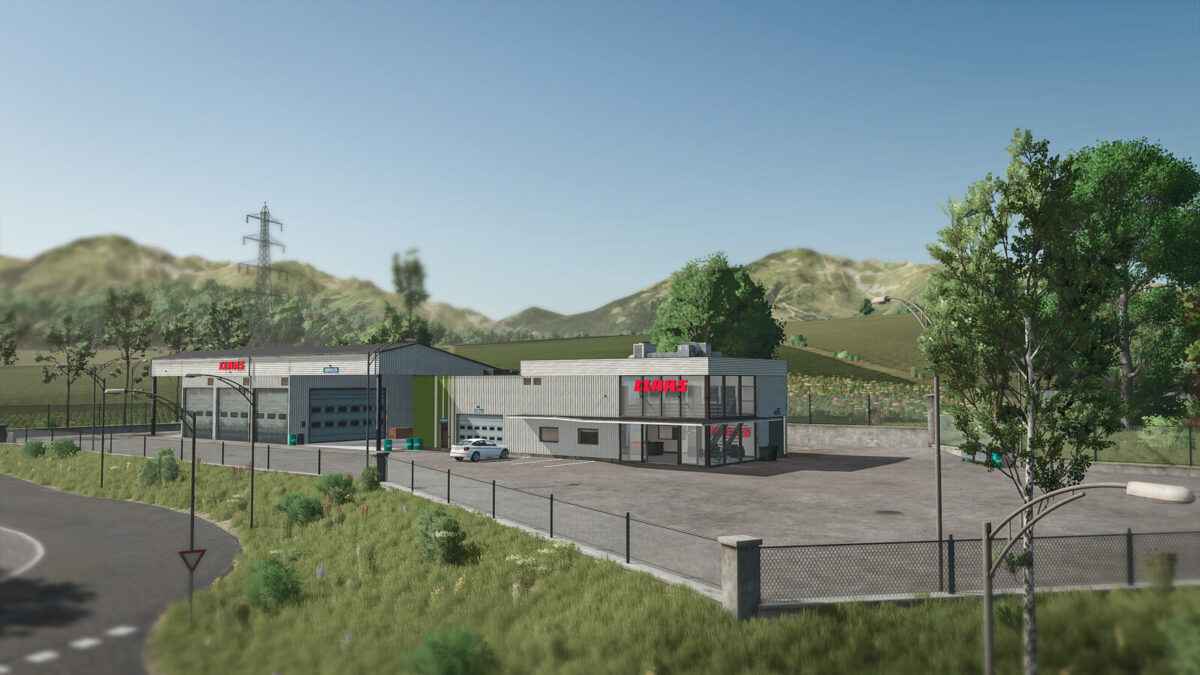
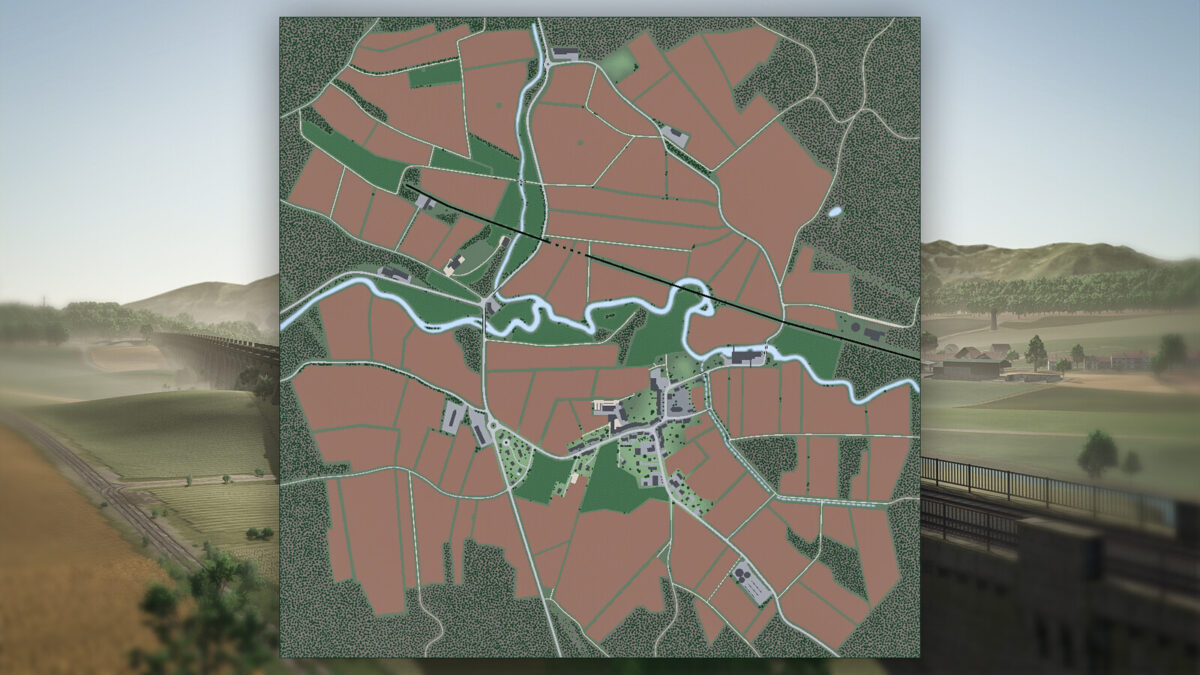
Pallegney Map v 1.1

– The roofs of houses get wet during rain
– Roads get wet, dry, and frost over in winter
– You may see puddles of water in certain fields
– Some factories have new functions like the sawmill or mills
– Two new agricultural cooperatives
– An area to build your own farm
– Cheese production directly on the farm or in the communal dairy
– A secret quest about the history of a funny animal from the Vosges
– And a whole multitude of new decors like the mechanic, the Claas dealership, the livestock trader, the water tower, etc…
Version 1.1:
* Added alfalfa
* Added mustard
* Added alfalfa to BGA production
* Added mustard jar production at St-Luc farm
* Added cover crop
* Added missing areas in the indoor area info layer
* Added missing collision for the northern retaining wall
* Fixed tip col info layer
* Fixed floating trees
* Fixed rendering bug of trees at the edge of the map
* Fixed pedestrian collision on the central village staircase
* Fixed missing collision on a retaining wall
* Fixed cotton bale selling at the Soufflet cooperative
* Disabled teleportation in logging cranes
* Made crane reset impossible
* Improved manure stability at farm 1
* Improved pedestrians in the village
* Replaced some trees in forest parcels to have more harvester-friendly trees
* Various fixes for decoration objects
* Default open gates in grass meadows not owned by players
* Enabled missions in fenced meadows not owned by players
* Reduced purchase price of village land
* Slight modification of color grading
* Various other fixes
MA7Studio
How do I install Farming Simulator mods?
Find a mod that you like and want to download first. Then, on your PC, download a mod. Mods are typically in.zip format. However, it is sometimes in.rar format. If the mod file is in.zip format, no additional actions are required. If a file is in.rar format, you must unarchive it using software such as WinRar or Zip7. Windows 10 users do not need to use archive software; Win10 includes an unarchive feature.
The next step is to locate the mods folder on your computer. It is typically found in Documents/My Games/Farming Simulator [Your FS game version, e.g. 2022]. Open the "mods" folder and place the downloaded.zip archive or unarchived.rar file there.
The final step. Have fun with Farming Simulator mods!