

Piney Run Map v 2.0

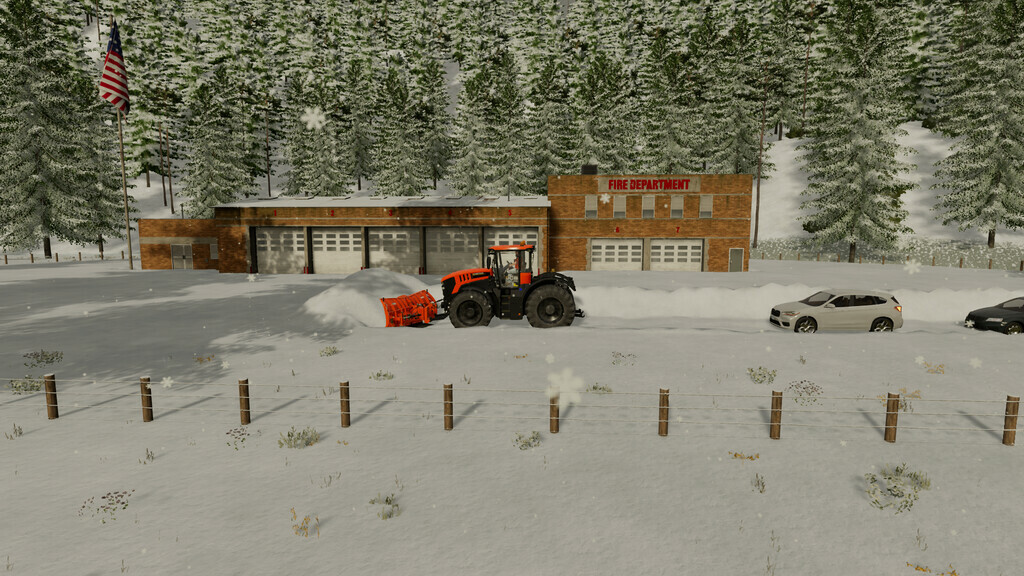
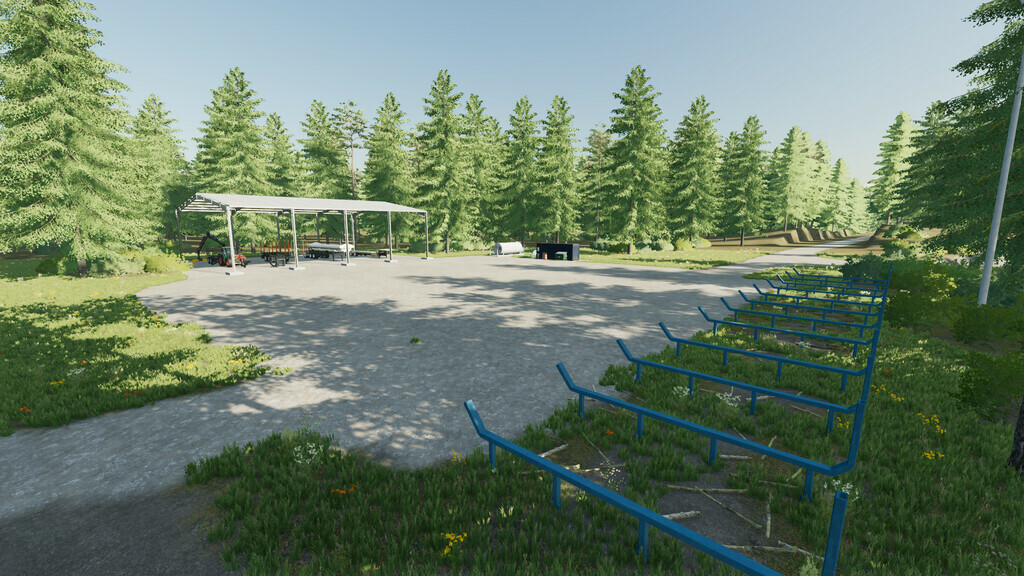
Piney Run Map v 2.0

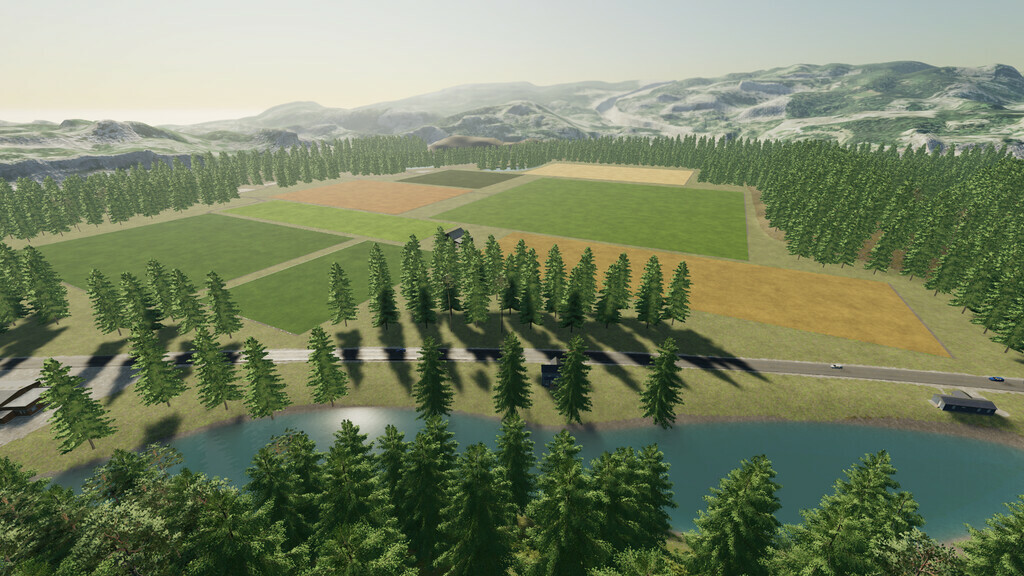
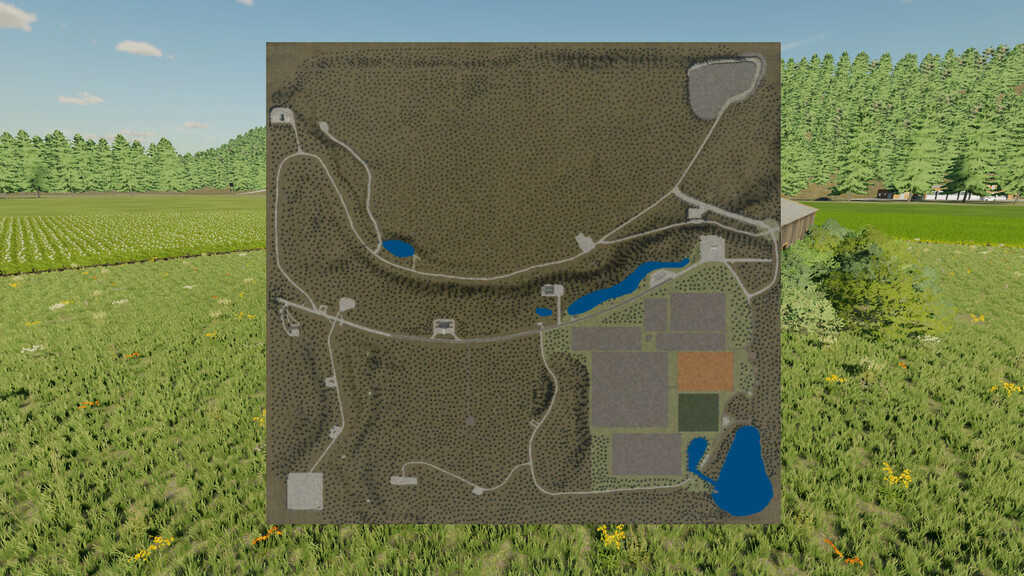
Welcome to Piney Run, Here You can farm and log.
– Farm with animals
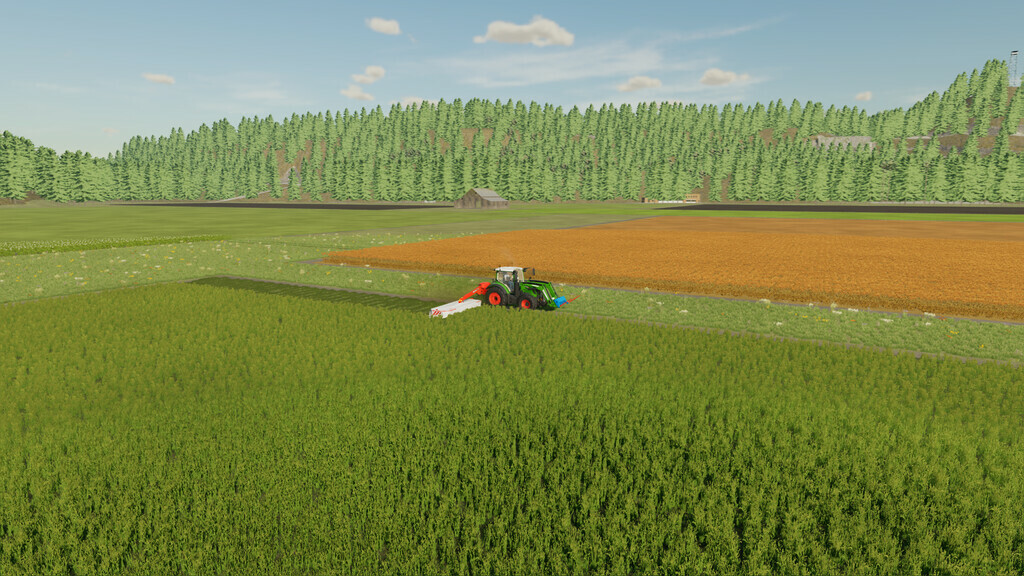
– three decent sized fields and one grass field
– Good starting equipment
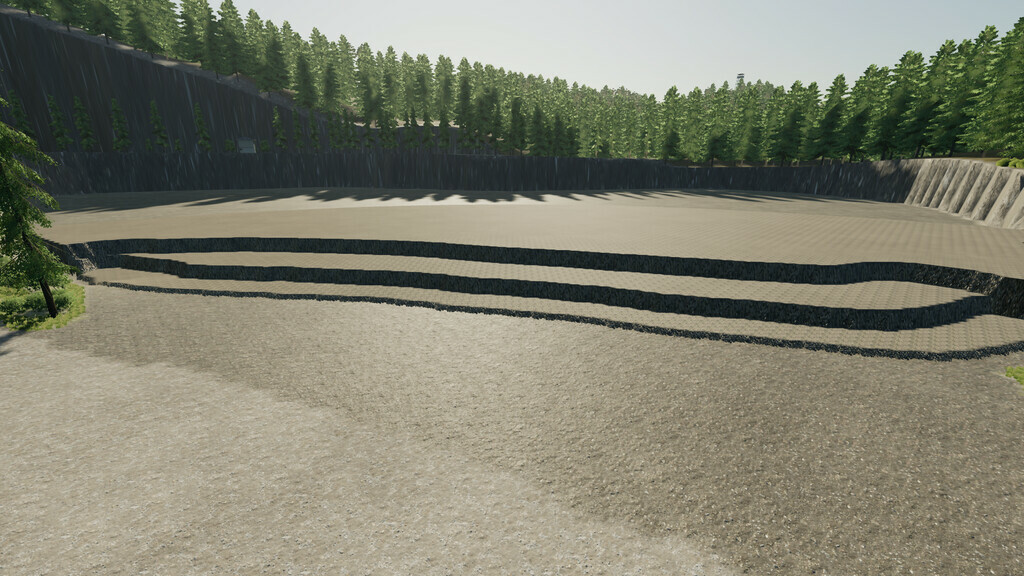
– Stone Quarry
– Working Sawmill and Log sale only
– Oil and Carpentry Production
– Whole map is Buyable
– Rottne and other Forestry Equipment have been edited to work with base game trees and controls been added tilt head.
– Stone Salepoint and Farmers Market Salepoint
–> Map Not for everyone,but i hope some find it enjoying
Huge Thank You to anyone and everyone who has helped or supported
me over the past few years.
This map is dedicated to my son Jasper
Change Log 1.0.0.1
– Fixed Animal Pens
– All Placeables Now Saleable
– Redone Sale Point at Market
– New PDA
– Removed Oil Production
– Added BGA that makes Fuel, Def and excepts more products
– Added modded Tankers to haul Fuel and Def
– Updated ModDesc to 65
– Changed some start up equipment
– Map now has Collectibles, 12 Cheese pieces, Ten are worth 10k, One is worth 500k and One worth 1 Million
Change Log 2.0.0.0
NEW SAVE REQUIRED
Map has had a major overhaul, now has the following
-Relight from SuchSneak installed, Thank you
-Alfalfa,Clover,Sotbean Straw,and Compost from Lanceyboi, Thank you
-29 new Material Filltypes, Most are from Realistic Gaming Crew (RGC) Thank you
-Has traffic and people
-Worker splines installed on most roads,
-Added houses and all have sell points
-New Productions added
-5 new Fields,All fields buyable and sellable
-New Startup equipment
-Now has 63 Buyable lands of all sizes
-New Yard area added up top
-New roads added
-Quarry doubled in sized
-25 mod edits included
-All roads have had trees moved back or deleted
-And much more
Poorboy
Farming Simulator 22
How do I install Farming Simulator mods?
Find a mod that you like and want to download first. Then, on your PC, download a mod. Mods are typically in.zip format. However, it is sometimes in.rar format. If the mod file is in.zip format, no additional actions are required. If a file is in.rar format, you must unarchive it using software such as WinRar or Zip7. Windows 10 users do not need to use archive software; Win10 includes an unarchive feature.
The next step is to locate the mods folder on your computer. It is typically found in Documents/My Games/Farming Simulator [Your FS game version, e.g. 2022]. Open the "mods" folder and place the downloaded.zip archive or unarchived.rar file there.
The final step. Have fun with Farming Simulator mods!