

Radial Vehicle Switcher v 1.0

Radial Vehicle Switcher v 1.0

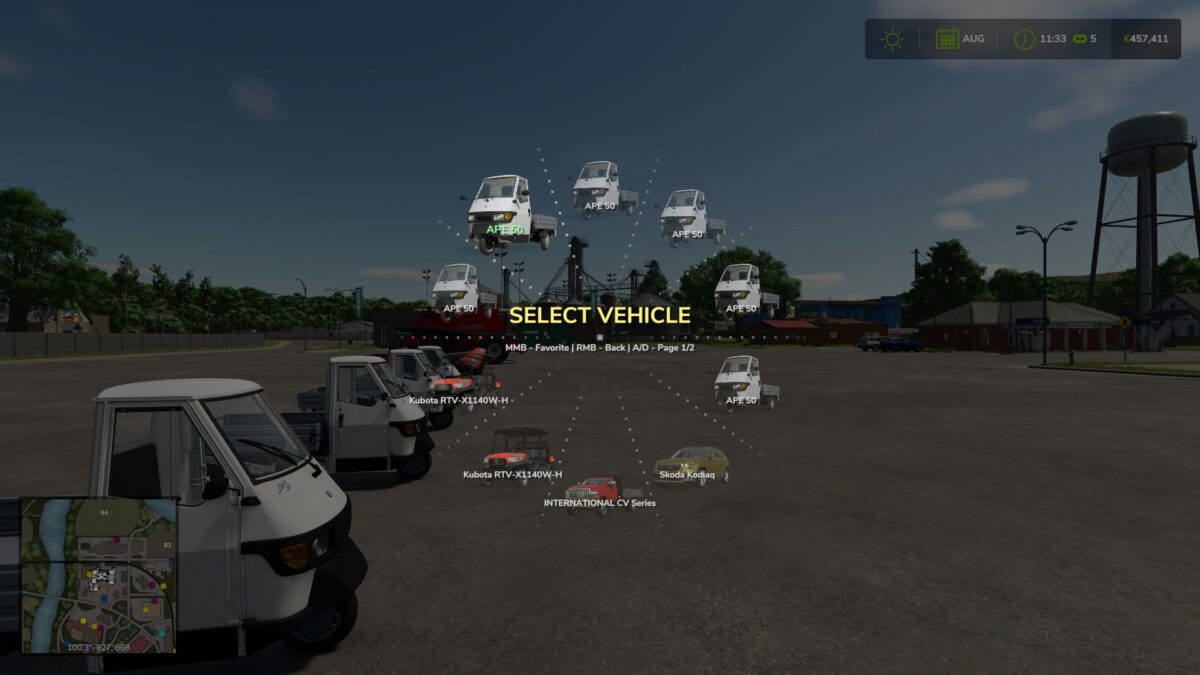
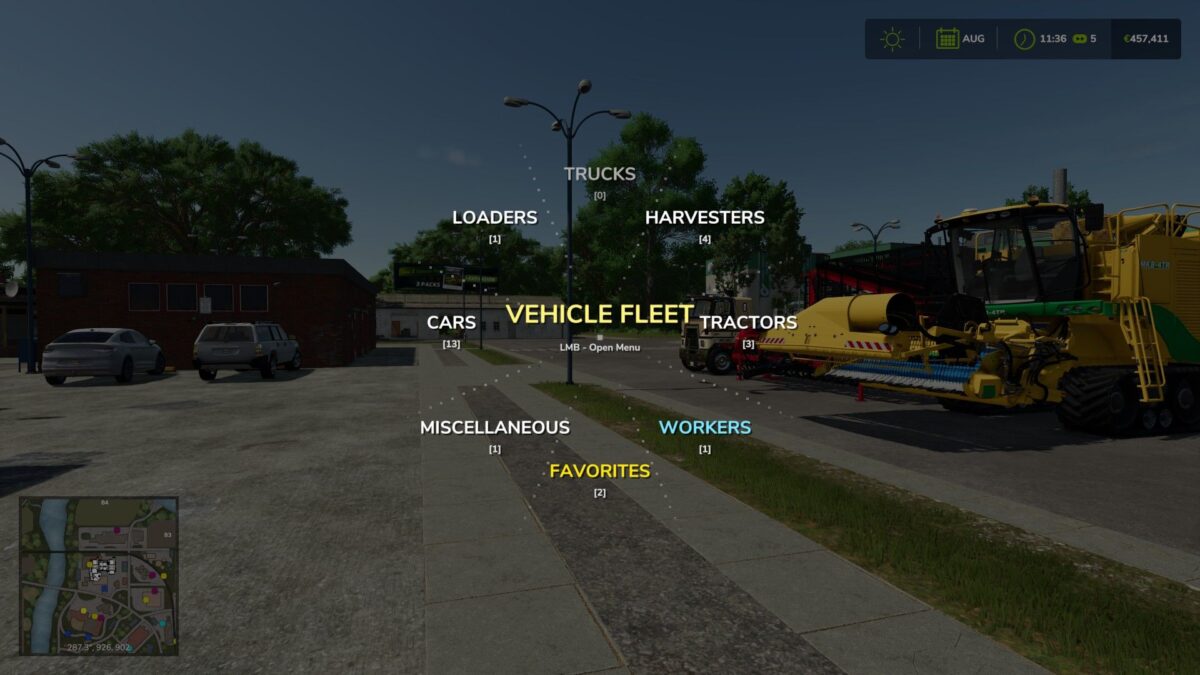
This mod replaces the standard sequential vehicle switching with an animated radial menu.
By holding the Tab key, a graphical interface appears where all vehicles are automatically organized into categories: tractors, harvesters, trucks, loaders, and cars.
The menu is designed for real-time farm management.
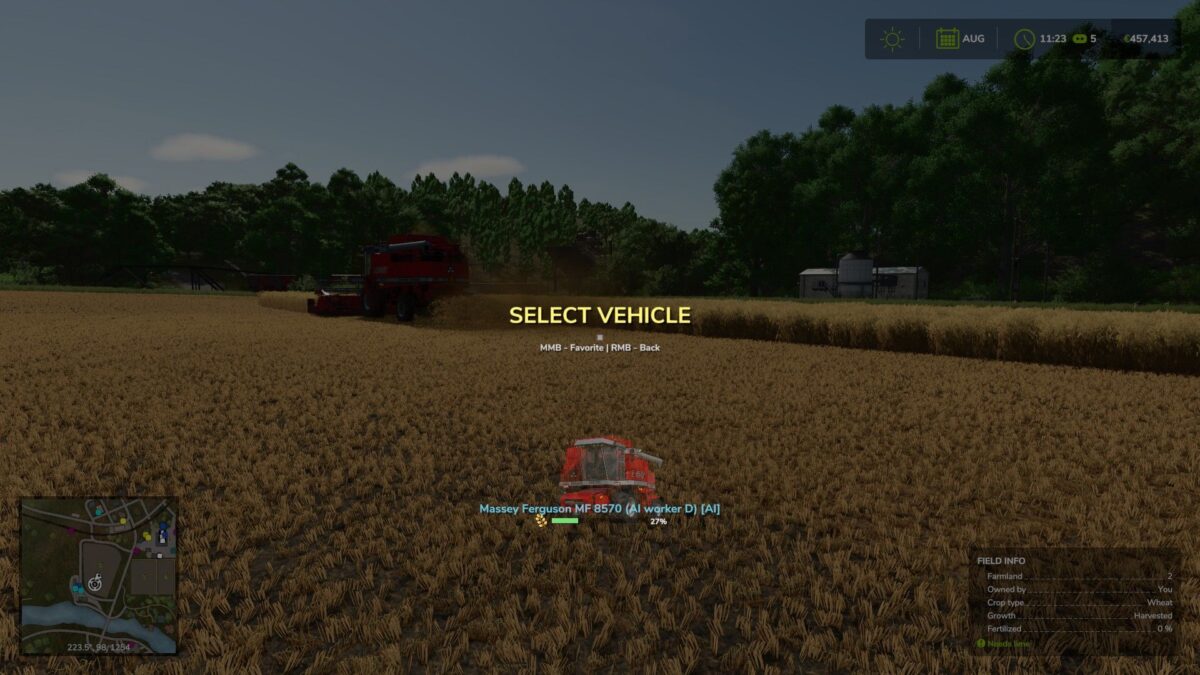
Vehicles operated by AI workers are highlighted with a special blue indicator and grouped into a dedicated category.
For harvesters and trailers, the menu displays dynamic fill level bars including exact percentages and crop icons, allowing you to instantly monitor fleet status.
DrivePro
How do I install Farming Simulator mods?
Find a mod that you like and want to download first. Then, on your PC, download a mod. Mods are typically in.zip format. However, it is sometimes in.rar format. If the mod file is in.zip format, no additional actions are required. If a file is in.rar format, you must unarchive it using software such as WinRar or Zip7. Windows 10 users do not need to use archive software; Win10 includes an unarchive feature.
The next step is to locate the mods folder on your computer. It is typically found in Documents/My Games/Farming Simulator [Your FS game version, e.g. 2022]. Open the "mods" folder and place the downloaded.zip archive or unarchived.rar file there.
The final step. Have fun with Farming Simulator mods!