

Realistic Livestock RM v 1.1.2

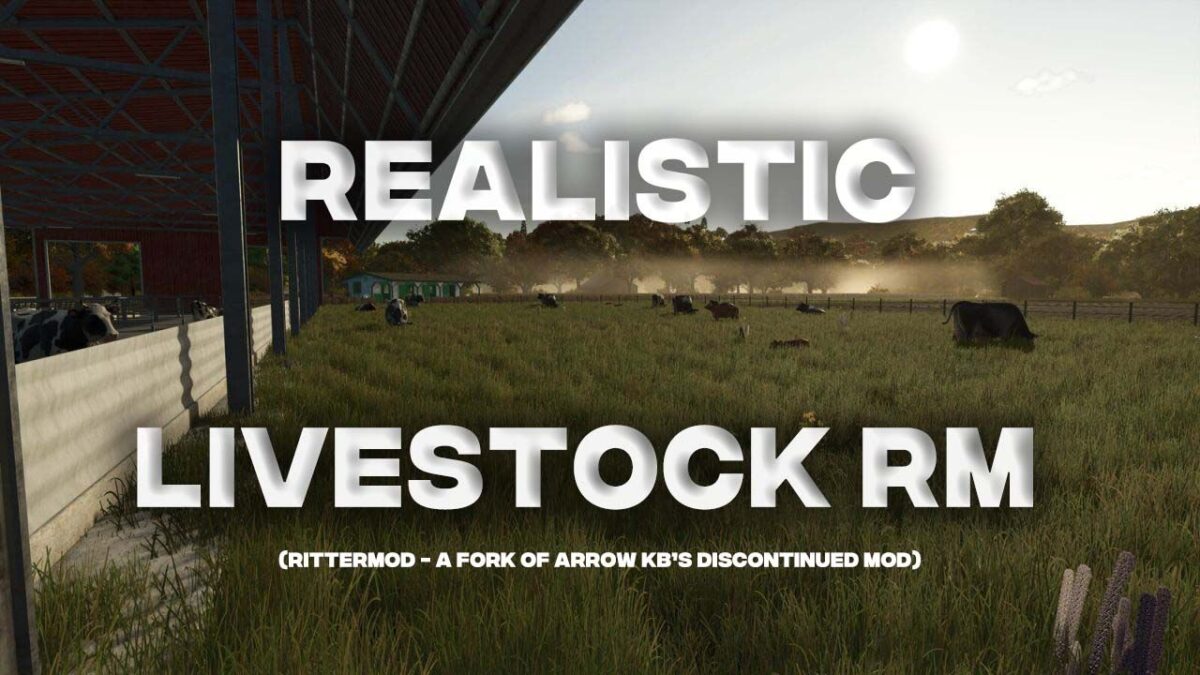
Realistic Livestock RM v 1.1.2

Features
– Individual animal tracking with unique identity
– Genetics system with heritable traits that affect production output
– Genetics display in animal names with configurable detail level (average score or full trait breakdown)
– Breeding and reproduction with pregnancy mechanics and genetic inheritance
– AI insemination system with semen dewars
– Disease simulation with infection, treatment, and immunity
– Animal monitoring to track individual animals over time
– Weight system tied to genetics and feeding
– Animal marking and castration
– Move tab for transferring animals between husbandries
– Daily summary mode for message log
– In-game help pages
– Highland cattle bull support
– Animal pack system: third-party mods can add new breeds or adjust animal balance
– Map support: Hof Bergmann (ducks, geese, cats, rabbits, alpacas, quail) with automatic version-aware compatibility
– Simple support for butchers using Extended Production Point (EPP) mod
– Multiplayer support
Supported Maps & Packs
Maps: Hof Bergmann ducks, geese, cats, rabbits, alpacas, quail with full breeding support
Animal Packs: Cow Breeds Pack for RLRM by ConGan98 – additional cattle breeds
Notes
– Based on Arrow-kb’s Realistic Livestock mod (v1.2.0.5), released under GPL-3 license
– Savegame data from Arrow-kb’s original version is automatically migrated on first load
– Font Library mod is no longer required
– Incompatible with FS25_EnhancedLivestock, FS25_MoreVisualAnimals, and FS25_EnhancedAnimalSystem
Limitations
Multiplayer: Dewars (AI semen canisters) cannot be physically picked up by clients. Works in singleplayer.
Installation
Place FS25_RealisticLivestockRM.zip in your mods folder.
Migrating from Arrow-kb’s version: Remove FS25_RealisticLivestock.zip and FS25_FontLibrary.zip. Back up your savegame first, then load it – data migrates automatically.
Version 1.1.2:
* Added animal pack system: third-party mods can add breeds, override animal properties, or provide custom balance
* Added Hof Bergmann 1.4 support with alpacas, quail, corrected chicken visuals, and version detection
* Added cross-color alpaca breeding (any male color can breed with any female color)
* Added user documentation for Hof Bergmann map support
* Added: Exiting the RL animal screen returns to ingame menu animals tab when opened from there
* Added: RL animal screen opens on the Info tab by default when entered from ingame menu animals tab
* Fixed: Animal list scroll position jumping every 5 seconds in the ESC menu animals tab
* Fixed: Click sound playing every 5 seconds while viewing animal list
* Fixed: Crash when husbandry doesn’t register a pallet or milk fillType that its animals produce
* Fixed: Animal model accumulation when maps redefine existing animal types
* Fixed: Base game reloads no longer clobber RLRM’s superset animal configs
* Fixed: Random death money compensation (33% sell price) now correctly reaches farm balance
* Fixed: Bridge animal descriptions showing “Missing” in animal info dialog
* Fixed: Pig ear tag errors on Hof Bergmann maps
* Fixed: Sale animals of non-reproductive subtypes could incorrectly become pregnant
* Fixed: Bridge animals’ offspring could receive wrong breed
* Fixed: Map-defined subtypes for existing animal types not loading alongside base game configs
* Improved Italian and German translations (community contributions)
rittermod
How do I install Farming Simulator mods?
Find a mod that you like and want to download first. Then, on your PC, download a mod. Mods are typically in.zip format. However, it is sometimes in.rar format. If the mod file is in.zip format, no additional actions are required. If a file is in.rar format, you must unarchive it using software such as WinRar or Zip7. Windows 10 users do not need to use archive software; Win10 includes an unarchive feature.
The next step is to locate the mods folder on your computer. It is typically found in Documents/My Games/Farming Simulator [Your FS game version, e.g. 2022]. Open the "mods" folder and place the downloaded.zip archive or unarchived.rar file there.
The final step. Have fun with Farming Simulator mods!