

Robur LO 3001 v 1.0

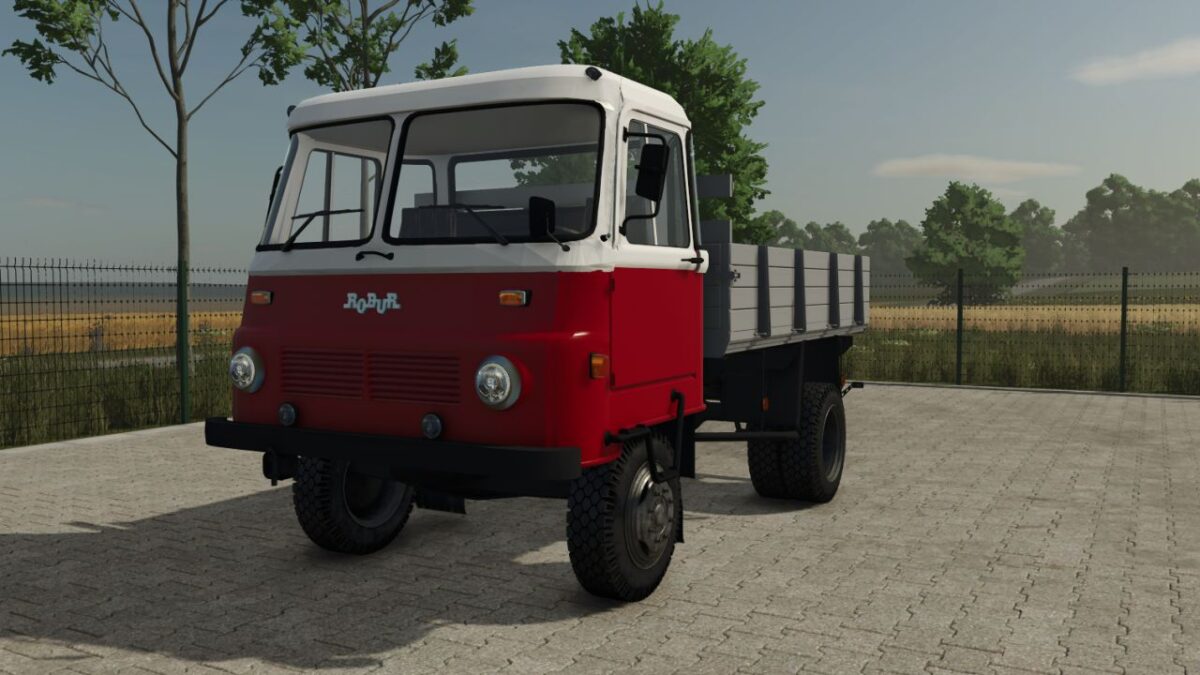
Robur LO 3001 v 1.0

Key Features for your Farm:
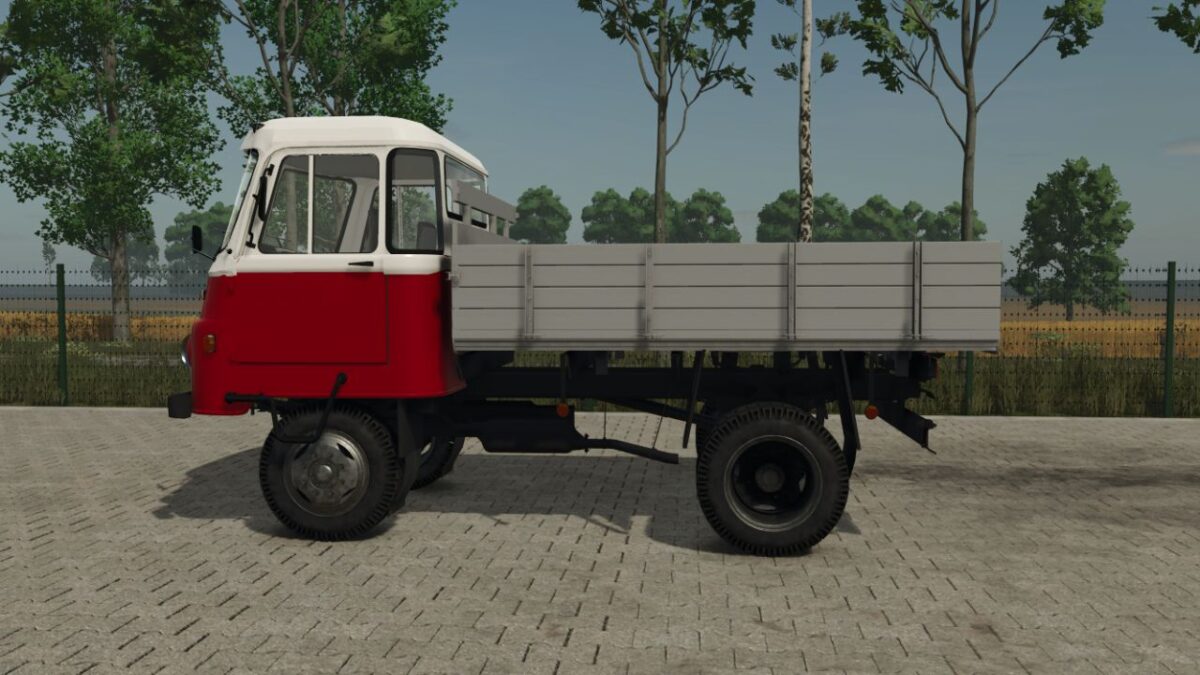
Bale Transportation: The spacious flatbed is ideal for hauling hay, straw, or silage bales.
Its low loading height (compared to the 4×4 versions) makes manual loading or using a front loader much easier.
Grain Transport: Equipped with sturdy sideboards, the LO 3001 can be configured as a tipper or a fixed-bed truck to transport grain from the field to your silos.
Authentic Experience: Featuring realistic engine sounds and era-appropriate lighting, this mod captures the true feeling of operating a classic Robur.
Versatility: Whether you are moving pallets of seeds, small tools, or loose materials, this truck handles it with ease on paved roads and solid dirt tracks.
honved4
How do I install Farming Simulator mods?
Find a mod that you like and want to download first. Then, on your PC, download a mod. Mods are typically in.zip format. However, it is sometimes in.rar format. If the mod file is in.zip format, no additional actions are required. If a file is in.rar format, you must unarchive it using software such as WinRar or Zip7. Windows 10 users do not need to use archive software; Win10 includes an unarchive feature.
The next step is to locate the mods folder on your computer. It is typically found in Documents/My Games/Farming Simulator [Your FS game version, e.g. 2022]. Open the "mods" folder and place the downloaded.zip archive or unarchived.rar file there.
The final step. Have fun with Farming Simulator mods!