

Slip No Grip v 1.0

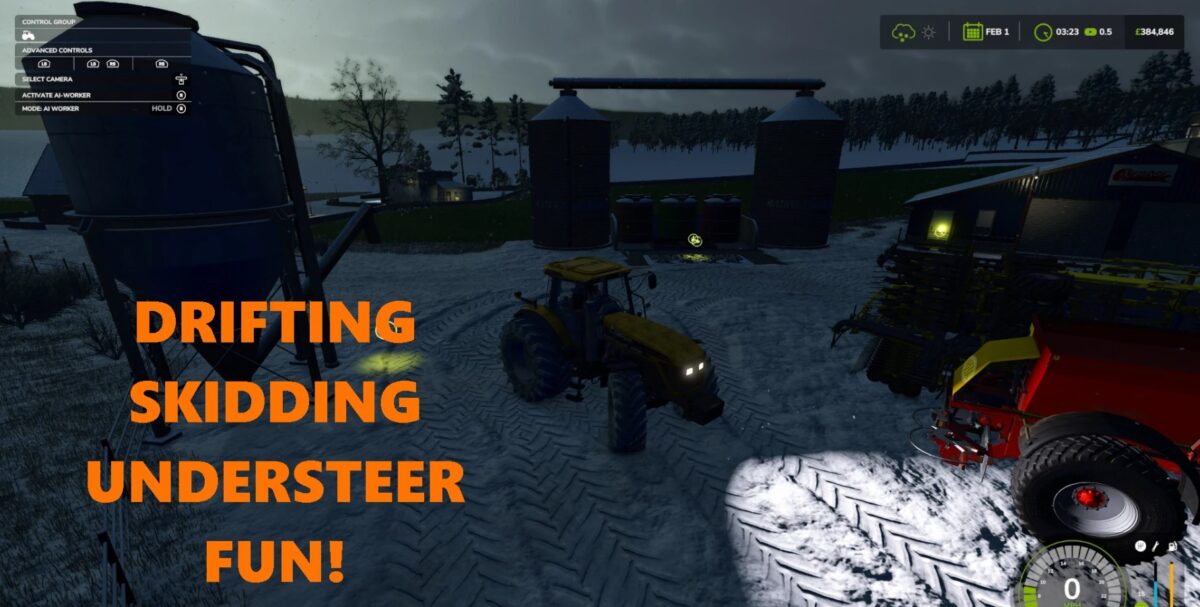
Slip No Grip v 1.0

Slip No Grip reduces the Friction of every Tire in game.
Default Friction is set for every tire at “1.60” (apart from one or two tires).
Adjusted every tire in game to a lower value. All tires for Vehicles set to “0.60”.
All tires for anything being towed set to “1.40” (Implements and Trailers, this is due to some Implements snaking too much when set to “0.60” and some Implements using “trailer” tires).
This folder only contains .xml for every shared tire in game and is NOT a mod that goes in the regular mods folder.
This will change ALL tire grip levels.
Make sure to create a copy of the original tires folder. data/shared/wheels/tires.
Drag my tires folder to replace the old and replace all files when asked.
If at any point you want to return back to default simply delete your tires folder then rename “tires_COPY” with just “tires”.
Soulvex (soulware3d)
How do I install Farming Simulator mods?
Find a mod that you like and want to download first. Then, on your PC, download a mod. Mods are typically in.zip format. However, it is sometimes in.rar format. If the mod file is in.zip format, no additional actions are required. If a file is in.rar format, you must unarchive it using software such as WinRar or Zip7. Windows 10 users do not need to use archive software; Win10 includes an unarchive feature.
The next step is to locate the mods folder on your computer. It is typically found in Documents/My Games/Farming Simulator [Your FS game version, e.g. 2022]. Open the "mods" folder and place the downloaded.zip archive or unarchived.rar file there.
The final step. Have fun with Farming Simulator mods!