

Sonny Farm Map v 1.0.0.1


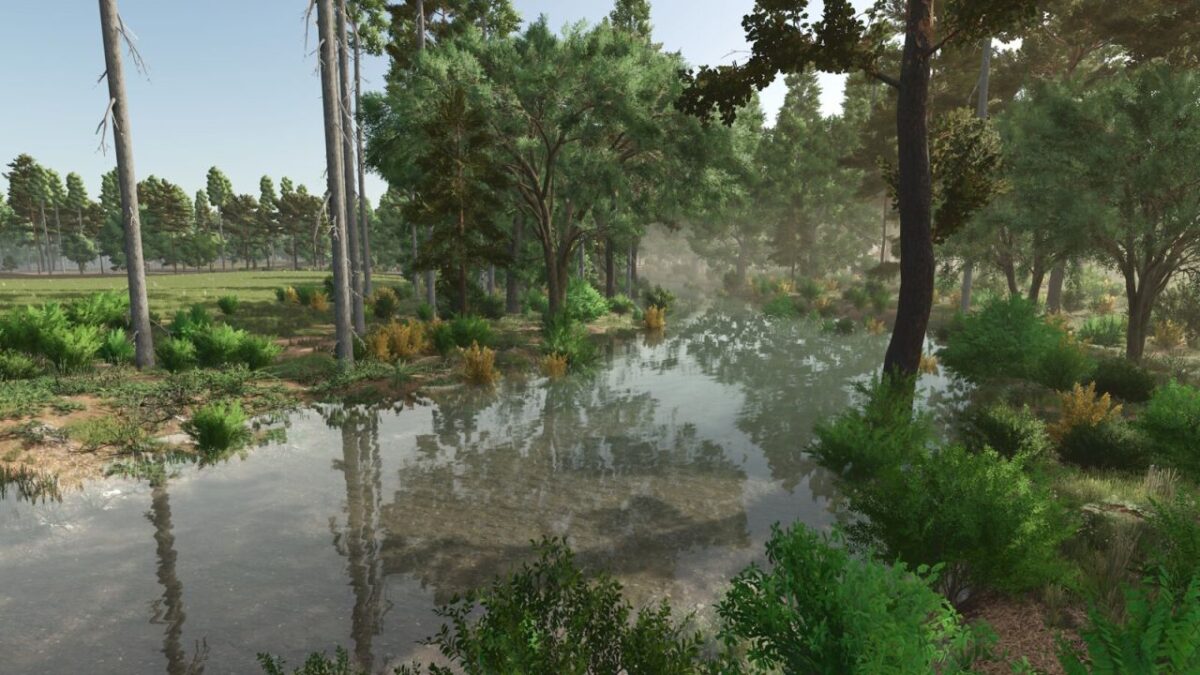

Sonny Farm Map v 1.0.0.1

– 15 Fields
– One Grass Field
– 27 Farmlands
– 2 Placeable Areas
– Cement Factory
– Custom Sell All
– Milk Silo
– Gas Station
– Grain Mill
– Oil Mill
– Bakery
– Reastaurant Sell Point
– Carpenter with increased inputs and outputs
– Saw Mill
– Seed,Fert and Lime Buy Station on the Farm
– Farm Silo Holds 50,000,000 Liters Of Crop
– Bale Pallet Storage Increased To 500 Capacity
Version 1.0.0.1:
* Fixed missing water plane
* Adjusted land prices cheaper
Brenon Gaming, Matt, Shantyboys Map Creations
How do I install Farming Simulator mods?
Find a mod that you like and want to download first. Then, on your PC, download a mod. Mods are typically in.zip format. However, it is sometimes in.rar format. If the mod file is in.zip format, no additional actions are required. If a file is in.rar format, you must unarchive it using software such as WinRar or Zip7. Windows 10 users do not need to use archive software; Win10 includes an unarchive feature.
The next step is to locate the mods folder on your computer. It is typically found in Documents/My Games/Farming Simulator [Your FS game version, e.g. 2022]. Open the "mods" folder and place the downloaded.zip archive or unarchived.rar file there.
The final step. Have fun with Farming Simulator mods!