

The Three Small Farms Map v 1.0.0.1

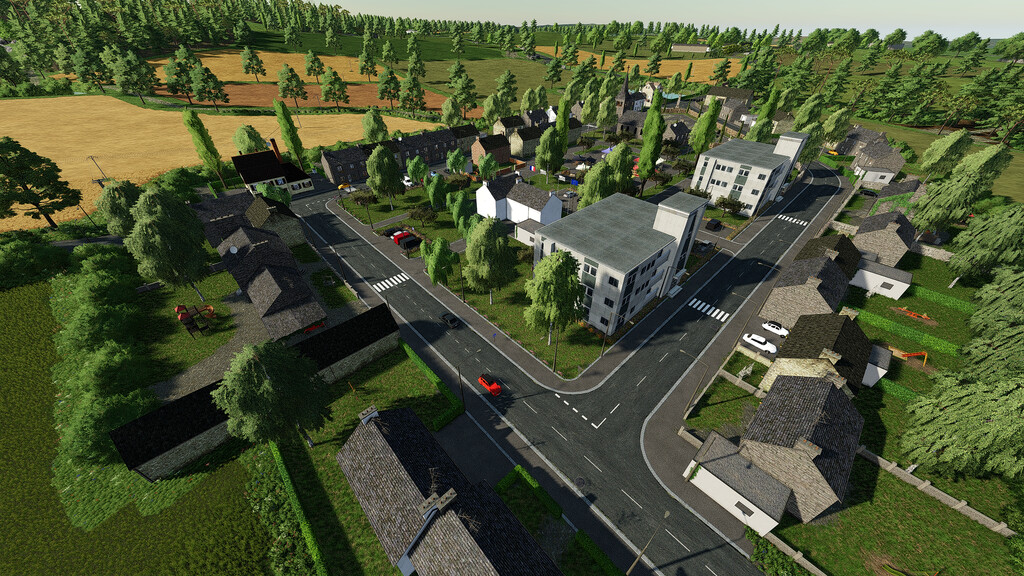
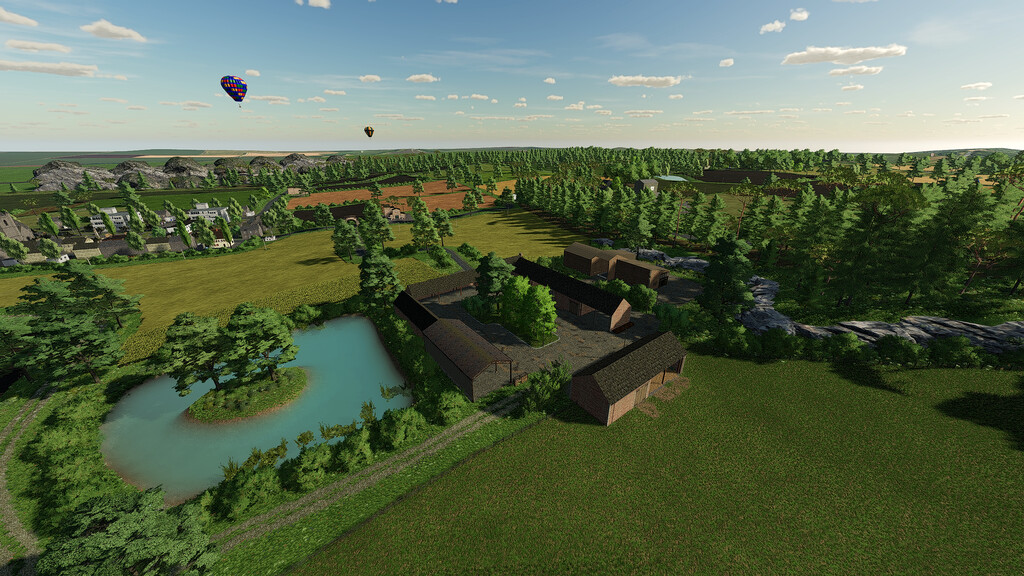
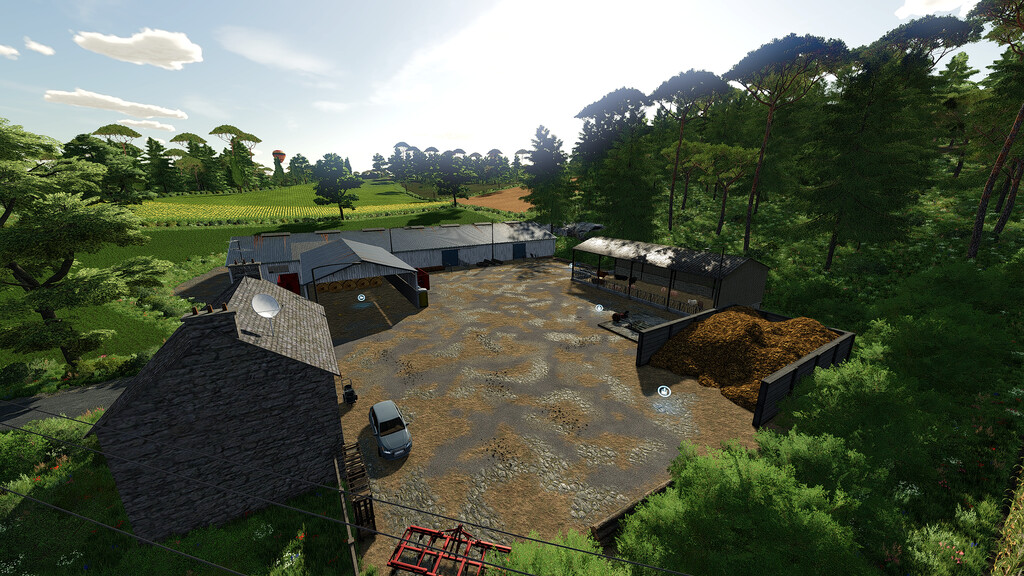
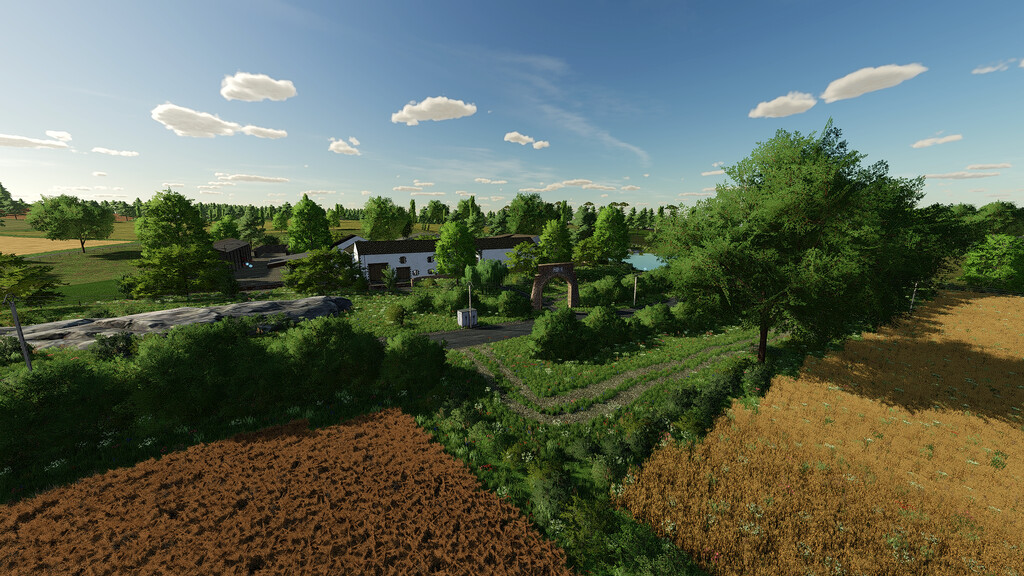
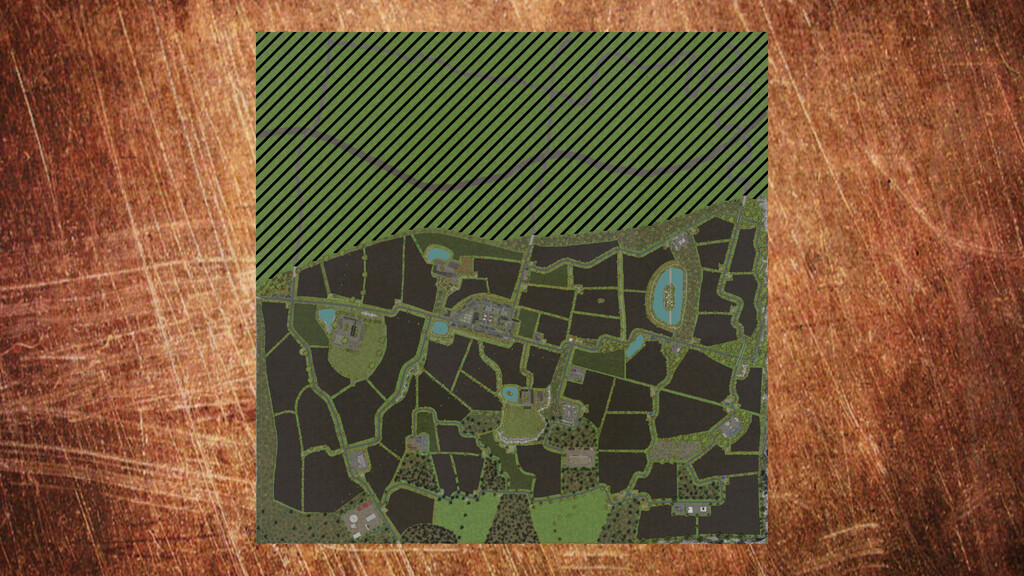
The Three Small Farms Map v 1.0.0.1

– 1 Farm with Cows and various storage buildings
– 1 Farm with Pigs and various storage buildings
– 1 Farm with Sheep and various storage buildings
– 1 BGA
– 2 Agricultural Cooperatives
– Points of sale and repairs distributed throughout the map
– 1 Village with its March
– 1 campsite
– 1 Massey Ferguson Dealer
– 1 Sawmill
– 1 petrol station
– 3 Mods required
– 20 Custom collectibles available
– 65 fields and meadows, various forest patches on the map
– Factories scattered all over the map, to transform your crops
– Various water points to refuel your crops and animals
– Standard missions as well as the missions on the meadows (mowing, pressing, etc…)
– Custom soil map for precision agriculture
Version 1.0.0.1:
* City center apartments set mod required
* Modification of the 3d of the Gold Ingot collectible
* Invisible wall in cow farm fixed
JC Fra-Cassés, Fr€d Fra-Cassés
Farming Simulator 22
How do I install Farming Simulator mods?
Find a mod that you like and want to download first. Then, on your PC, download a mod. Mods are typically in.zip format. However, it is sometimes in.rar format. If the mod file is in.zip format, no additional actions are required. If a file is in.rar format, you must unarchive it using software such as WinRar or Zip7. Windows 10 users do not need to use archive software; Win10 includes an unarchive feature.
The next step is to locate the mods folder on your computer. It is typically found in Documents/My Games/Farming Simulator [Your FS game version, e.g. 2022]. Open the "mods" folder and place the downloaded.zip archive or unarchived.rar file there.
The final step. Have fun with Farming Simulator mods!