

Three Chairs Map v 2.0

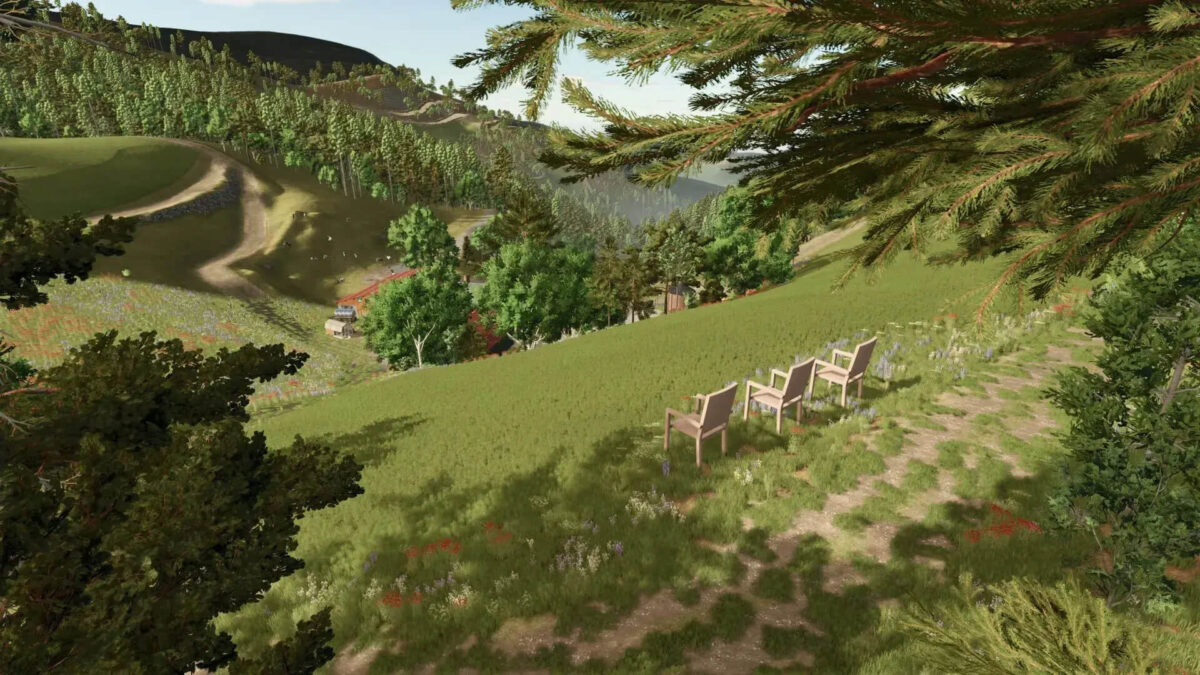
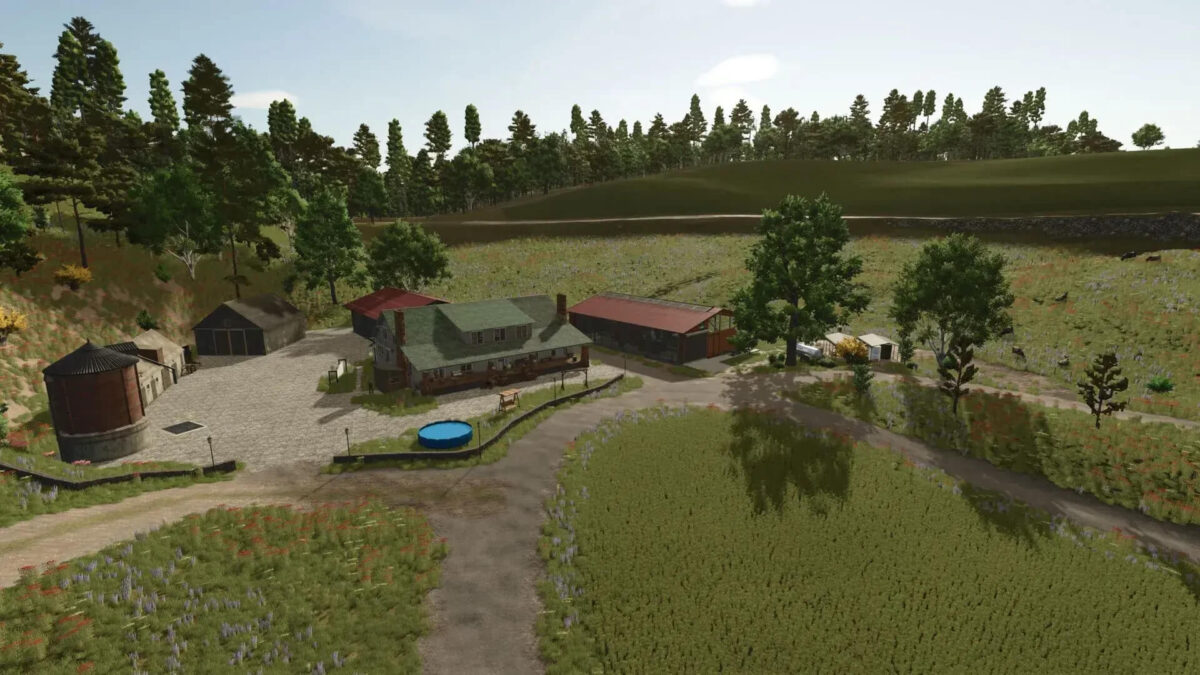
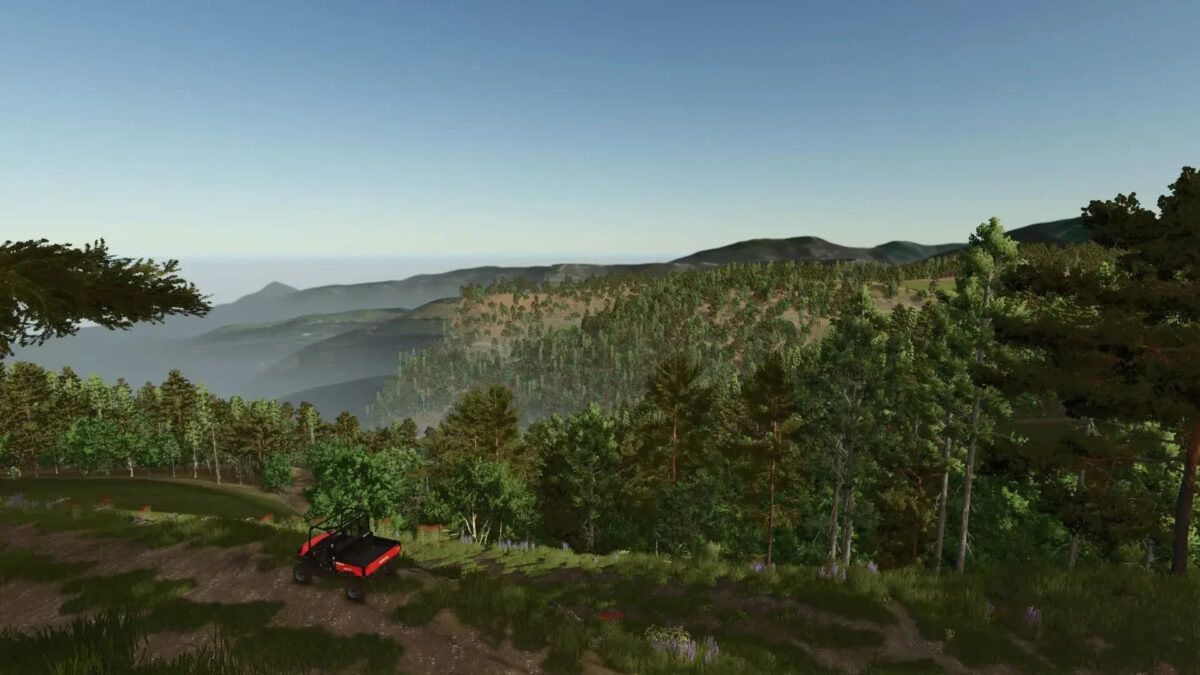
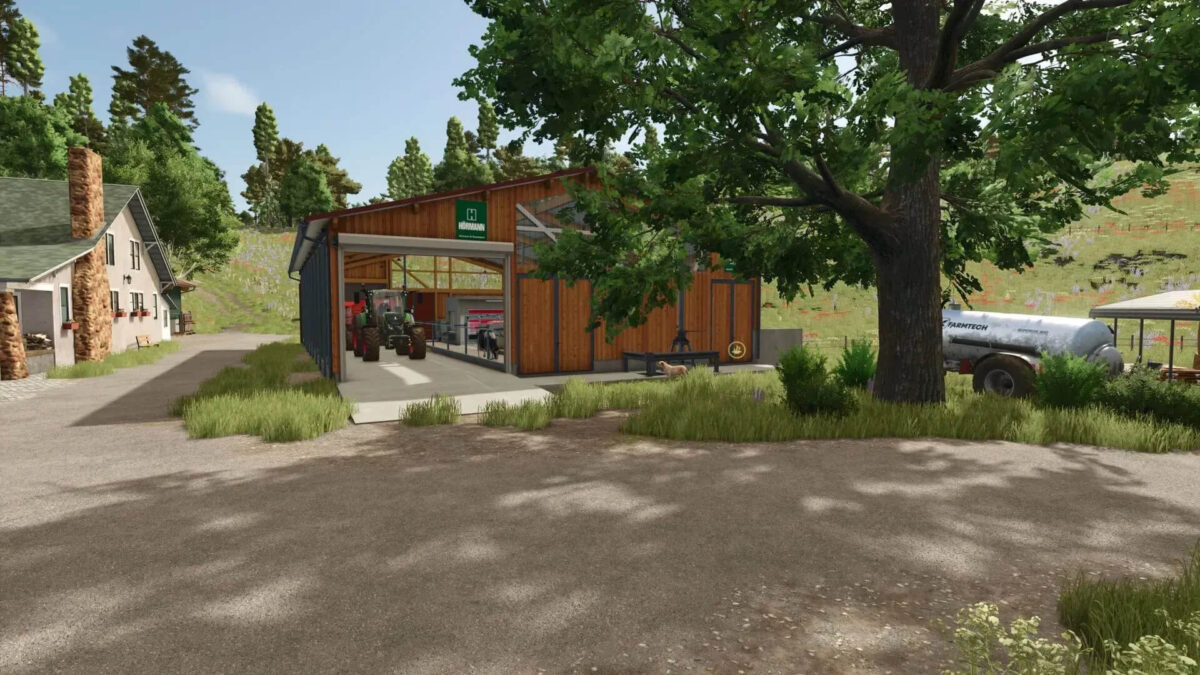
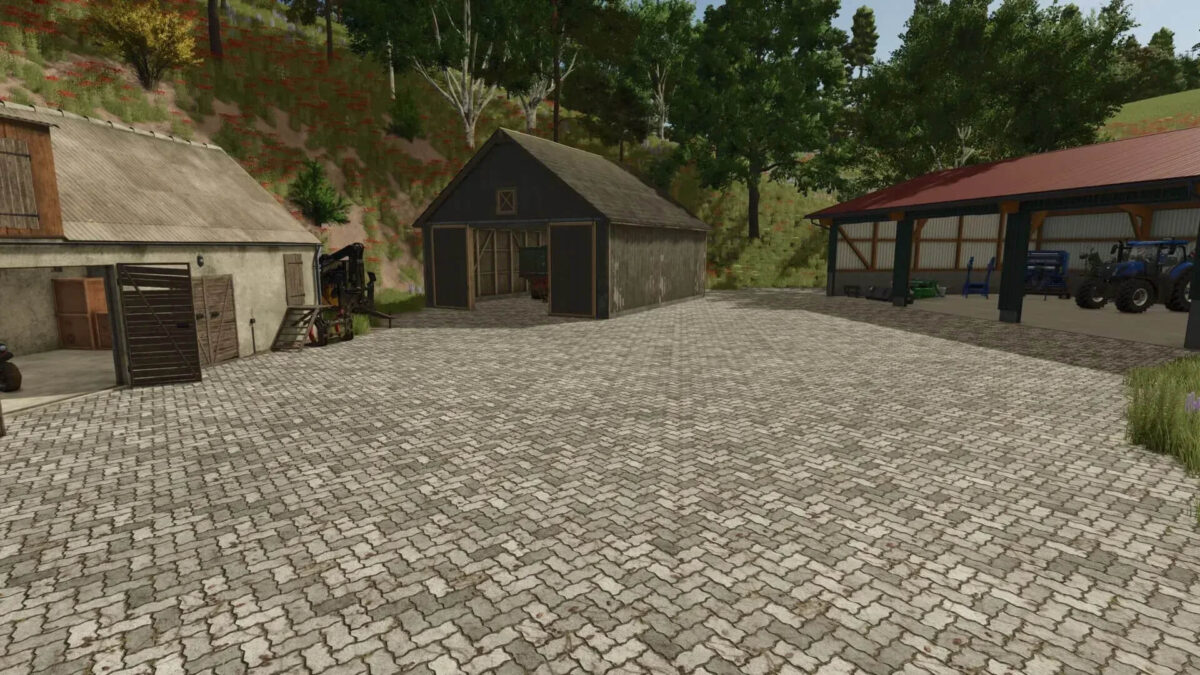
Three Chairs Map v 2.0

– Forest and field plots can be bought separately
– All fields contain a small amount of forest
– 43 meadows with a total area of 92 ha
– 52 forest areas with a total area of 404 ha and approx 44k trees (You cannot plant new trees even though the limit has not been reached)
– Start farm with cow and chicken coop as well as enough vehicles
– Sales stations and some productions
– Wood and stone missions exist, but currently only a few
– All buildings, decorations and productions can be sold in their entirety
– The splines are laid correctly, however, so that all roads are recognized by the helper AI
Version 2.0:
* BGA Added (Plot 6 must be purchased for function)
* AI splines improved
* Added decoration
* Dead end signs removed
* Wood transport missions reset
* Several areas prepared for your own farms
* Farms built
* Trees away from roads, few fields and the streams
Likita666
How do I install Farming Simulator mods?
Find a mod that you like and want to download first. Then, on your PC, download a mod. Mods are typically in.zip format. However, it is sometimes in.rar format. If the mod file is in.zip format, no additional actions are required. If a file is in.rar format, you must unarchive it using software such as WinRar or Zip7. Windows 10 users do not need to use archive software; Win10 includes an unarchive feature.
The next step is to locate the mods folder on your computer. It is typically found in Documents/My Games/Farming Simulator [Your FS game version, e.g. 2022]. Open the "mods" folder and place the downloaded.zip archive or unarchived.rar file there.
The final step. Have fun with Farming Simulator mods!